
MusicFree
MusicFree is an open-source, plugin-driven music player for Android and HarmonyOS that adds no ads and stores all data locally.
 Spotify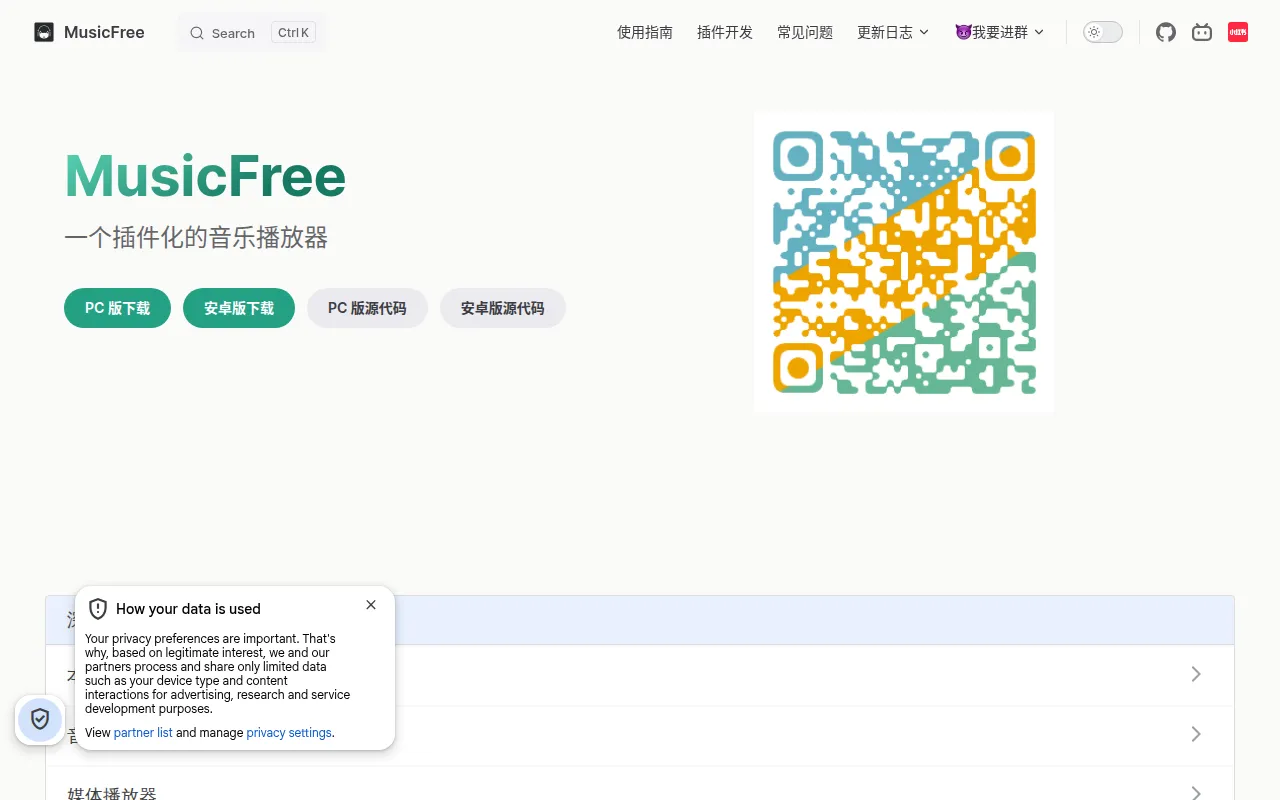
MusicFree is a free, open-source music player for Android and HarmonyOS built with React Native and TypeScript. It ships with zero built-in music sources; every search, playback, playlist import, and lyrics feature runs through user-installed plugins. It's aimed at people who want a clean, ad-free player shell and are comfortable installing or writing plugins to connect it to whatever music source they use.
The project is a solo-maintained side project (the author notes limited daily time for updates), so expect an active but sometimes unstable release cadence. A separate desktop counterpart, MusicFreeDesktop, exists as its own repository.
Key features
- Plugin architecture: the app itself is just a player. Search, playback, album/artist lookup, playlist import, and lyrics all come from CommonJS-based plugins that follow a documented protocol.
- No ads, no bundled paywalls: the core app is free and stays that way under AGPL-3.0; any "paid" or "cracked" version circulating elsewhere is not official.
- Local-only data: no personal data collection, everything is stored on-device.
- Light/dark themes and custom backgrounds: basic UI customization is built in.
- Lyrics linking: you can associate the lyrics of one song with another (including chains like A→B→C), useful when a track's own lyrics are missing or wrong.
- Plugin installation flexibility: install plugins from a local
.jsfile or from a network URL pointing to a.jsor.jsonplugin descriptor.
Ideal use cases
MusicFree fits users who already have (or are willing to write) plugins for the music sources they care about, and who want a lightweight, ad-free playback shell on Android or HarmonyOS. It's a good fit for developers comfortable writing a small CommonJS plugin against a documented protocol to hit their own or a public API.
It is not a good fit if you want an out-of-the-box streaming app with licensed content, since the core app deliberately includes no music sources at all. It's also not suited for commercial use or redistribution without preserving attribution, per the AGPL-3.0 terms and the project's usage conventions. If you need iOS support, this repo doesn't cover it; only Android and HarmonyOS are supported, with a separate desktop project for other platforms.
Installation
End users don't build from source. Download prebuilt APKs from the GitHub Releases page (or the GitCode mirror if GitHub is unreachable):
https://github.com/maotoumao/MusicFree/releases
After installing the app, add music sources through the plugin system:
- Open the sidebar, go to Settings → Plugin Settings.
- Install a plugin locally, or install from network by entering a URL to a
.jsplugin file or a.jsonplugin list. - As a starting point, you can install the example plugin list from:
https://raw.gitcode.com/maotoumao/MusicFreePlugins/raw/master/plugins.json
For developers building or modifying the app itself, the project is a standard React Native (TypeScript) codebase, so it follows typical React Native setup: clone the repo, install JavaScript dependencies, and use the React Native CLI to build and run on an Android device or emulator. Plugin development follows a separate documented protocol; see the project's plugin documentation site for the API and examples before writing a custom plugin.
Frequently asked questions







Similar to MusicFree


