
bitchat
Decentralized iOS/macOS chat app using Bluetooth mesh and Nostr protocol, no accounts, phone numbers, or central servers.
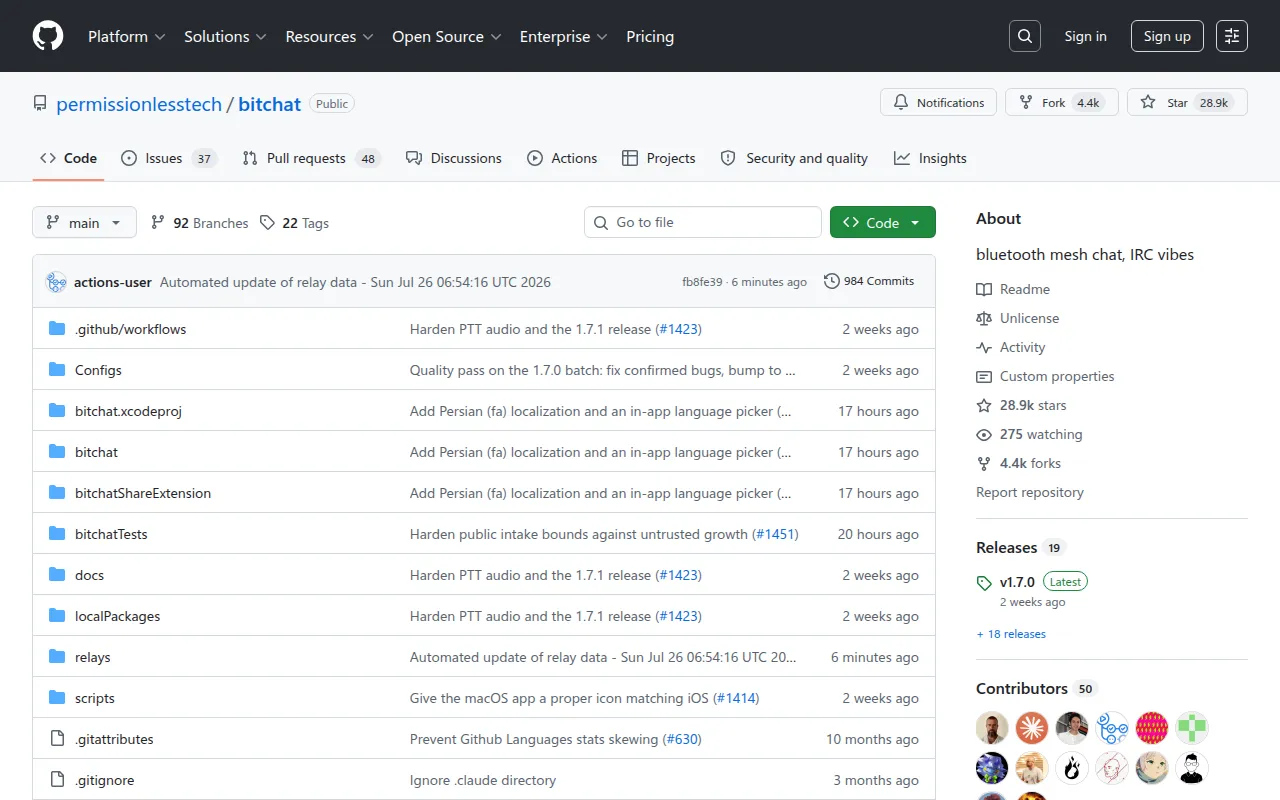
bitchat is a decentralized messaging app for iOS and macOS that combines two transport layers: a Bluetooth mesh network for offline, local communication and the Nostr protocol for internet-based global reach. There are no accounts, no phone numbers, and no central servers. It's built for people who want a private, IRC-style group chat that keeps working when the internet doesn't.
Key features
- Dual transport architecture: Bluetooth mesh for offline messaging, Nostr for internet-based messaging, with automatic fallback between the two.
- Decentralized mesh network: peers discover each other automatically and relay messages up to 7 hops over Bluetooth LE.
- Location-based channels: geohash-based geographic chat rooms (block, neighborhood, city, province, region) over a network of 290+ Nostr relays.
- End-to-end encryption: Noise Protocol secures mesh messages with forward secrecy; NIP-17 gift-wrapping secures private Nostr messages.
- Privacy-first identity: no persistent identifiers, and ephemeral cryptographic keys are generated per geohash area.
- IRC-style commands: familiar interface with commands like
/slap,/msg, and/who. - Intelligent message routing: tries Bluetooth first, falls back to Nostr, and queues messages if neither transport is available.
- Emergency wipe: triple-tap clears all local data instantly.
- Performance tuning: LZ4 message compression and adaptive battery/duty-cycling for Bluetooth radios.
- Universal binary: one codebase, native support for both iOS and macOS.
Ideal use cases
bitchat fits scenarios where you need to talk to nearby people without relying on cell service or Wi-Fi: protests, disaster response, remote areas, festivals, or any place where infrastructure is unreliable or untrusted. It also works as a general-purpose, account-free group chat for people who want IRC-style ephemeral conversation without signing up for a platform.
The location-channel feature (geohash-based rooms over Nostr) suits local community chat, neighborhood discussion, or regional coordination, since it doesn't require being physically near other users, just internet access.
It's not a fit if you need message history, cross-device sync, or a polished consumer chat experience with rich media and push notifications comparable to mainstream messengers. It's also not for users outside the Apple ecosystem: it's iOS and macOS only, with no Android, Windows, or Linux clients mentioned. If you need guaranteed delivery over long distances without internet access, Bluetooth's range limits how far mesh relay can realistically reach.
Installation
bitchat is a Swift project built with Xcode. There are two setup paths.
Option 1: Xcode
cd bitchat
open bitchat.xcodeproj
To run on a physical device, prepare the project first:
cp Configs/Local.xcconfig.example Configs/Local.xcconfig
Then add your Apple Developer Team ID to Configs/Local.xcconfig. The bundle ID defaults to chat.bitchat.<team_id> unless you change it. Entitlements need a manual search-and-replace of group.chat.bitchat with group.<your_bundle_id> (e.g. group.chat.bitchat.ABC123), since this step isn't automated yet.
Option 2: just
brew install just
On macOS, run:
just run
This sets up and runs the app from source. Run just clean afterward to restore the project to its original state before building for mobile.
For localization work, base strings live in bitchat/Localization/Base.lproj/Localizable.strings and Localizable.stringsdict for plural rules; the share extension has its own separate strings file. To compile-check localization changes:
xcodebuild -project bitchat.xcodeproj -scheme "bitchat (macOS)" -configuration Debug CODE_SIGNING_ALLOWED=NO build
Frequently asked questions





Similar to bitchat


