
Artcraft
ArtCraft is a Rust desktop app for composing AI-generated images, video, 3D meshes, and audio using scene tools instead of plain text prompts.
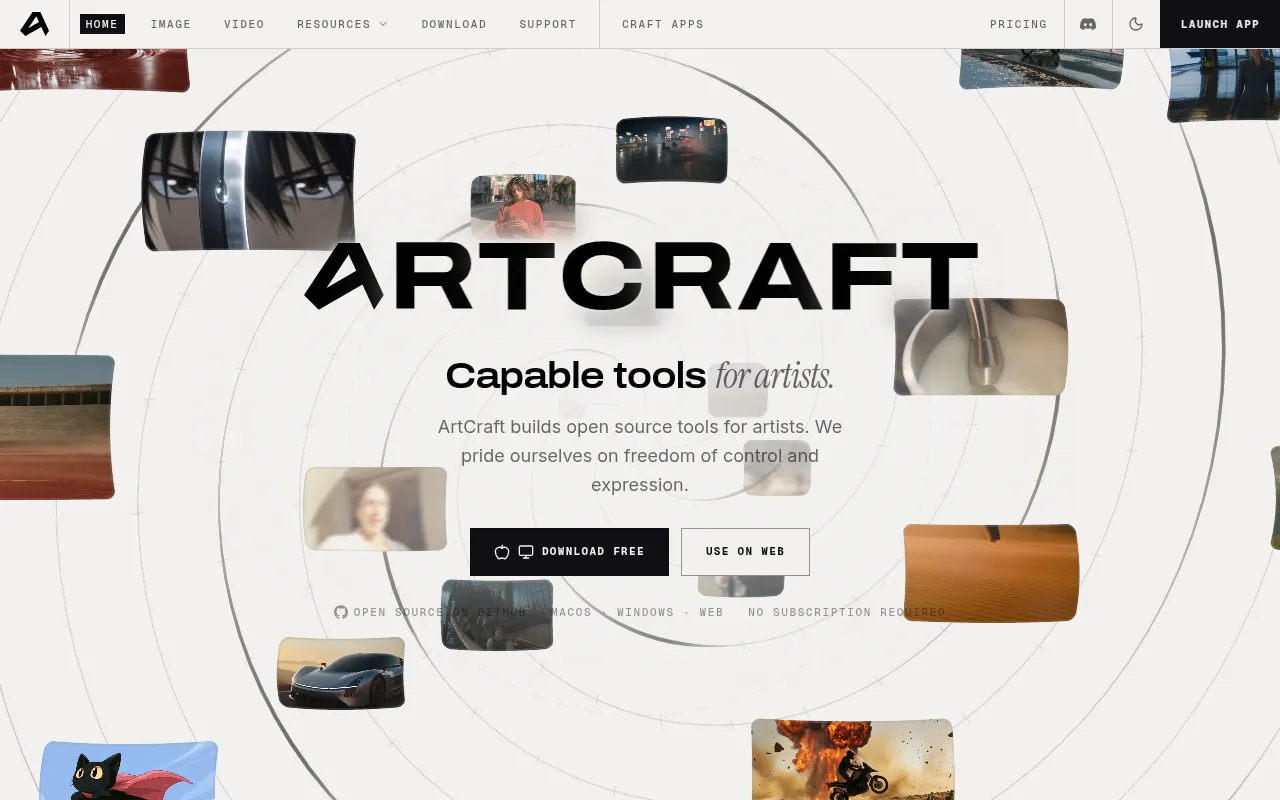
ArtCraft is a desktop application for artists, designers, and filmmakers who want more control over AI-generated images and video than a text prompt box gives them. Instead of typing a description and hoping for the right result, you build the scene: place actors in a location, pose characters, stack image layers, or block out a 3D set, then generate from that composition. It's aimed at people doing visual work (concept art, previz, short-form video, illustration) who need repeatable results and compositional control, not just one-off prompt experiments.
The tool sits on top of a large catalog of third-party image, video, 3D mesh, audio, and world-generation models, so you're not locked into a single provider's style or limitations. The project is open source and written in Rust, with builds available for Windows, macOS, and Linux (via source build).
Key features
- 2D and 3D compositing: layer backdrops, foregrounds, props, and image cutouts in a 2D canvas or a full 3D scene before generating.
- Image to location: place virtual actors in a consistent environment so you can plan multiple shots in the same room.
- Image to 3D mesh: convert a 2D image into a positionable, rotatable 3D object for precise framing.
- Character posing and identity transfer: pose characters and set camera angles using a mannequin, then generate the final shot with consistent identity.
- Scene blocking with kitbashing: combine 3D asset kits to control object placement, camera angles, and depth like a virtual set.
- Canvas editing tools: masks, inpainting, drawing, and background removal for targeted edits to generated or source images.
- Broad model access: a built-in catalog spanning image models (Nano Banana, GPT Image, FLUX, Seedream), video models (Seedance, Kling, Veo, Sora, Vidu, MiniMax, Flux), music/sound (Suno, Seed Audio), 3D mesh generation (Hunyuan 3D, Tripo3D, Meshy, Rodin), and world/Gaussian splat generation (Marble, TripoSplat), plus external providers like Grok, Midjourney, Sora, and World Labs.
- Quick prompting path: a standard text-to-image and image-to-video flow for fast idea exploration before refining in the scene tools.
Ideal use cases
ArtCraft fits workflows where composition and consistency matter more than speed of a single generation. Filmmakers doing previz or storyboarding can block scenes in 3D, set camera angles, and generate shots that stay visually consistent across a sequence. Concept artists and illustrators can use layered 2D/3D compositing to build a scene piece by piece instead of iterating blindly on prompts. Designers who need a character or prop to look the same across multiple images can rely on identity transfer and posed mannequins rather than re-describing the subject every time.
It's less of a fit if you just want a single quick image from a text prompt with no further editing. There are simpler, lighter-weight tools for that. It's also not a general-purpose 3D modeling or video editing suite; the 3D and compositing tools exist to set up generations, not to replace a full DCC or NLE. If you need a specific model that isn't in the catalog, or depend on a provider ArtCraft doesn't yet integrate (Runway and Luma are mentioned as planned, not available), check the model list before committing.
Installation
The simplest path is to download a prebuilt release:
- Stable releases for Windows and macOS are available from getartcraft.com.
- Latest builds, including pre-release versions, are on the GitHub releases page.
To build from source (required for Linux, or if you want to modify the app), follow the project's dev setup guide:
# clone the repo
git clone https://github.com/storytold/artcraft.git
cd artcraft

# follow the detailed build steps in the docs
# see ./_docs/dev_setup.md
Since ArtCraft is written in Rust, you'll need a working Rust toolchain installed before building from source; the exact dependencies and build commands are documented in _docs/dev_setup.md and the script/artcraft build scripts in the repository. The _docs directory also has broader developer documentation if you plan to contribute or extend the app.
Frequently asked questions







Similar to Artcraft


