
AiToEarn
AiToEarn is an open-source AI agent platform for auto-publishing, engaging, and monetizing content across Douyin, TikTok, YouTube, Instagram and more.
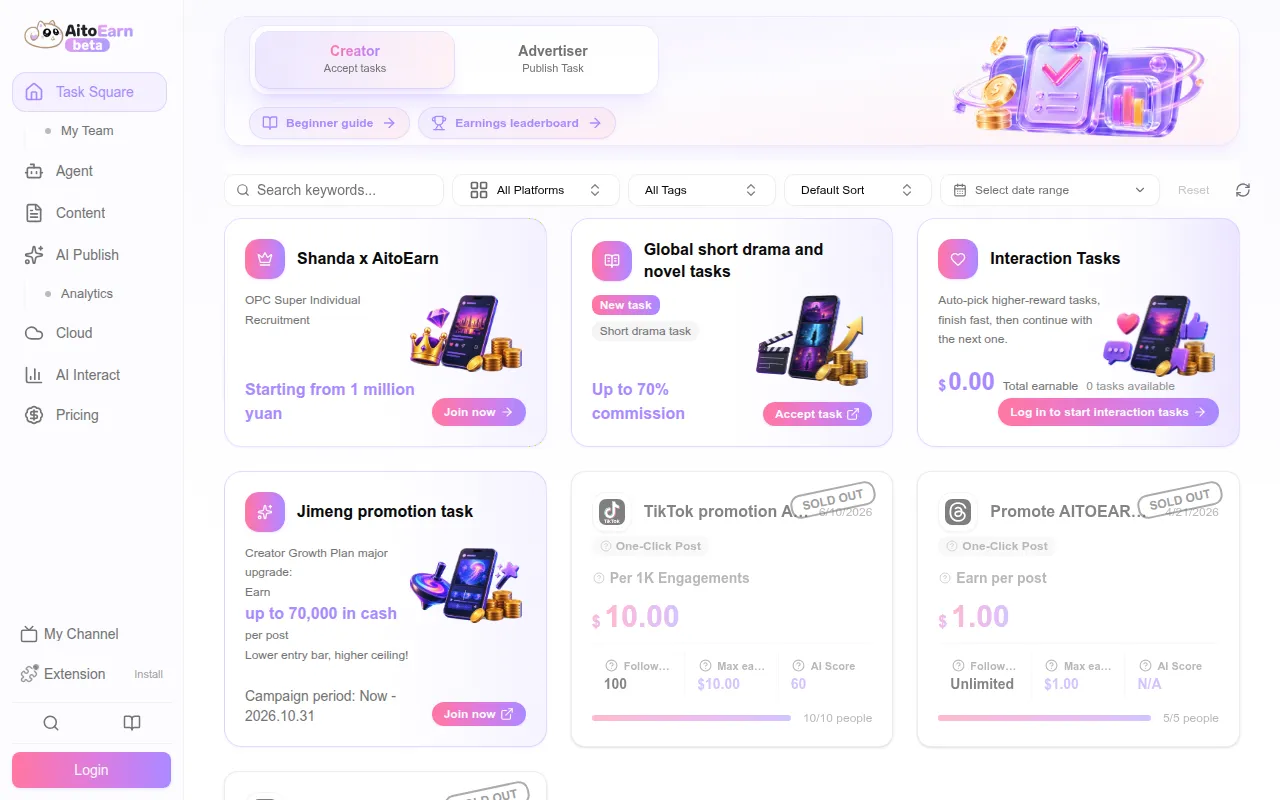
AiToEarn is an open-source content marketing agent platform built for solo creators, one-person companies, brands, and small teams who publish content across multiple social platforms. It combines four agent capabilities, publishing, engagement, content creation, and monetization, into one system so creators don't have to manually log into and manage each platform separately. It's written in TypeScript, ships as a web app, Docker deployment, or Electron desktop client, and supports the MCP protocol for use inside AI assistants like Claude Desktop or Cursor.
The project targets platforms including Douyin, Xiaohongshu (Rednote), Kuaishou, Bilibili, WeChat Channels, WeChat Official Accounts, TikTok, YouTube, Facebook, Instagram, Threads, X (Twitter), Pinterest, and LinkedIn. It grew out of a Chinese creator-economy tool and has since added international platform support and a browser extension for automated engagement.
Key features
- Multi-platform publishing: distribute content to 10+ platforms from a single interface with calendar-based scheduling, instead of posting to each app manually.
- AI-driven engagement: a browser extension automates likes, follows, and favorites, and uses LLMs to generate context-aware replies to comments across supported platforms.
- Comment mining: detects high-intent comments (e.g. "where can I buy this") so creators can respond quickly to conversion signals.
- Content creation agent: generates video and image content by calling models like Grok, Veo, Seedance, and Nano Banana, including video translation and editing steps, with batch generation for running multiple accounts at scale.
- Monetization workflows: creators can complete brand promotion tasks and get paid under CPS (cost per sale), CPE (cost per engagement), or CPM (cost per mille) models.
- MCP protocol support: works inside any MCP-compatible AI assistant (Claude Desktop, Cursor, etc.) via an HTTP or SSE endpoint authenticated with an API key.
- OpenClaw plugin: installable via npx, lets you receive and execute AiToEarn monetization tasks directly from the OpenClaw agent environment.
- Docker deployment: self-host the full stack (including MongoDB/Redis) with a single
docker compose up -dcommand, with a Relay configuration option to reuse official OAuth credentials instead of registering developer accounts on each social platform. - Electron desktop client: a separate desktop app for creators who prefer a native client over the web interface.
Ideal use cases
AiToEarn fits creators or small teams managing accounts across many Chinese and international social platforms who are tired of manual cross-posting and comment management. It also suits agencies or brands running matrix account operations, where the same content needs to go out across dozens of accounts with scheduled timing. Developers who want to script content workflows through an AI assistant can use the MCP integration instead of the web UI.
It's not a good fit if you only publish to one or two platforms already well served by their native tools, since the setup overhead (API keys, OAuth relay configuration, or Docker deployment) isn't worth it for a simple single-channel workflow. It's also not built for teams needing enterprise compliance guarantees around social media automation. If you need strict control over how comments get auto-replied to (brand voice risk), review the AI reply behavior carefully before turning on full automation.
Installation
The simplest path requires no setup: use the hosted web app at aitoearn.ai (international) or aitoearn.cn (China). Create an account, then generate an API key from Settings > API Key if you plan to use other integration methods.
To use AiToEarn inside an MCP-compatible AI assistant, add an MCP server entry with your API key as the x-api-key header, pointing to https://aitoearn.ai/api/unified/mcp (or the .cn equivalent).
To self-host with Docker:
git clone https://github.com/yikart/AiToEarn.git
cd AiToEarn
docker compose up -d
Then open http://localhost:8080 and configure a Relay connection under Configuration Management so you can authorize social platforms without registering your own developer credentials on each one.
For local backend/frontend development:
cd project/aitoearn-backend
pnpm install
cp apps/aitoearn-ai/config/config.yaml apps/aitoearn-ai/config/local.config.yaml
cp apps/aitoearn-server/config/config.yaml apps/aitoearn-server/config/local.config.yaml
pnpm nx serve aitoearn-ai
# in another terminal
pnpm nx serve aitoearn-server
For the Electron desktop client:
git clone https://github.com/yikart/AttAiToEarn.git
cd AttAiToEarn
npm install
npm run rebuild
npm run dev
Node.js 20.18.x is required for backend development.
Frequently asked questions






Similar to AiToEarn


