
QwenPaw
QwenPaw is an open-source, self-hosted AI assistant with persistent memory, sandboxed tool execution, and support for local or cloud LLMs.
 ChatGPT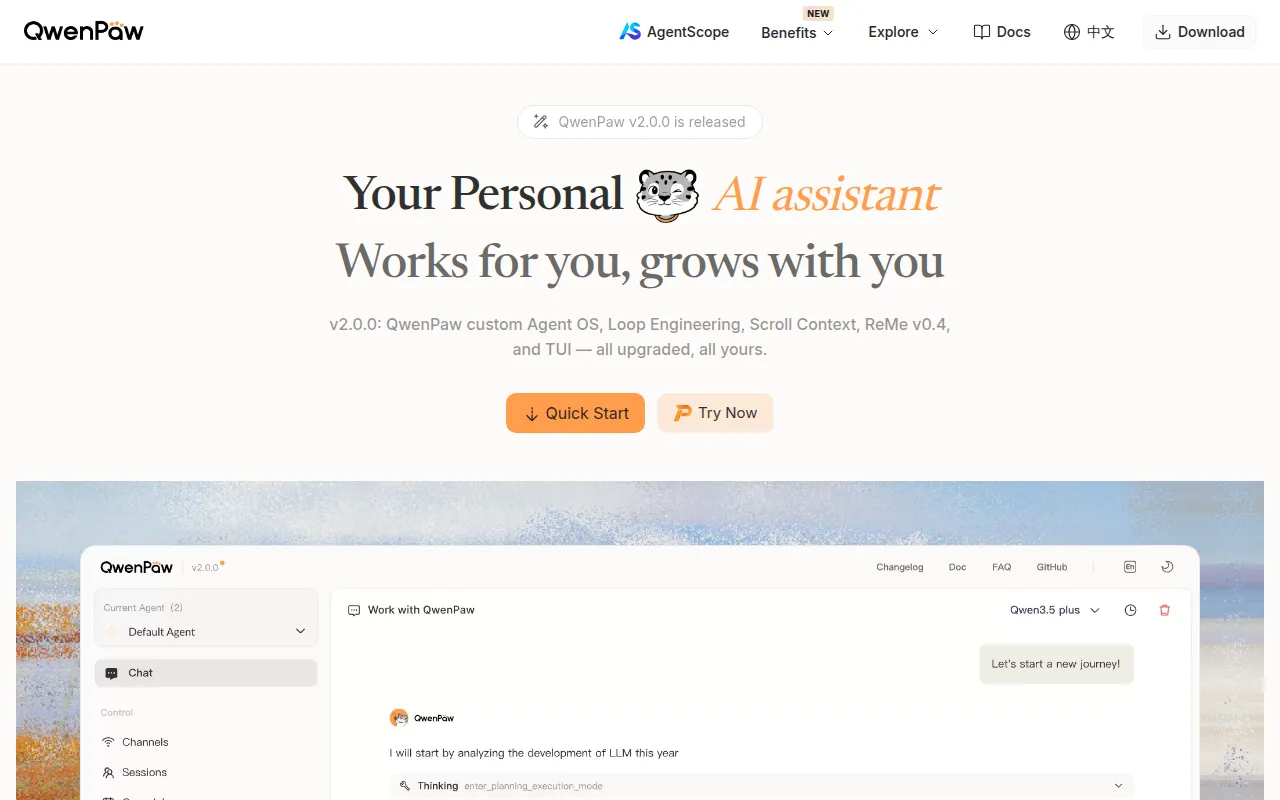
QwenPaw is a self-hosted personal AI assistant built in Python. It runs on your own machine or a server you control, keeps a persistent memory of conversations, and connects to chat apps like DingTalk, Lark, WeChat, Discord, Telegram, and iMessage from a single instance. It's aimed at developers and technical users who want an assistant they fully control, rather than a hosted SaaS chatbot, and who are comfortable running a local service or container.
Key features
- Three-layer memory: working context, full verbatim history, and distilled long-term knowledge. Older turns are evicted from active context but stay recallable rather than being summarized away.
- Local or cloud models: ships with QwenPaw-Flash models (2B/4B/9B) and a built-in local runtime that needs no API key. Also connects to Ollama, LM Studio, or 14+ cloud providers.
- Security sandboxing: kernel-level sandbox, Tool Guard, File Guard, Skill Scanner, and access policies block dangerous commands before execution.
- Multi-agent orchestration: spawn independent sub-agents at runtime, each with its own memory and skills, coordinated via an Agent Communication Protocol (ACP).
- Coding Mode: a three-panel web IDE with file tree, diff preview, chat, jump-to-definition, find-references, and structural code search.
- Extensible skills and plugins: built-in skills for scheduling, documents, browser use, and news, plus a plugin marketplace and MCP integration for external tools.
- Multi-channel reach: one running instance answers across DingTalk, Lark, WeChat, Discord, Telegram, iMessage, and QQ, alongside a console, TUI, and desktop app.
- Local data ownership: deploys entirely on hardware you control, with no third-party hosting or forced data upload.
Ideal use cases
QwenPaw fits well if you want a personal automation layer: recurring news digests, scheduled report generation, or broadcasting summaries to several chat channels at once. It also works as a coding helper for reviewing, editing, and navigating your own codebase through Coding Mode, or as a document assistant that reads and converts PDF, Word, Excel, and PowerPoint files.
It's a reasonable choice for individuals or small teams that want to run their own AI assistant without sending data to a third-party vendor, and who are fine with local models or bringing their own API keys.
It's not a fit if you need a managed, multi-tenant SaaS product with no infrastructure to maintain, or if your organization can't run background services, Docker containers, or local model runtimes due to policy restrictions. It's also not designed as a drop-in replacement for enterprise support-ticket or CRM systems; it's a personal/small-team assistant, not a customer-facing platform.
Installation
QwenPaw requires Python >= 3.11 and < 3.14. There are three supported install paths.
Pip install (if you manage Python yourself):
pip install qwenpaw
qwenpaw init --defaults
qwenpaw app
Open the console at http://127.0.0.1:8088/ to configure a model provider. Chat app connections (DingTalk, Lark, WeChat, etc.) are set up separately through the channel docs.
Script install (no Python setup needed, installs uv, Node.js, and all dependencies automatically):
# macOS / Linux
curl -fsSL https://qwenpaw.agentscope.io/install.sh | bash

# Windows (PowerShell)
irm https://qwenpaw.agentscope.io/install.ps1 | iex
After installing, run:
qwenpaw init --defaults
qwenpaw app
Docker: images are published on Docker Hub as agentscope/qwenpaw (tags latest and pre), with a mirror on Alibaba Cloud Container Registry for users in China.
docker pull agentscope/qwenpaw:latest
docker run -p 127.0.0.1:8088:8088 \
  -v qwenpaw-data:/app/working \
  -v qwenpaw-secrets:/app/working.secret \
  -v qwenpaw-backups:/app/working.backups \
  agentscope/qwenpaw:latest
Config, memory, and skills persist in the qwenpaw-data volume, provider settings and API keys in qwenpaw-secrets, and backup archives in qwenpaw-backups. Pass provider keys like DASHSCOPE_API_KEY with -e or --env-file. To reach services like Ollama running on the host machine from inside the container, add --add-host=host.docker.internal:host-gateway and point the model Base URL to host.docker.internal.
Tags:
Frequently asked questions






Similar to QwenPaw


