
Superset
A business intelligence web application for building charts and dashboards, running SQL queries, and connecting to almost any SQL data source.
 Looker
 Tableau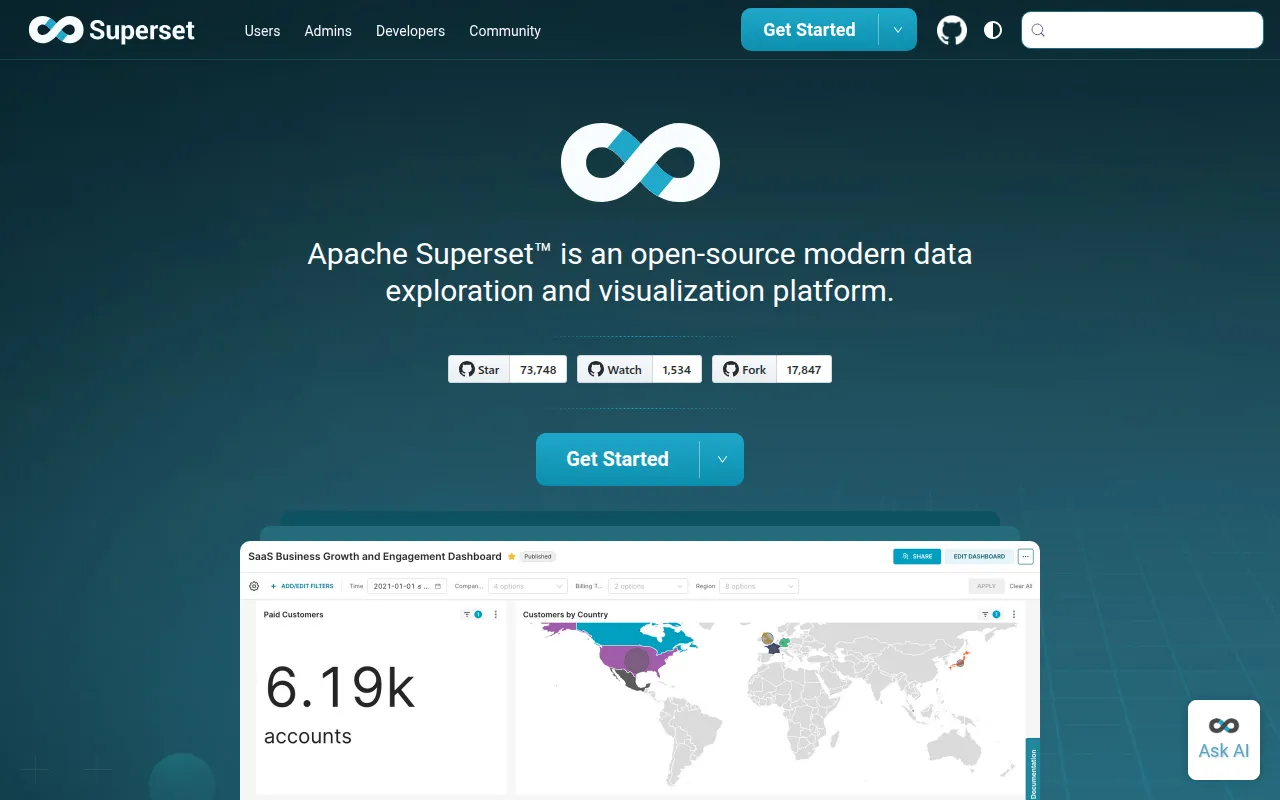
Apache Superset is a data exploration and visualization platform that can replace or sit alongside proprietary business intelligence tools. It combines a no-code chart builder, a full SQL editor, and a lightweight semantic layer for defining reusable dimensions and metrics, all backed by support for nearly any SQL-speaking database or data engine. It's aimed at data teams, analysts, and engineers who need to give both technical and non-technical users a shared way to explore data and build dashboards without hand-rolling a custom internal tool.
Key features
- No-code chart builder: build charts by selecting data sources, dimensions, and metrics through the UI, without writing SQL or code.
- Web-based SQL Editor (SQL Lab): a full SQL environment for advanced querying, aimed at analysts who want to write raw queries rather than click through a chart builder.
- Lightweight semantic layer: define custom dimensions and metrics once, then reuse them consistently across charts and dashboards.
- Broad database support: connects to nearly any SQL database or engine with a Python DB-API driver and SQLAlchemy dialect, including Snowflake, BigQuery, Trino, Presto, ClickHouse, DuckDB, PostgreSQL, MySQL, and dozens more.
- Wide visualization library: from simple bar and line charts to geospatial visualizations, all rendered with Apache ECharts.
- Configurable caching layer: a lightweight caching system reduces repeated load on backend databases.
- Security roles and authentication: highly extensible role-based access control and authentication options for controlling who can see and edit what.
- REST API: a documented API supports programmatic customization and integration into other tools.
- Extensible visualization plugins: a plugin framework lets teams build and deploy their own custom chart types on top of the built-in visualization library.
Ideal use cases
Superset fits organizations that already have data in a SQL-queryable warehouse or database and want a shared, governed way for teams to explore it and build dashboards, without paying per-seat licensing for a commercial BI tool. It works well for both self-serve analytics (business users building their own charts through the no-code interface) and analyst-driven workflows (writing and iterating on SQL directly in SQL Lab). Its broad database support also makes it a reasonable default when a team's data is spread across multiple different backends rather than one warehouse.
It's not a lightweight embedded charting library. Standing up Superset means running a full web application with its own security and role model, and it assumes your data already lives in a queryable database rather than in flat files or unstructured sources. If you need a quick chart embedded in a single internal app rather than a standalone BI platform for a team, a simpler charting library is likely a better fit than deploying Superset.
For teams that would rather not operate Superset themselves, Preset offers a managed, hosted version of the platform built by many of the same maintainers. Community support is available through a Slack workspace and a dev mailing list, and a documented set of standard roles maps out how Superset's role-based access control is meant to be used.
Installation
The quickest way to try Superset locally is with Docker Compose:
git clone https://github.com/apache/superset.git
cd superset
docker compose up
The README points to Superset's own quickstart guide for the full walkthrough, and to the installation and architecture documentation for production deployment options, including a Helm chart for Kubernetes and an official Docker image on Docker Hub for those managing their own hosting setup:
docker pull apache/superset
Database drivers for the specific data sources you want to connect (Postgres, Snowflake, BigQuery, and so on) are installed separately once Superset itself is running, since Superset ships with the framework for connecting to databases rather than every driver bundled in.
Tags:
Frequently asked questions







Similar to Superset


