
Element
A Matrix web and desktop chat client built on the Matrix JS SDK, available hosted, self-hosted, or as an Electron desktop app.
 Microsoft Teams
 Slack
Slack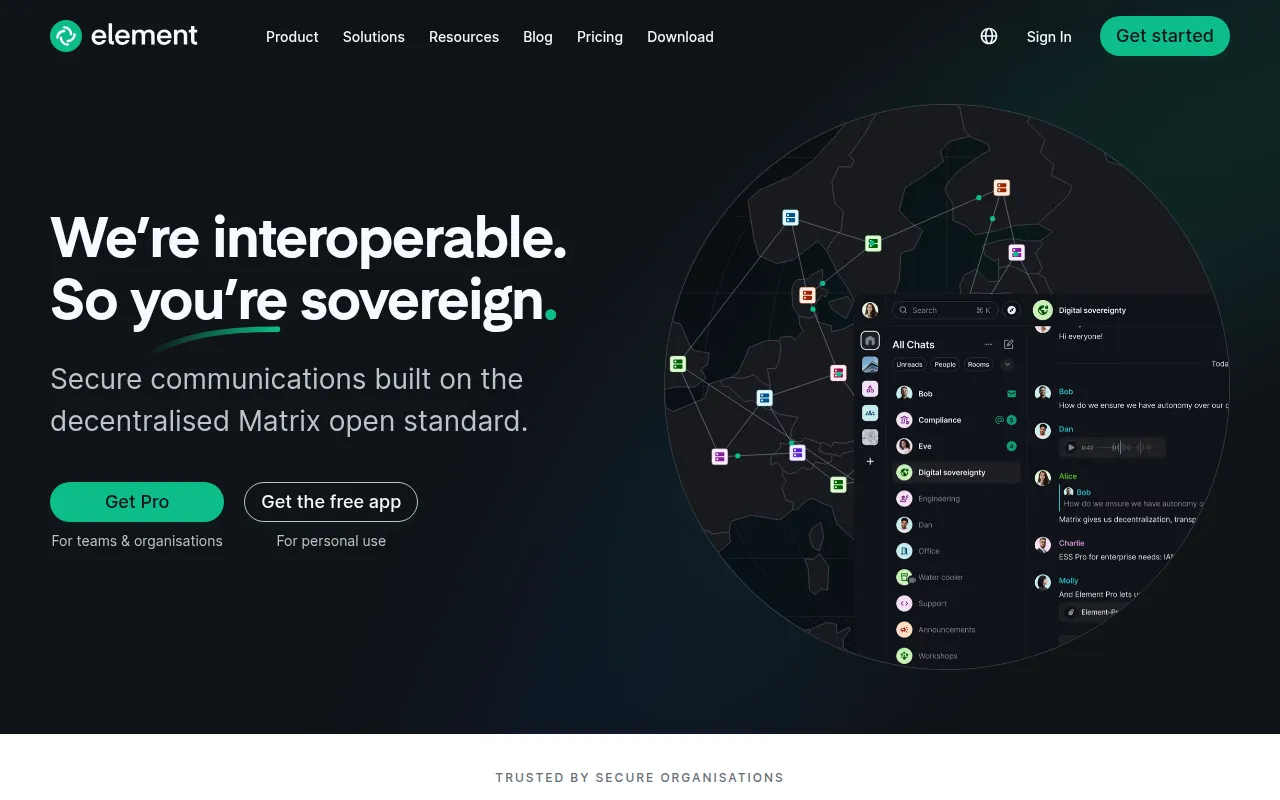
Element, formerly known as Vector and Riot, is a Matrix web and desktop client built on the Matrix JS SDK. It's the reference web client for the Matrix open messaging protocol, aimed at teams and individuals who want a self-hostable or hosted chat client without a single company controlling the network underneath it.
Being built on an open, federated protocol rather than a proprietary backend is the core distinction here. Anyone can run a Matrix server, and Element is one of several possible clients for that network, which matters if avoiding vendor lock-in on your chat infrastructure is a priority.
Key features
- Matrix protocol client: built on the Matrix JS SDK, giving access to the open, federated Matrix messaging network rather than a closed, single-vendor chat backend.
- Hosted option: a maintained hosted copy is available at app.element.io, with the
developbranch continuously deployed to develop.element.io for people who want the newest, less stable build. - Self-hostable: you can run your own instance of Element Web by following the project's install documentation instead of using the hosted copy.
- Desktop app: Element can run as an Electron-wrapped desktop app, either downloaded prebuilt or built from source, with configuration options that let you override the desktop app's defaults.
- Monorepo structure: this repository hosts Element Web alongside other related projects in subdirectories, sharing common tooling and contribution guidelines.
- Translations: supports community-contributed translations, with a documented process for adding a new language and a separate guide for developers working on the translation pipeline.
- Tiered environment support: environments are grouped into Supported, Best effort, and Community Supported tiers, each with different guarantees about whether regressions block a release, so you can gauge how well your specific browser and OS combination is covered.
- Multi-licensed: available for free under AGPLv3 or GPLv3, or under a paid Element Commercial License for different terms.
Ideal use cases
Element Web is a good fit for anyone who wants to use or run a Matrix client, whether that's individuals using the hosted app.element.io, organizations self-hosting their own instance for internal or customer-facing chat, or businesses that need the terms of a commercial license rather than the AGPL or GPL options. Desktop users get a native-feeling Electron app alongside the browser-based client, both built from the same codebase.
It's a weaker fit for mobile use. The README specifically recommends the separate native apps, element-x-android and element-x-ios, over running Element Web on a phone or tablet. It's also worth checking the supported-environment tiers before relying on Element Web in older or less common browsers, since issues affecting environments outside the covered tiers are simply closed rather than fixed, as the project focuses its support on recent versions of major browsers.
Installation
For most users, the simplest path is the hosted client, with no installation required:
- Hosted app: https://app.element.io
- Continuously deployed development build: https://develop.element.io
To self-host your own instance, the README points to a dedicated install guide within the repository:
- Self-hosting instructions:
docs/install.md
To run Element as a desktop app, you can either download a prebuilt version from https://element.io/get-started, or build it yourself following the instructions linked from the apps/desktop directory in this repository. The desktop app's default settings can be overridden using the configuration options documented in docs/config.md.
Before contributing code, the README recommends reading through the Developer guide, Code style guide, and Contribution guide linked from the repository root. Since this repository is a monorepo hosting Element Web alongside other related projects in subdirectories, it's worth checking the monorepo documentation first if you're looking for a specific piece of the codebase, rather than assuming everything lives at the top level.
Tags:
Frequently asked questions







Similar to Element

