
n8n
A fair-code workflow automation platform combining a visual canvas with custom code, 1500+ integrations, and self-hosted or cloud deployment.
 Make
Make Zapier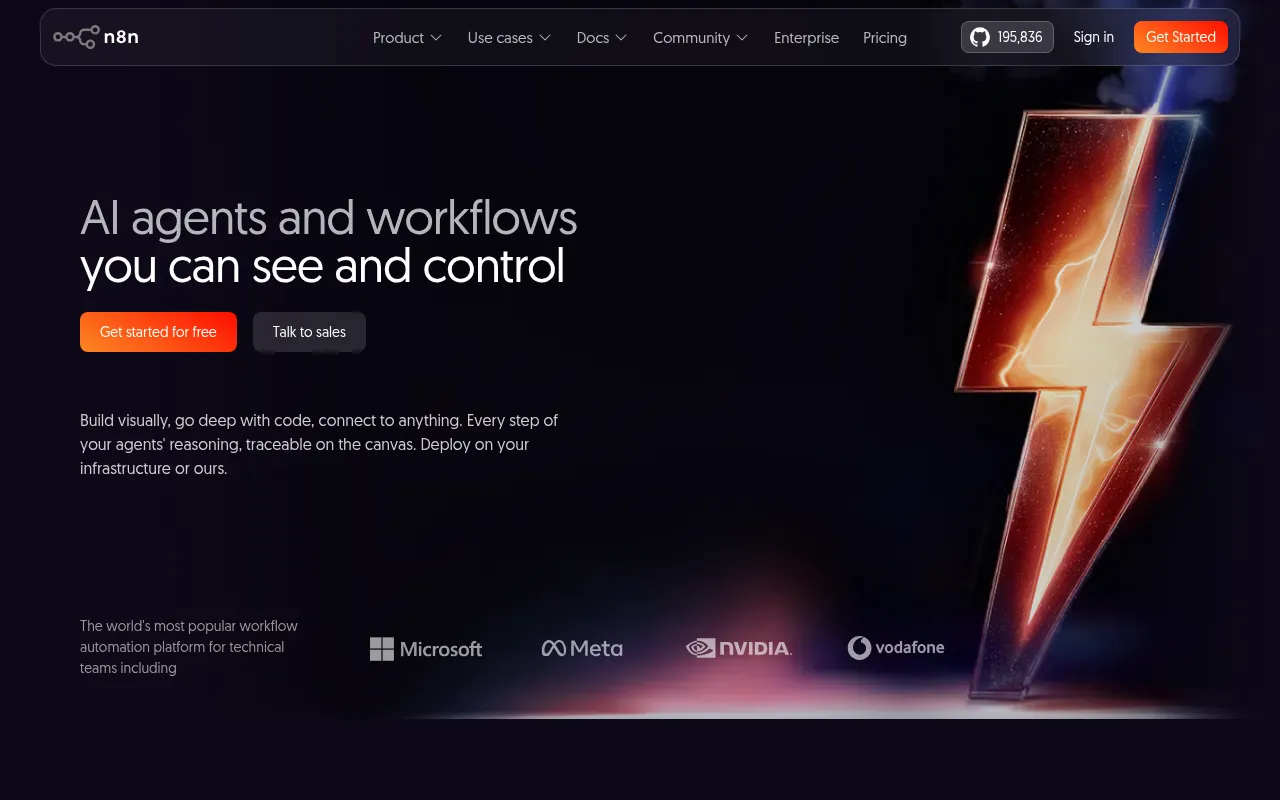
n8n is a workflow automation platform for building and running AI agents and multi-step automations. It's built for developers and technical teams who want the speed of a visual, node-based canvas without giving up the ability to drop into JavaScript or Python code when the built-in nodes aren't enough. Workflows can be as simple as connecting two apps together, or as complex as multi-step agents with tool use, human approval steps, and full observability, taken from prototype to production on the same canvas.
Key features
- Visual workflow canvas: build automations by connecting nodes on a canvas, mixing pre-built integrations with custom logic in the same flow.
- Model flexibility, no lock-in: connect to OpenAI, Anthropic, Google, or open-source models and switch providers without rebuilding the workflow architecture around a specific vendor.
- Custom code nodes: drop into JavaScript, Python, and npm packages inside a workflow for logic that the visual nodes can't express on their own.
- Large integration library: connect to 1,500+ services and apps, with over 9,000 community-contributed workflow templates to start from instead of building from a blank canvas.
- Enterprise controls: role-based access, audit trails, and support for handling sensitive data when self-hosting or deploying in a secured environment.
- Self-hosted or cloud: run n8n on your own infrastructure with npm or Docker, or use the hosted cloud version, with workflows portable between the two.
- AI-native automation: purpose-built support for operationalizing multi-step AI workflows and agents on top of your own data, models, and tools rather than treating AI as a bolt-on node.
Ideal use cases
n8n suits teams automating internal processes across multiple SaaS tools, such as syncing CRM records, triggering notifications, or generating reports on a schedule. It's also a practical way to build and operationalize AI agents that need to call tools, query APIs, and route decisions through logic, since the visual canvas makes multi-step agent flows easier to inspect and debug than raw code. Teams that need to combine off-the-shelf integrations with custom scripts benefit most, since n8n doesn't force an all-code or all-visual approach, and the community template library gives a starting point for common automations rather than building everything from scratch.
It's a weaker fit if you need a fully managed, zero-ops automation tool and don't want to run or maintain infrastructure yourself, though the hosted cloud option addresses part of that concern. It's also worth knowing that n8n is fair-code, not permissively licensed like MIT: the source is always visible and self-hostable, but certain enterprise features sit behind a separate Enterprise License, which matters if your organization has strict open source licensing requirements around what it can redistribute or modify.
n8n also publishes an AI and LangChain guide covering how to structure agent workflows on the platform, which is useful for teams that want an official reference pattern rather than figuring out agent design from scratch. The name itself is a shortened form of "nodemation," a blend of "node" (for its node-based canvas and Node.js foundation) and "automation," pronounced "n-eight-n."
Installation
The fastest way to try n8n is with npx, which requires Node.js:
npx n8n
To run it with Docker instead:
docker volume create n8n_data
docker run -it --rm --name n8n -p 5678:5678 -v n8n_data:/home/node/.n8n docker.n8n.io/n8nio/n8n
Once running, open the editor at http://localhost:5678 to start building workflows. From there you can browse the integration library, import a community template, or connect a chat model to start building an agent. Documentation, a full list of integrations, example workflows, and an AI and LangChain guide are all linked from the project's docs site, and the community forum at community.n8n.io is the primary place for support and tutorials.
Tags:
Frequently asked questions







Similar to n8n


