
Nextcloud
Self-hosted server for storing, syncing, and sharing files, contacts, and calendars, extendable with hundreds of apps from an official app store.
 Dropbox
 Google Drive
 Microsoft OneDrive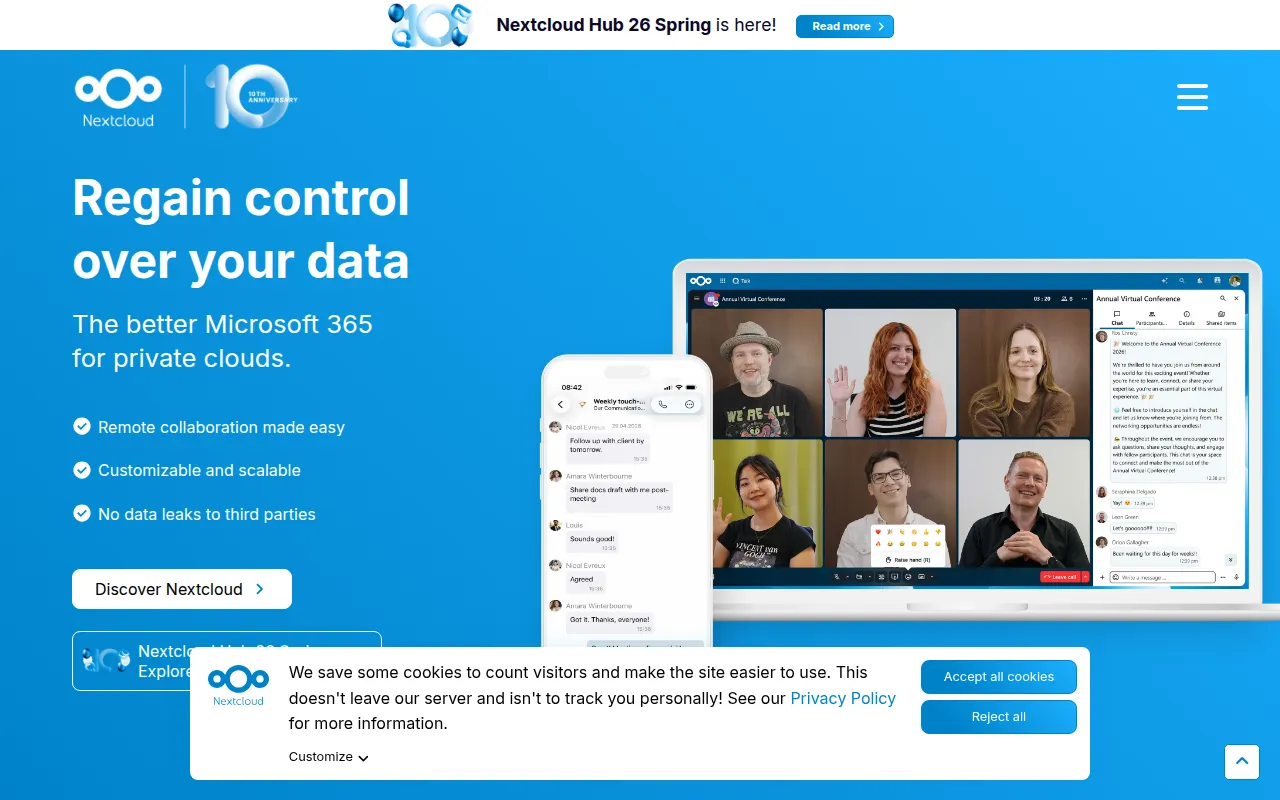
Nextcloud Server is a self-hosted platform for storing, syncing, and sharing files, contacts, calendars, and more, described by the project as a safe home for your data. It's aimed at individuals, organizations, and enterprises who want control over where their data lives instead of relying on third-party cloud storage providers, while still getting sync and sharing features comparable to commercial services.
Key features
- Data storage and access: Store files, contacts, calendars, and more on a server of your choosing rather than a third-party host.
- Multi-device sync: Files, contacts, calendars, and other data stay synchronized across your devices automatically.
- Sharing and collaboration: Give others access to your data, or collaborate directly, by sharing specific files or folders.
- Extendable with apps: Hundreds of apps are available through the Nextcloud App Store, including Calendar, Contacts, Mail, and Video Chat (Talk/Spreed), letting you extend the core server well beyond file storage.
- Security features: Built-in encryption mechanisms and two-factor authentication are included, backed by a HackerOne bug bounty program for responsible disclosure.
- Multiple deployment paths: Sign up with a hosting provider, install the server yourself, buy a device with Nextcloud preinstalled, or use a service provider who hosts it for you.
- Enterprise option: Nextcloud GmbH offers Nextcloud Enterprise for organizations in the public sector, education, or other enterprise contexts that need additional support or features.
Ideal use cases
Nextcloud fits individuals and organizations that want a self-hosted alternative to commercial cloud storage and productivity suites, particularly where data residency, privacy, or compliance requirements make third-party cloud storage a poor fit. The app ecosystem also makes it a candidate for consolidating file storage, calendaring, contacts, mail, and video chat into a single self-hosted platform rather than running separate tools for each.
It's a heavier commitment than signing up for a commercial cloud storage account: someone has to install, configure, and maintain the server, or you need to pay a hosting provider or service provider to do it for you. If you just want simple file sync with no interest in self-hosting or managing a server, a managed commercial service will require far less setup. Development also relies on git submodules for third-party components and some apps that ship in regular releases (like First Run Wizard or Activity) are missing from the master branch and must be cloned in manually, which matters if you're building from source rather than using a release archive.
Installation
For most users, the simplest path is to sign up with a hosting provider directly through the Nextcloud website or its apps, skipping server installation entirely.
To install a server yourself, follow the official install instructions, which cover setup on your own hardware or through one of the ready-to-use appliances.
For development, set up a local environment following the developer manual, then initialize third-party components:
git submodule update --init
Apps that ship by default in regular releases but are missing from master, such as First Run Wizard and Activity, need to be cloned manually into the apps subfolder.
To contribute code, pick a good first issue, create a branch, and sign off commits:
git commit -sm "Your commit message"
The project uses PHPUnit for PHP unit tests, Behat for PHP integration tests, Vitest for JavaScript/TypeScript unit tests, and Playwright for end-to-end tests; documentation on debugging and writing Playwright tests is available in the repository. Once tests pass and a pull request is opened, mention the relevant people from the linked issue for review.
Nextcloud requires no CLA; copyright belongs to individual contributors, who are encouraged to add themselves to the AUTHORS file for substantial changes.
Tags:
Frequently asked questions






Similar to Nextcloud


