
Rocket.Chat
Self-hosted, open-source team chat platform in TypeScript with end-to-end encryption, voice calls, federation, and a custom app framework.
 Microsoft Teams
 Slack
Slack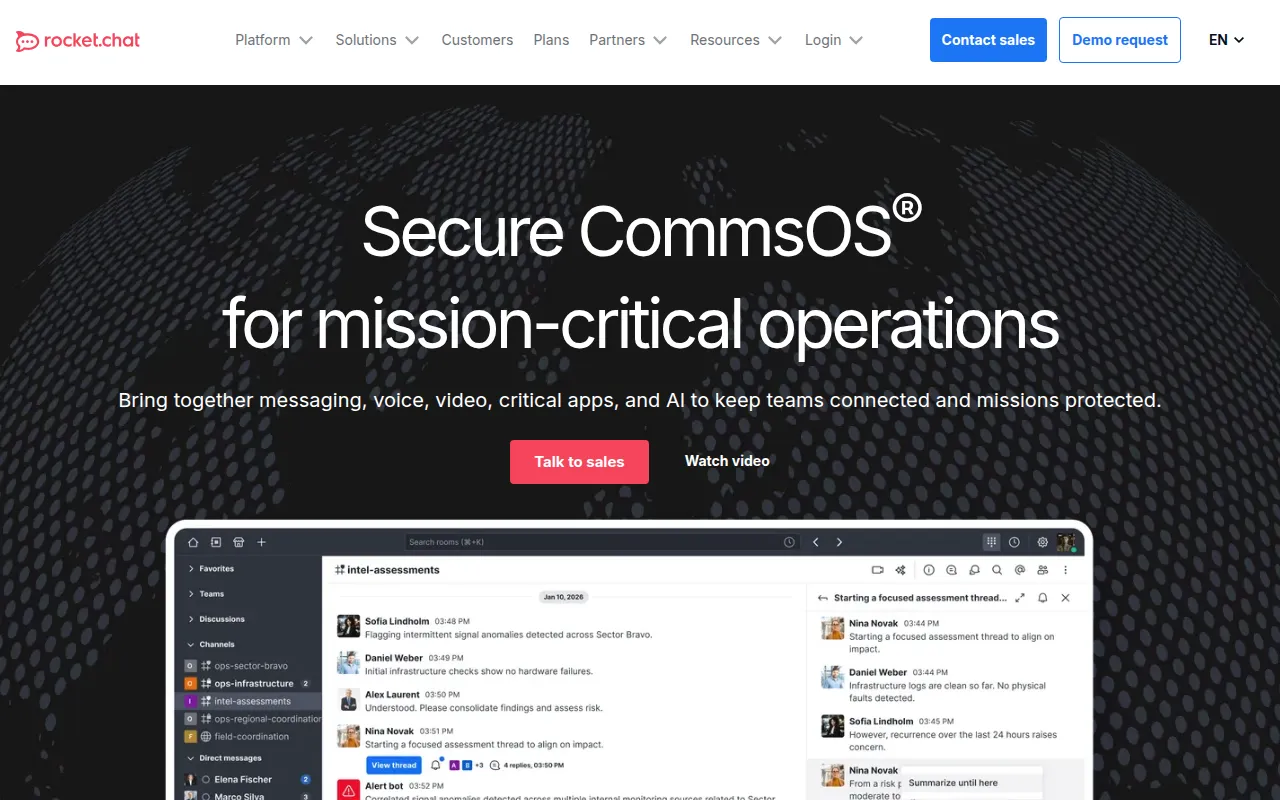
Rocket.Chat is an open-source, self-hostable team communications platform built in TypeScript for organizations with strict data protection requirements. It's aimed at IT and security teams who need chat, voice, and integrations they fully control rather than a SaaS-only tool, and at enterprises operating in regulated or air-gapped environments. According to the project, tens of millions of users across more than 150 countries use it, including organizations such as Deutsche Bahn, the US Navy, and Credit Suisse.
Key features
- Flexible deployment: self-hosted, cloud, or air-gapped workspace options, with a scalable architecture and built-in performance monitoring.
- Security by design: identity management, end-to-end encryption, and role- and attribute-based access control.
- Real-time and async messaging: a unified collaboration experience with messaging, voice calls, and federation across organizations.
- Federation: securely communicate and share resources across a federated network of Rocket.Chat workspaces.
- Apps-Engine: an open-source framework for building your own apps and integrations, plus a Marketplace of public apps to install without writing code.
- Desktop and mobile clients: native apps for iOS, Android, macOS, Windows, and Linux (via Snapcraft), alongside the web app.
- Trust and Compliance Centers: published documentation covering security practices, privacy commitments, compliance certifications, and governance policies.
- Developer environment support: documented setup for server, desktop, and mobile development, including push notification configuration, across Linux, Windows, macOS, and Gitpod.
- Full documentation set: separate user, administrator, developer, and API documentation, plus a YouTube learning center.
- Community and feature tracking: an open community server for support channels, and a public repository for submitting and discussing feature requests.
Ideal use cases
Good fit: organizations that need to keep chat data on their own infrastructure for compliance or sovereignty reasons; government, defense, or critical-infrastructure teams that require an air-gapped deployment with no internet access; companies that want to extend chat with custom apps through Apps-Engine rather than being limited to a vendor's built-in integrations; teams that need federation to communicate securely with users outside their own workspace; large organizations that need both a web client and native desktop and mobile apps tied to the same account.
Less of a fit: small teams that just want a quick, zero-maintenance group chat and don't care about self-hosting or compliance, where a hosted SaaS chat tool with nothing to manage may be simpler; teams unwilling to run and maintain their own deployment, since self-hosted Rocket.Chat means owning updates, scaling, and monitoring, even though managed cloud hosting is offered as an alternative for teams that want the software without the operations work.
Installation
The README doesn't list exact server setup commands; it points to a Deployment Guide and recommends checking the system requirements first. Supported self-hosted deployment methods are Docker, Podman, and Kubernetes, and a Launchpad option is available for a quicker Kubernetes setup that manages dependencies for you. An air-gapped workspace option exists for isolated networks, and a dedicated cloud-hosting option is available if you don't want to manage infrastructure yourself. Federation can be enabled separately once a workspace is running, to connect it to other Rocket.Chat workspaces.
For the desktop client on Linux, the README gives a direct command:
sudo snap install rocketchat-desktop
Mobile apps are available on the Apple App Store and Google Play, and desktop apps are available on the Mac App Store, the Windows Store, and via Snapcraft on Linux. For contributing to the server itself, developer setup guides cover Linux, Windows, macOS, and Gitpod environments, with separate repositories for the Electron desktop app and the React Native mobile app. Once a workspace is running, the Apps-Engine framework and the Marketplace let you add integrations without touching the core server code. If you hit an issue after deploying, the community server hosts dedicated support and general channels where other administrators answer questions. Rocket.Chat is released under the MIT license.
Tags:
Frequently asked questions






Similar to Rocket.Chat


