
OBS Studio
Free software for capturing, compositing, encoding, recording, and streaming video, used for live streaming and screen recording.
 Wirecast
 XSplit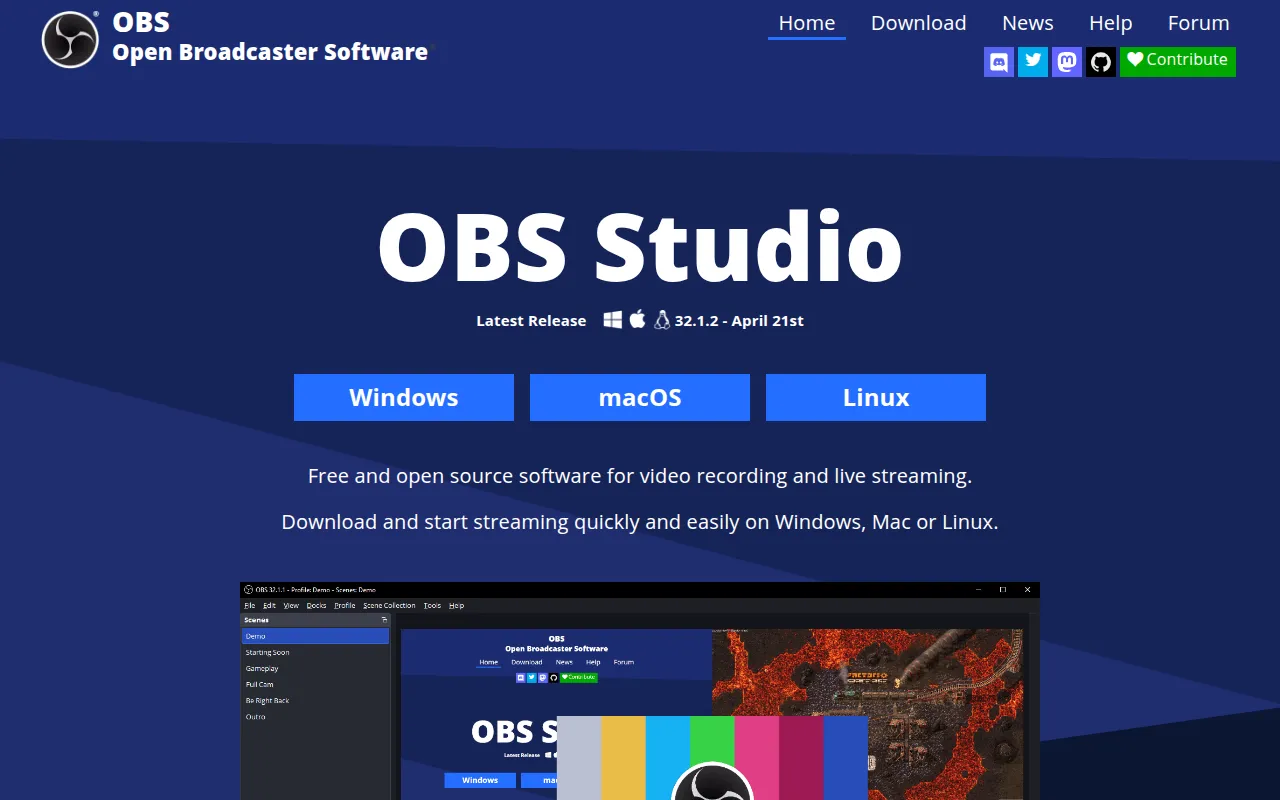
OBS Studio is software for capturing, compositing, encoding, recording, and streaming video. It's the tool behind most independent live streaming setups on Twitch and YouTube, and it's just as commonly used for plain screen recording, tutorial creation, or capturing gameplay without any streaming involved. It's aimed at streamers, content creators, and anyone who needs to combine multiple video and audio sources (webcam, screen, game capture, overlays) into a single output feed, whether that feed goes to a live audience or to a local file.
Key features
- Scene composition: combine webcams, screen captures, game captures, images, browser sources, and audio inputs into scenes, and switch between scenes live.
- Encoding and recording: encode captured video efficiently for both live streaming and local recording, with support for the codecs and formats streaming platforms expect.
- Direct streaming integration: stream to platforms like Twitch and YouTube directly from the application without a separate broadcasting tool.
- Cross-platform support: builds are available for Windows, macOS, and Linux.
- Developer and plugin API: documented developer and API interfaces let contributors and third parties extend OBS Studio's capabilities with plugins.
- Active translation project: the interface is localized through a community-driven Crowdin translation project, making it usable well outside English-speaking audiences.
- Free and open source: distributed under the GNU General Public License v2 (or any later version), with no license fee or paid tier for the core application.
- Community support channels: an active forum, a Discord server, and a code style guide give both users and contributors a documented way to get help or get involved.
Ideal use cases
OBS Studio fits anyone producing live or recorded video from a computer: game streamers building a multi-source scene with webcam and overlays, educators recording screen-capture tutorials, teams recording internal presentations, or podcasters capturing multiple video feeds at once. Because it's free and cross-platform, it's also a common default for people just getting started with streaming or screen recording who don't want to commit to paid software before knowing what they need.
It is not a video editing tool. OBS Studio captures and encodes what you point it at in real time; if you need to trim, cut between clips after the fact, add transitions in post, or build a polished edited video, you'll still need a separate editor (Premiere, DaVinci Resolve, Shotcut, etc.) downstream of whatever OBS Studio records. It also isn't a hosted streaming platform itself; it's the software that sends your stream to a platform like Twitch or YouTube, not a destination on its own.
Because the project is funded through donations rather than sales, ongoing use also depends on community support: sponsorship through Patreon, OpenCollective, or PayPal keeps development funded, and code contributors are expected to follow documented coding and commit guidelines along with a project Code of Conduct.
Installation
The README points to platform-specific build instructions on the project wiki rather than a single install command, since OBS Studio ships prebuilt installers for each OS. In practice, installation is:
- Windows and macOS: download the installer from obsproject.com and run it.
- Linux: distribution packages are available, and Flatpak and Snap builds are also maintained.
For anyone building from source, full platform-specific build instructions are maintained on the project's GitHub wiki (linked from the README as "Build Instructions"), covering the dependency setup needed on Windows, macOS, and Linux respectively, since the build toolchain differs meaningfully across platforms.
Documentation and setup guides beyond installation, including how to configure scenes, sources, and streaming destinations, live on the project wiki, and developer/API documentation for anyone building plugins is available at obsproject.com/docs.
Frequently asked questions





Similar to OBS Studio


