
Jellyfin
Jellyfin is a free, self-hosted media server that streams your own movies, shows, and music to apps on other devices, with no licensing fees.
 Plex
Plex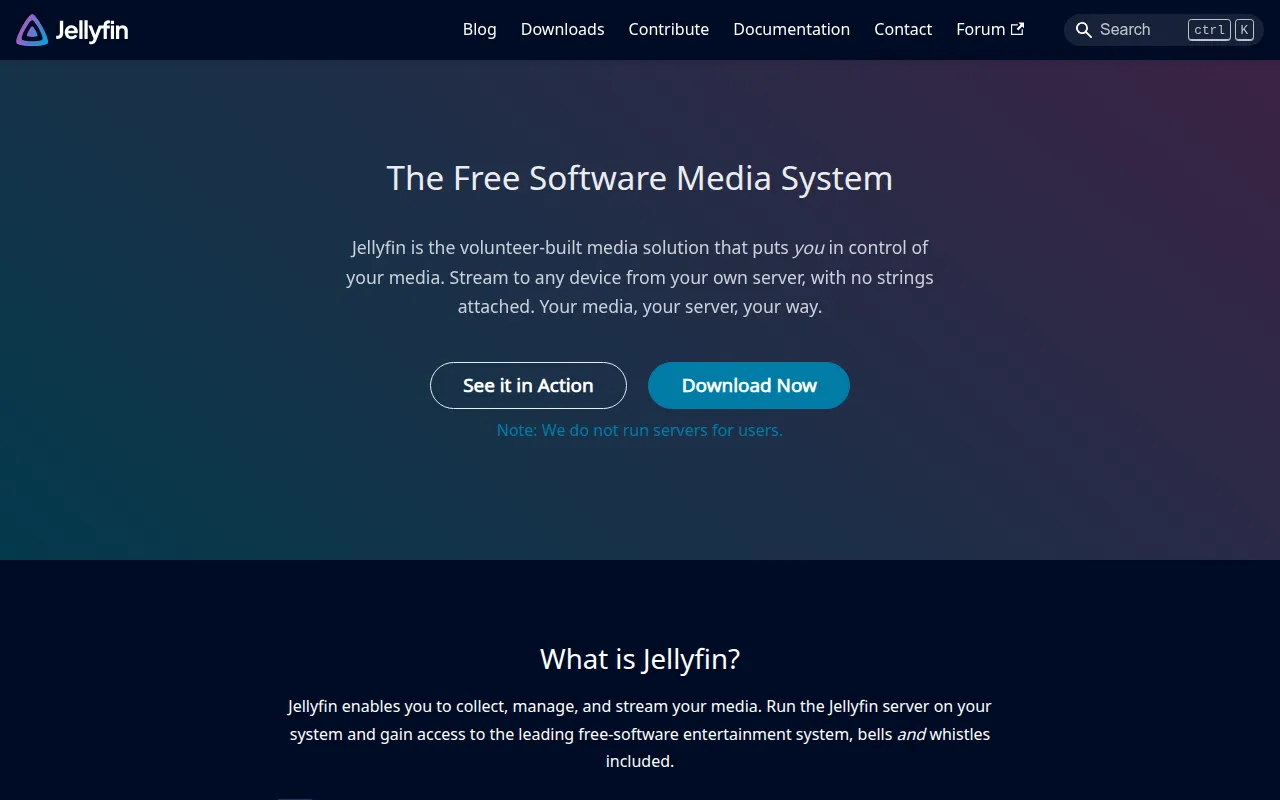
Jellyfin is a free software media system for hosting and streaming your own media library. It's built for people who want to run their own version of what Plex or Emby offer, but with no premium licenses, closed source components, or hidden agendas: you host it, you control it. Jellyfin descends from Emby's 3.5.2 release, ported to the .NET platform for cross-platform support.
Key features
- Self-hosted streaming: serves media from your own server to client apps on other devices, rather than routing through a third-party cloud service.
- No premium tiers: the README is explicit that there are no paid licenses or gated features; everything is free software.
- Cross-platform server: built on .NET, Jellyfin runs on all major operating systems the README covers, with FreeBSD noted as currently unsupported.
- Companion apps: the server pairs with client apps across devices; the server repository itself hosts the static files for the official web client alongside the backend by default.
- API-driven: the server exposes a documented API, viewable through a Swagger UI once running, so third-party clients and integrations can be built against it.
- Active community governance: the project runs on community contributions with published community standards, a feature request hub, and no corporate ownership steering the roadmap.
- Translation support: the interface is translated through a community Weblate instance into many languages.
- Codespaces-ready development: preconfigured GitHub Codespaces setups exist for spinning up a development server, with an optional variant that preinstalls ffmpeg.
Ideal use cases
Jellyfin is a strong fit for anyone who has a personal media collection (ripped discs, downloaded video, music) and wants to stream it to phones, TVs, and browsers without paying for a hosted service or trusting a third party with the library. It's also a good option for people specifically avoiding closed-source or premium-gated media servers, since Jellyfin has no equivalent paid tier that features are locked behind.
It's not a good fit if you want zero setup: you're running and maintaining the server yourself, including installing ffmpeg for transcoding and, if needed, the web client separately. If your priority is a turnkey experience with no server administration at all, a fully managed streaming service is the lower-effort option, just without the ownership of your own library.
Installation
For most users, the README points to prebuilt downloads and an installation guide rather than building from source, followed by a quick start guide once installed.
To build and run the server from source, first install the .NET 10 SDK and ffmpeg, then clone the repository:
git clone https://github.com/jellyfin/jellyfin.git
Run it directly with the .NET CLI, pointing at a built copy of the web client:
cd jellyfin
dotnet run --project Jellyfin.Server --webdir /absolute/path/to/jellyfin-web/dist
Or build first, then run the compiled output:
dotnet build
cd Jellyfin.Server/bin/Debug/net10.0
./jellyfin   # jellyfin.exe on Windows
Once running with the web client hosted, the interface is available at http://localhost:8096 by default, with API documentation at /api-docs/swagger/index.html. The web client can also be hosted separately from the backend for frontend development, using the --nowebclient flag or the JELLYFIN_NOWEBCONTENT environment variable.
The repository also includes a unit test suite used in CI, runnable with dotnet test, through the Visual Studio Test Explorer, or by running individual tests in VS Code via CodeLens annotations. Before contributing code, the project asks that you read its guidelines on development contributions, and it maintains published community standards covering how contributors are expected to interact. Development of Jellyfin is supported in part by JetBrains, which provides tooling to the project.
If you're contributing on GitHub Codespaces rather than a local machine, be aware the environment can take 20 to 30 seconds to finish preparing after the editor opens, and you'll need to mark forwarded ports as public if you want to reach the running instance from another device. The first login after setup redirects to the sign-in screen instead of the setup wizard; refreshing that page once will correctly send you into initial setup.
Tags:
Frequently asked questions





Similar to Jellyfin


