
Vaultwarden
A Rust server implementing the Bitwarden Client API for self-hosted password management, compatible with official Bitwarden apps and browser extensions.
 1Password
 Bitwarden
 LastPass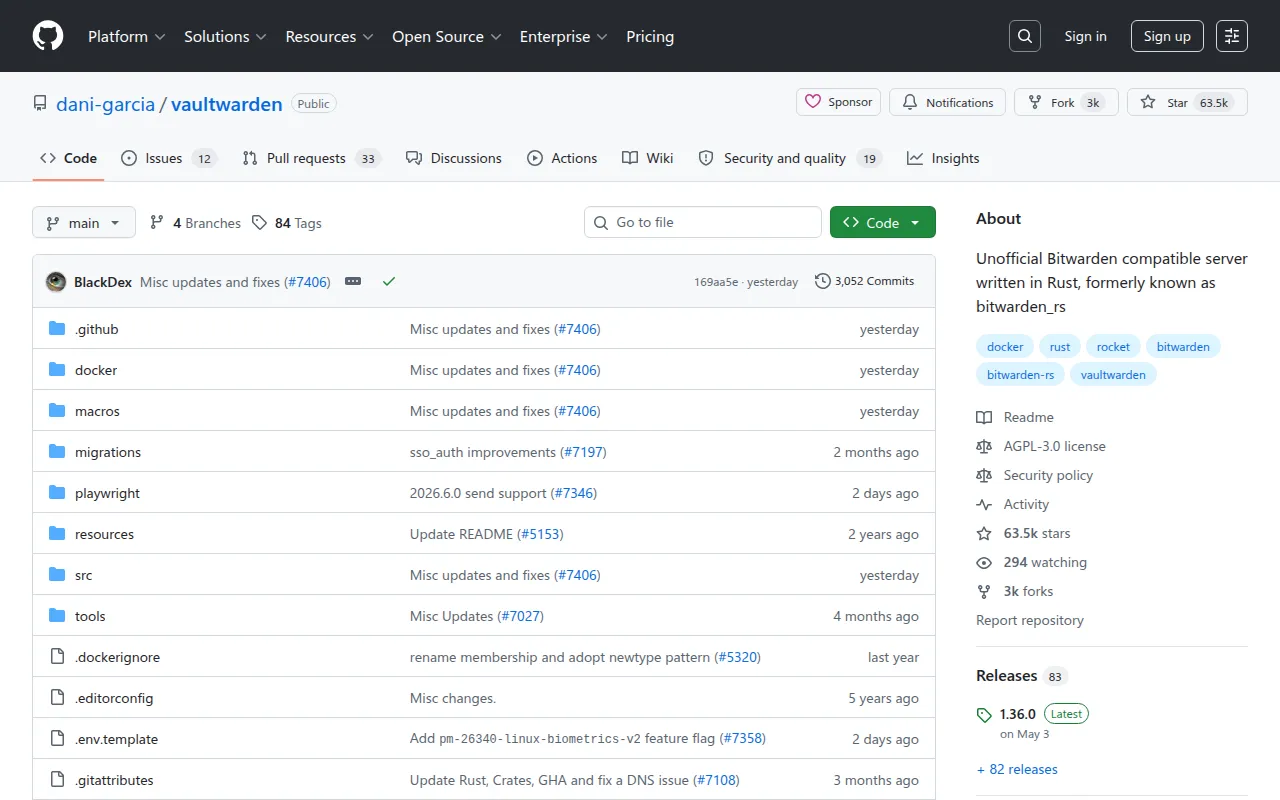
Vaultwarden is an alternative server implementation of the Bitwarden Client API, written in Rust. It's for anyone who wants to self-host a password manager but doesn't want to run Bitwarden's official, heavier server. It works with the official Bitwarden apps, browser extensions, and CLI, so your team or family keeps the same clients while you control where the data lives.
Key features
- Personal vaults: full support for storing and syncing logins, notes, cards, and identities.
- Bitwarden Send: share encrypted text or files with others through a temporary link.
- Attachments and website icons: attach files to vault items and fetch favicons for saved logins.
- Organizations: collections, password sharing, member roles, groups, event logs, admin password reset, directory connector sync, and policies for managing a team.
- Multi-factor authentication: authenticator apps, email codes, FIDO2 WebAuthn, YubiKey, and Duo.
- Emergency access: designate trusted contacts who can request access to your vault under defined conditions.
- Admin backend: a built-in admin page for managing users and server settings.
- Personal API key: generate a dedicated API key for a user account for programmatic or CLI access.
- Bundled web vault: containers ship with a modified web vault client, so you get a browser UI out of the box.
Ideal use cases
Vaultwarden is a good fit if you're already self-hosting other services and want a password manager that runs alongside them without heavy resource requirements. Families, small teams, and individuals who want data control without paying for a hosted plan are the main audience. Because it's compatible with the official clients, you don't lose any of the apps you're used to; you're just pointing them at your own server.
It's not the right choice if you want zero maintenance: you're responsible for HTTPS, backups, and updates. The maintainers are also explicit that the project is unaffiliated with Bitwarden, so support for the server itself comes from the Vaultwarden community (Matrix, GitHub Discussions, Discourse), not from Bitwarden's official channels. If you'd rather not manage a server at all, the official hosted Bitwarden service is the more hands-off option.
Installation
The web vault requires HTTPS because of the Web Crypto API, so you'll need to enable TLS (directly or through a reverse proxy) before it will fully work.
The recommended install path is the container image, published to ghcr.io, docker.io, and quay.io.
With Docker or Podman:
docker pull vaultwarden/server:latest
docker run --detach --name vaultwarden \
  --env DOMAIN="https://vw.domain.tld" \
  --volume /vw-data/:/data/ \
  --restart unless-stopped \
  --publish 127.0.0.1:8000:80 \
  vaultwarden/server:latest
This mounts a persistent volume at /vw-data/ for your database and attachments.
With Docker Compose, create a compose.yaml:
services:
  vaultwarden:
    image: vaultwarden/server:latest
    container_name: vaultwarden
    restart: unless-stopped
    environment:
      DOMAIN: "https://vw.domain.tld"
    volumes:
      - ./vw-data/:/data/
    ports:
      - 127.0.0.1:8000:80
Community-maintained packages exist for various platforms, and you can also build the binary yourself. The project wiki covers detailed install guides, proxy configuration examples, and instructions for enabling the admin page.
Vaultwarden is built on the Rocket web framework, which has built-in TLS support, but the maintainers still recommend putting a reverse proxy in front of it rather than relying on Rocket's TLS directly. If you hit a bug or have a question, the project asks that you report it through its own Matrix room, GitHub Discussions, or Discourse forum rather than through Bitwarden's official support channels, since Vaultwarden is a separate, unaffiliated implementation. Before filing a new issue, it's worth searching existing discussions and issues, and making sure you're on the latest release, since a fix may already be out.
One of the active maintainers is employed by Bitwarden and contributes on their own time, but the README is explicit that these contributions are independent and reviewed by the other maintainers like any other change, with the project's direction set by the maintainer group as a whole. The README also stresses that data loss (passwords, attachments, and other stored information) is your own responsibility to guard against, so regular backups of the database and data directory are strongly recommended regardless of how you deploy it.
Tags:
Frequently asked questions





Similar to Vaultwarden


