
Outline
Self-hostable team wiki and knowledge base with a collaborative editor, built on React and Node.js, also available as a hosted service.
 Confluence
 Notion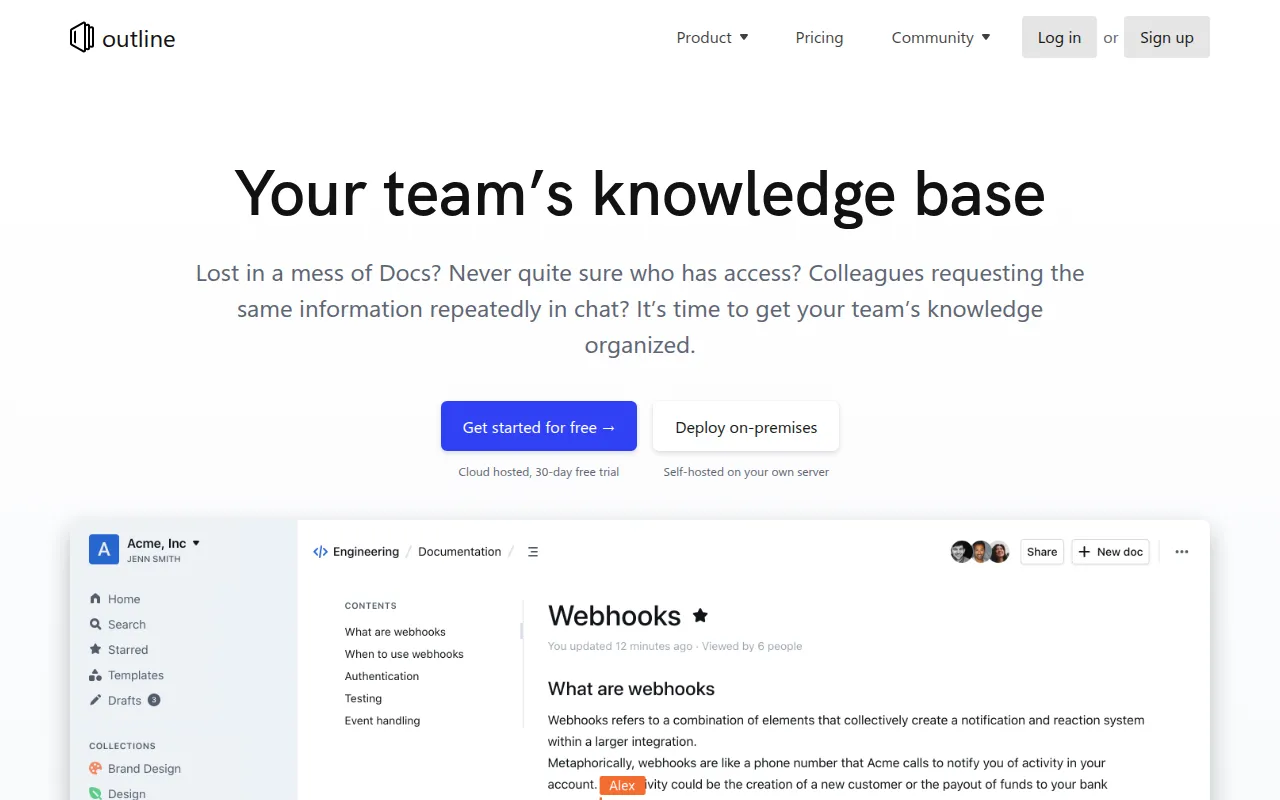
Outline is a knowledge base application for teams, built with React on the frontend and Node.js on the backend. It's the source code behind the hosted product at getoutline.com, released so teams that want to run their own copy, or contribute to development, can do so. It's aimed at teams who want a shared, searchable place to write and organize documentation, rather than scattering knowledge across chat threads and personal notes.
Key features
- Collaborative editing: Outline is built for teams to write and edit documents together, rather than as a single-user note tool.
- React and Node.js stack: The frontend uses React with styled-components, and the backend runs on Node.js, giving contributors a familiar, widely-used stack to build on.
- TypeScript throughout: The codebase is written in TypeScript, which the README highlights alongside its styled-components-based UI.
- Localization: Outline supports multiple languages, with translation work tracked and coordinated through Crowdin, and the project actively invites translation contributions.
- Self-hosted or hosted: You can run your own instance for full control over your data, or use the hosted version at getoutline.com if you'd rather not operate the infrastructure yourself.
- Documented architecture: An architecture document is maintained for contributors, giving a high-level overview of how the frontend, backend, and services fit together before you start changing code.
- Test coverage on critical paths: The project targets solid coverage for authentication and API endpoints specifically, using Vitest, rather than chasing 100% coverage everywhere.
Ideal use cases
Outline is a good fit for a team that wants a dedicated, structured wiki, distinct from a chat tool or a generic document editor, and that's comfortable either paying for the hosted service or standing up and maintaining their own deployment. Engineering teams that want to contribute fixes or features will find a documented architecture and a clear local development setup to work from.
It's not the right pick if you want a zero-maintenance note-taking app for yourself. The project is oriented around production hosting and team collaboration, and self-hosting means you're responsible for infrastructure, upgrades, and the database behind it. It's also worth knowing before contributing: the maintainers have said they will not accept low-quality, AI-generated pull requests from contributors unfamiliar with the codebase, and expect any nontrivial change to be discussed in an issue first.
Installation
Outline itself doesn't need to be installed to use it. The straightforward way to get started is to sign up for the hosted version at getoutline.com and skip running any infrastructure. If you want to run your own copy in production, follow the official hosting documentation, which covers the full setup for a self-hosted deployment.
For local development, set up the environment following the local development guide, then use the provided make and yarn commands:
# Run all tests
make test

# Run backend tests in watch mode
make watch

# Run backend tests directly (after `make test` creates the test database)
yarn test:server

# Run a specific backend test in watch mode
yarn test path/to/file.test.ts --watch

# Run frontend tests
yarn test:app
Database migrations run through Sequelize:
yarn db:create-migration --name my-migration
yarn db:migrate
yarn db:rollback

# Run migrations against the test database
yarn db:migrate --env test
Before submitting any changes, open or comment on a GitHub issue to discuss the approach with the core team first. This is a requirement for pull requests to be considered, and it substantially increases the odds of a contribution being merged.
For a high-level overview of how the frontend, backend, and background services fit together before writing code, read the architecture document first. It's aimed at anyone contributing or trying to understand how Outline is put together beyond the surface-level file layout.
Frequently asked questions





Similar to Outline


