
Excalidraw
An open source, collaborative whiteboard with a hand-drawn style, end-to-end encryption, and an embeddable npm package for building it into other apps.
 Figma
Figma Miro
Miro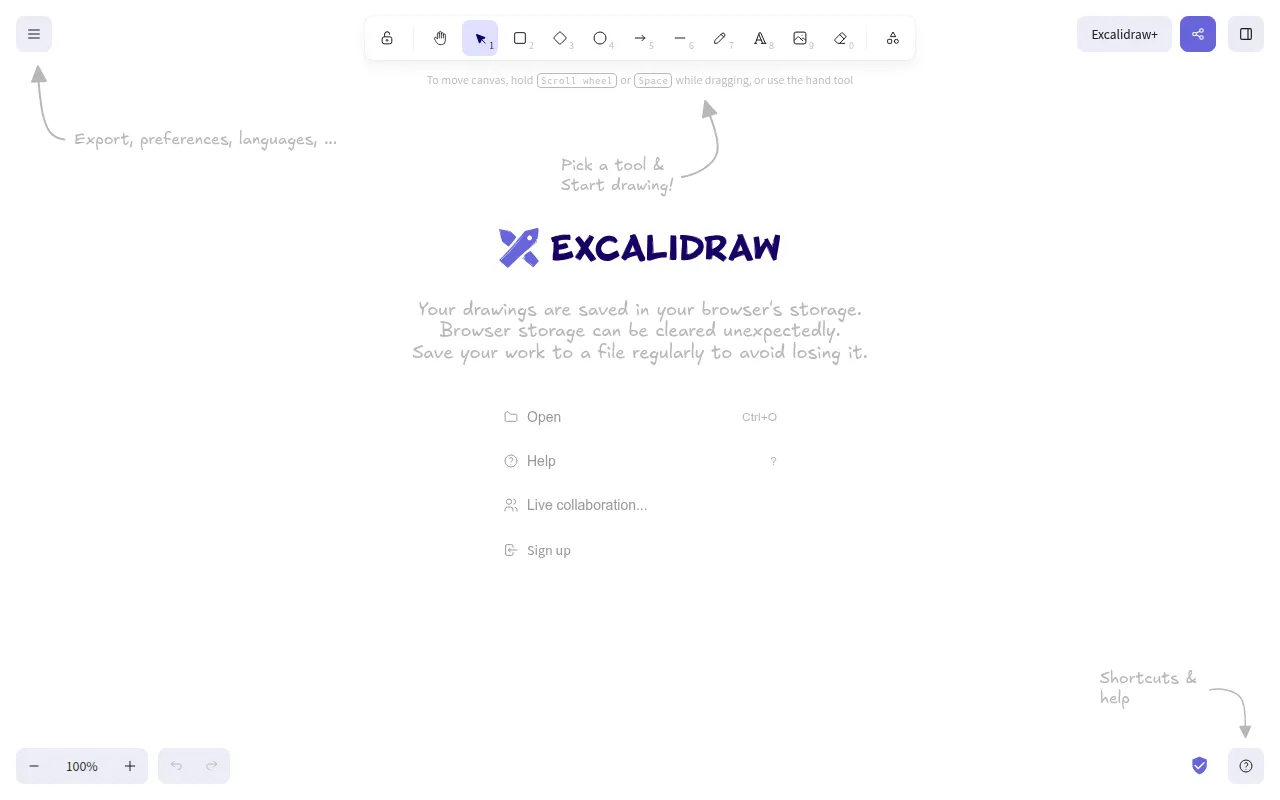
Excalidraw is an open source virtual whiteboard for creating hand-drawn style diagrams, wireframes, and sketches. It's built both as a hosted app at excalidraw.com and as an embeddable npm package, so it works for people who just want a quick collaborative whiteboard in the browser and for developers who want to build whiteboard functionality directly into their own product. The hosted app adds real-time collaboration and end-to-end encryption on top of the core editor that ships in the npm package.
Key features
- Infinite canvas: draw on a canvas-based whiteboard with no fixed page boundaries, with zoom and panning support built in.
- Hand-drawn visual style: a distinctive sketchy rendering style for shapes, lines, and text, along with a standard dark mode.
- Wide tool range: rectangle, circle, diamond, arrow, line, free-draw, and eraser tools, with arrow-binding and labeled arrows for connecting shapes together.
- Export options: export to PNG, SVG, or the clipboard, plus an open
.excalidrawJSON format for saving and re-importing full drawings. - Image and shape library support: embed images directly in drawings and use community shape libraries for reusable elements instead of drawing everything from scratch.
- Real-time collaboration and encryption: the hosted app supports real-time multi-user collaboration, end-to-end encryption, local-first autosaving, and shareable read-only links.
- Localization: built-in internationalization (i18n) support, with the project actively looking for contributors to expand language coverage.
Ideal use cases
Excalidraw fits quick collaborative sketching sessions, system diagrams, wireframes, and any situation where a hand-drawn, informal look is preferable to a polished vector-diagramming tool. It's also a strong fit for developers who want to embed a whiteboard directly into their own product, since the npm package ships as a standalone component with a documented installation path. According to the project, it's already integrated into products from Google Cloud, Meta, CodeSandbox, Replit, Slite, and Notion, plus a popular Obsidian plugin and a VS Code extension, which gives a sense of how it's used in practice beyond the standalone app.
It's less suited to highly precise technical drawings, CAD-style diagrams, or documents that need pixel-exact alignment and complex layout tools, since the format and rendering style are intentionally loose and sketch-like. If you need enterprise-grade access control, advanced diagram types, or additional collaboration features beyond what's in the open source core, the paid Excalidraw+ product adds those on top of the free editor, and the project also relies on sponsors and companies like Vercel, Sentry, and Crowdin donating infrastructure and services.
The project maintains an active Discord community for support and discussion, a blog documenting product updates, and a DeepWiki-generated reference for exploring the codebase, all of which are useful if you plan to contribute code or dig into how a specific feature is implemented rather than just using the editor as-is. Backers and sponsors are listed publicly through Open Collective, which gives a transparent view into how the open source project itself is funded.
Installation
To use the hosted app, just open excalidraw.com in a browser. No installation is required.
To embed Excalidraw as a component in your own app, install the npm package along with its React peer dependencies:
npm install react react-dom @excalidraw/excalidraw
# or
yarn add react react-dom @excalidraw/excalidraw
To run the full repository locally for development rather than just using the package, follow the project's Development Guide, since the local setup for contributing to the editor itself differs from installing the npm package into another app. Bugs and feature requests can be filed on GitHub, and a contribution guide covers both code contributions and translation work for anyone who wants to help beyond reporting issues.
Tags:
Frequently asked questions







Similar to Excalidraw


