
AFFiNE
A privacy-focused, local-first, open-source workspace merging documents, an edgeless canvas, and databases, positioned as an alternative to Notion and Miro.
 Miro
Miro Notion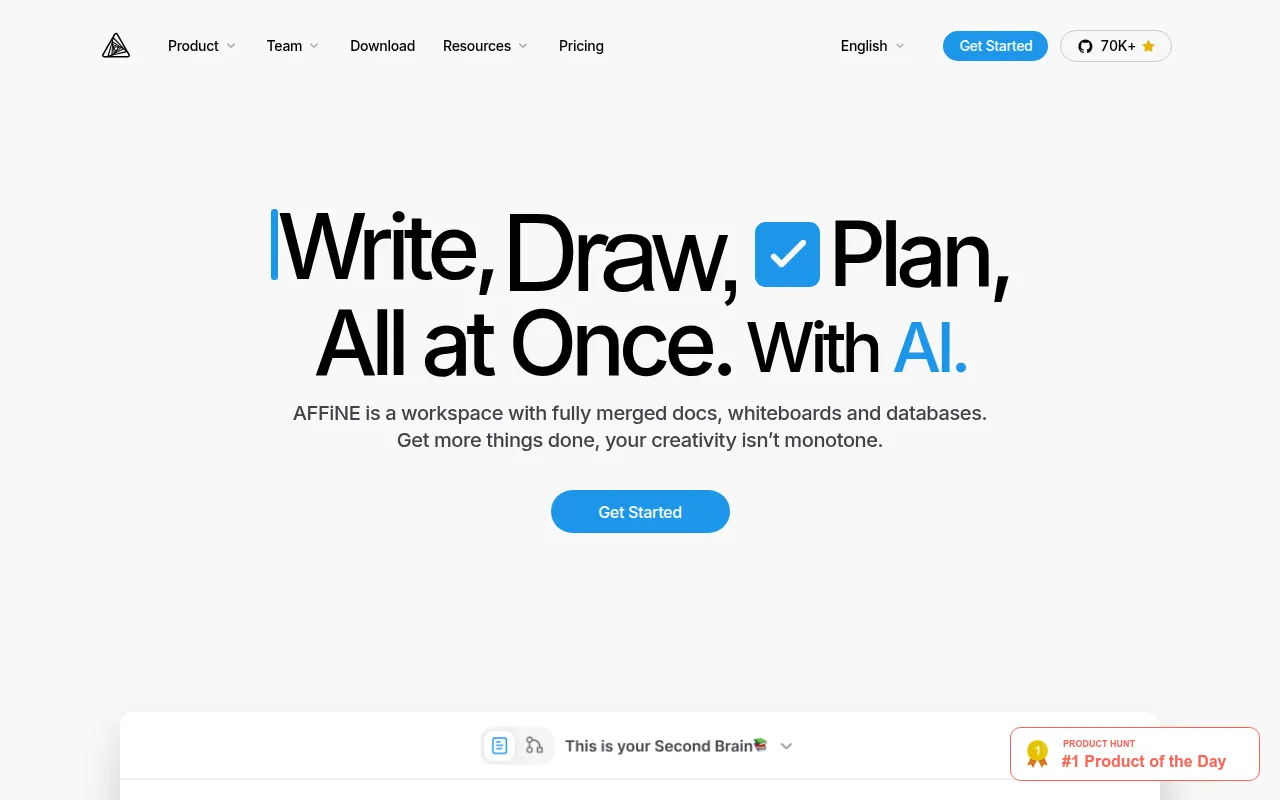
AFFiNE is an open-source, all-in-one workspace that merges documents, a whiteboard-style canvas, and multi-view databases into one editing surface, positioned as an alternative to Notion and Miro combined. Where most tools force a choice between a document editor and a freeform canvas, AFFiNE lets you place any block, rich text, sticky notes, embedded web pages, databases, linked pages, shapes, or slides, directly onto an edgeless canvas. It's aimed at people building wikis, knowledge bases, presentations, and project plans who want the flexibility of a whiteboard without leaving structured document editing behind, and who care about owning their data rather than depending entirely on a vendor's cloud.
Key features
- Merged docs and whiteboard: a true edgeless canvas where any block type (text, sticky notes, embeds, databases, shapes, slides) can sit alongside structured documents, rather than treating docs and whiteboards as separate tools.
- Multimodal AI partner (AFFiNE AI): assists with tasks like writing a report, turning an outline into slides, summarizing an article into a mindmap, sorting a task backlog, or generating a prototype app or web page from a prompt.
- Local-first storage: data is stored on your own disk by default rather than solely in the cloud, so you retain ownership of it independent of any hosted service.
- Real-time collaboration: real-time sync and collaboration are supported across web and cross-platform clients on top of the local-first model.
- Self-hosting: full freedom to manage, self-host, and fork your own AFFiNE deployment, with a Docker-based path to get a self-hosted instance running.
- Templates: a library of pre-built templates (vision boards, one-pagers, lesson plans, digital planners) contributed by the team and community.
- Built on BlockSuite: the underlying editor engine, BlockSuite, is itself open source and handles the collaborative, block-based editing model that AFFiNE is built on.
- Open ecosystem packages: shared component and theme packages (
@affine/component,@toeverything/theme) are published separately, and the project credits the open-source foundations it's built on, including yjs for CRDT sync, Electron for desktop builds, and React for the UI.
Ideal use cases
AFFiNE fits people who want a single workspace for both structured writing and freeform visual thinking, brainstorming on a whiteboard that turns into a linked doc, planning boards that sit next to project notes, or a wiki that includes embedded diagrams and databases. It's a good fit for individuals and small teams who value local-first data ownership and the option to self-host, rather than committing entirely to a hosted SaaS workspace.
It's less suited to large enterprises needing SSO, advanced admin controls, and audit logging today: the README notes that AFFiNE Enterprise Edition, which would cover that ground, is not yet published. If those enterprise-grade access controls are a hard requirement right now, that's a gap to plan around. It's also worth noting the current available version is the Community Edition, free to self-host under the MIT license, while the more advanced enterprise tier remains forthcoming.
Installation
For most users, the simplest path is downloading the desktop or web app:
- Download AFFiNE for desktop platforms
- Live demo to try it in the browser without installing anything
To self-host your own instance, the recommended starting point is Docker:
# Follow the self-hosting guide for the full Docker Compose setup
# https://docs.affine.pro/self-host-affine
The README also lists one-click deployment options through Sealos and ClawCloud for anyone who wants a hosted-but-self-managed instance without setting up Docker manually.
To build from source for development, options include GitHub Codespaces (click "Code" then "Create codespace on master" from the repo page for an auto-built, ready-to-go environment) or building locally, which is documented in BUILDING.md. AFFiNE is built with TypeScript/React on the frontend, Electron for desktop, and Rust (via napi-rs) for performance-critical pieces like the CRDT engine.
Tags:
Frequently asked questions






Similar to AFFiNE


