
Open WebUI
A self-hosted, offline-capable AI platform with a chat interface, built-in RAG, plugin support, and connections to Ollama and OpenAI-compatible APIs.
 ChatGPT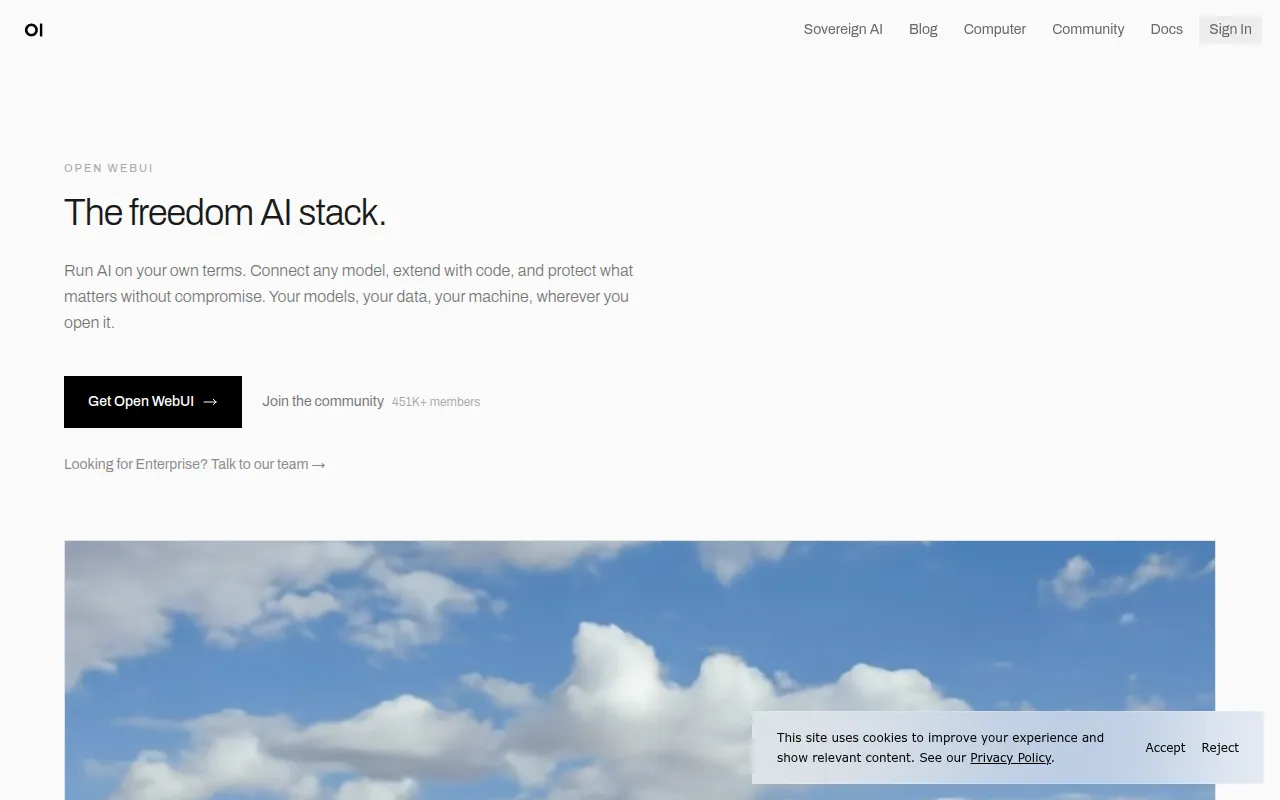
Open WebUI is a self-hosted AI platform designed to run entirely offline, giving teams a chat interface and control plane for local and API-based language models. It supports LLM runners like Ollama alongside any OpenAI-compatible API, so you can point it at local models, hosted providers such as LMStudio or OpenRouter, or a mix of both. It's aimed at individuals and organizations that want a self-hosted alternative to hosted chat products, with the extensibility to build custom agents, tools, and workflows on top of a shared platform.
Key features
- Broad model and API integration: connect any OpenAI-compatible API alongside local Ollama models, mixing and matching providers freely across a single interface.
- Plugin system: extend the platform with Filters, Actions, Pipes, Tools, and Skills, and connect external services through MCP, MCPO, and OpenAPI tool servers.
- Local RAG: retrieval-augmented generation backed by a choice of nine vector databases, with hybrid search combining BM25 and vector search, reranking, and multiple document-extraction engines.
- Granular access control: role-based access control and user groups so administrators can scope exactly what each user or team can see and do.
- Enterprise authentication: LDAP / Active Directory integration, SSO through OAuth or trusted headers, and SCIM 2.0 provisioning for identity providers like Okta and Azure AD.
- Persistent memory and notes: the assistant can retain facts across conversations, and a separate notes workspace lets you draft, rewrite, and attach content to chats for full context.
- Companion apps: an ecosystem of related self-hosted projects, including Open Terminal for giving the AI a place to write and run code, and a native desktop app for macOS, Windows, and Linux.
Ideal use cases
Open WebUI fits organizations that want to self-host a chat interface for local or API-backed models while keeping full control over data, authentication, and deployment. It works well for teams already running Ollama that want a full-featured front end on top, and for teams that need RAG over internal documents without sending that data to a third-party hosted product. The plugin and MCP tool-server support make it a reasonable base for building custom internal agents rather than starting from a bare API, and features like Channels and Calendar & AI Scheduling extend it toward being a shared team workspace rather than a single-user chat window.
It's a heavier setup than a hosted chat product if you just want the simplest possible way to talk to a model, since you're responsible for running and maintaining the server, database, and any vector store you choose. It's also worth checking the license before adopting it at scale: the codebase carries a source-available license with a requirement to preserve Open WebUI branding, rather than a permissive license like MIT, and full enterprise features (SLAs, LTS versions, custom branding) require a separate enterprise plan.
Teams running at larger scale can rely on Redis-backed session management and WebSocket support for horizontal scalability across multiple workers and nodes behind a load balancer, and built-in OpenTelemetry support means traces, metrics, and logs plug into monitoring stacks you may already run for other services.
Installation
Via pip (Python 3.11 recommended):
pip install open-webui
open-webui serve
This starts the server at http://localhost:8080.
Via Docker, if Ollama is running on the same machine:
docker run -d -p 3000:8080 --add-host=host.docker.internal:host-gateway -v open-webui:/app/backend/data --name open-webui --restart always ghcr.io/open-webui/open-webui:main
If you're only using an OpenAI-compatible API:
docker run -d -p 3000:8080 -e OPENAI_API_KEY=your_secret_key -v open-webui:/app/backend/data --name open-webui --restart always ghcr.io/open-webui/open-webui:main
A bundled image that includes Ollama is also available under the :ollama tag, with a :cuda tag for GPU acceleration. Kubernetes installs via kubectl, kustomize, or Helm are documented in the official docs, and setting HF_HUB_OFFLINE=1 prevents the app from attempting to download models in a fully offline environment.
Tags:
Frequently asked questions







Similar to Open WebUI


