
Supermemory
Open-source memory and context engine for AI: extracts facts, builds user profiles, and combines RAG with memory in one API.
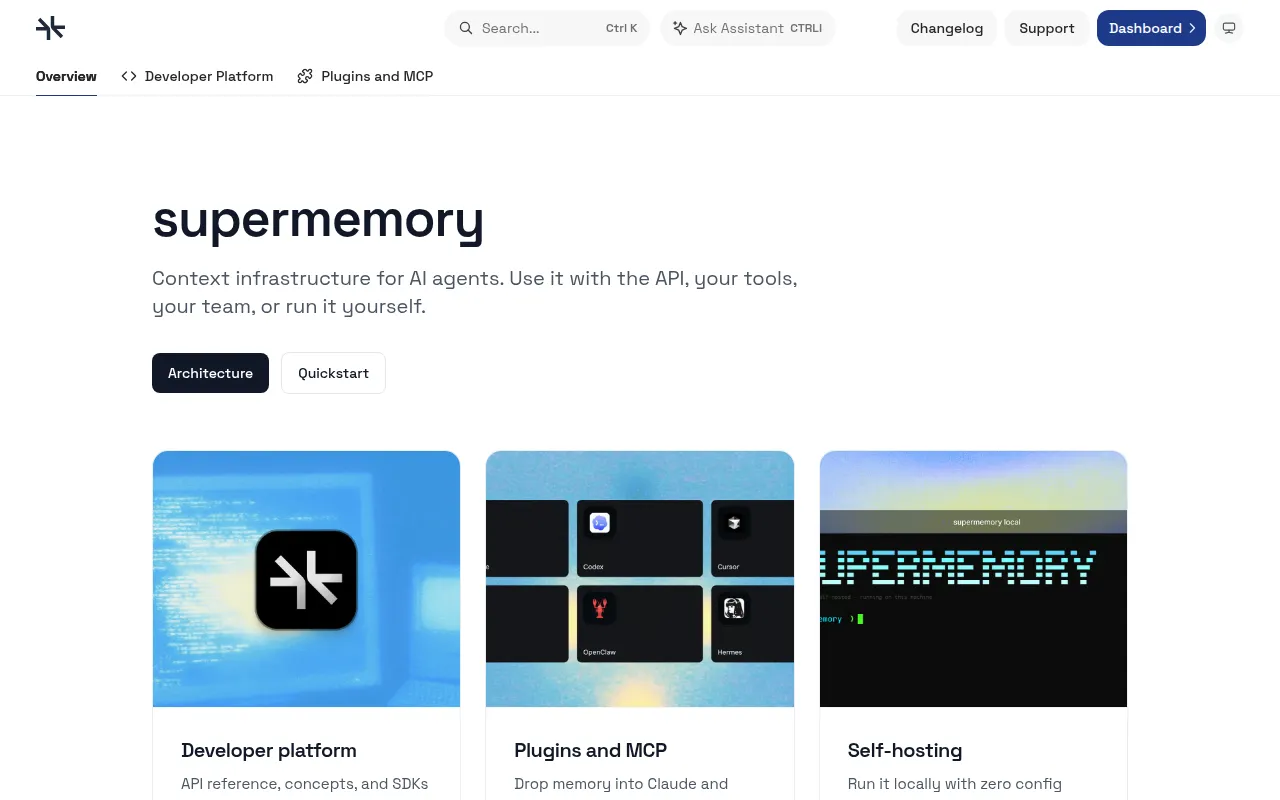
Supermemory is a memory and context engine for AI applications. It's built for two kinds of users: people who want their AI coding tools (Claude Code, Cursor, Codex, and others) to remember context across sessions, and developers building AI agents or products who need memory, RAG, and user profiles without wiring up a vector database themselves. The project ships as a hosted API, an MCP server, editor plugins, and a self-hostable local binary.
Under the hood, Supermemory extracts facts from conversations, tracks when facts change or contradict each other, and forgets information that becomes stale (like a one-off appointment after the date passes). It combines this with hybrid search that mixes retrieval-augmented generation over documents with personalized memory recall, so a single query can return both knowledge-base answers and user-specific context.
Key features
- Memory extraction: automatically pulls facts, preferences, and project context out of conversations instead of storing raw transcripts.
- User profiles: maintains a static (stable facts) and dynamic (recent activity) profile per user, retrievable in a single ~50ms call.
- Hybrid search: runs RAG and memory search together, returning document chunks and personalized context in one query.
- Connectors: syncs Google Drive, Gmail, Notion, OneDrive, GitHub, and web crawls into the knowledge base with real-time webhooks.
- Multi-modal file processing: handles PDFs, images (OCR), video (transcription), and code (AST-aware chunking) on upload.
- Automatic forgetting and contradiction resolution: expires temporary facts and resolves conflicting information without manual cleanup.
- Editor and agent plugins: open-source plugins for Claude Code, Cursor, Codex, OpenCode, and others, plus a hosted MCP server for any MCP-compatible client.
- Self-hosting option: a single binary ("Supermemory local") that runs the full Memory API on your machine, with local embeddings and offline model support via Ollama.
Ideal use cases
Supermemory fits well if you want your AI coding assistant to remember your preferences and past work between sessions, using the MCP server or one of the editor plugins. It's also a good match if you're building an AI agent or product and want memory, RAG, and connectors behind one API instead of assembling a vector DB, embedding pipeline, and chunking logic yourself. Teams that need data to stay local or offline can run "Supermemory local" with Ollama and local embeddings, keeping everything in a single directory.
It's less of a fit if you just need a plain vector search over a static document set with no user-specific memory or fact tracking, since a simpler RAG-only setup would be less overhead. It also assumes you're comfortable structuring data around "container tags" for scoping memory per user or project, which adds a design decision compared to a stateless search index.
Installation
For end users who want AI tools to have memory, install a plugin (Claude Code, Cursor, Codex, OpenCode, etc.) or point an MCP client at the hosted server:
{
  "mcpServers": {
    "supermemory": {
      "url": "https://mcp.supermemory.ai/mcp"
    }
  }
}
For developers building with the API, install the SDK:
npm install supermemory # or: pip install supermemory
import Supermemory from "supermemory";
const client = new Supermemory();

await client.add({
  content: "User loves TypeScript and prefers functional patterns",
  containerTag: "user_123",
});
To self-host, run the local binary:
curl -fsSL https://supermemory.ai/install | bash
# or
npx supermemory local
supermemory-server
First boot sets up the embedded engine, local embeddings, and credentials, and prints an API key. Point your SDK client at http://localhost:6767 as the baseURL to use the same API against your local instance, and switch to the hosted platform later just by changing that URL.
Frequently asked questions







Similar to Supermemory


