
GPT4All
GPT4All runs large language models locally on desktop and laptop hardware, without requiring API calls or a GPU.
 ChatGPT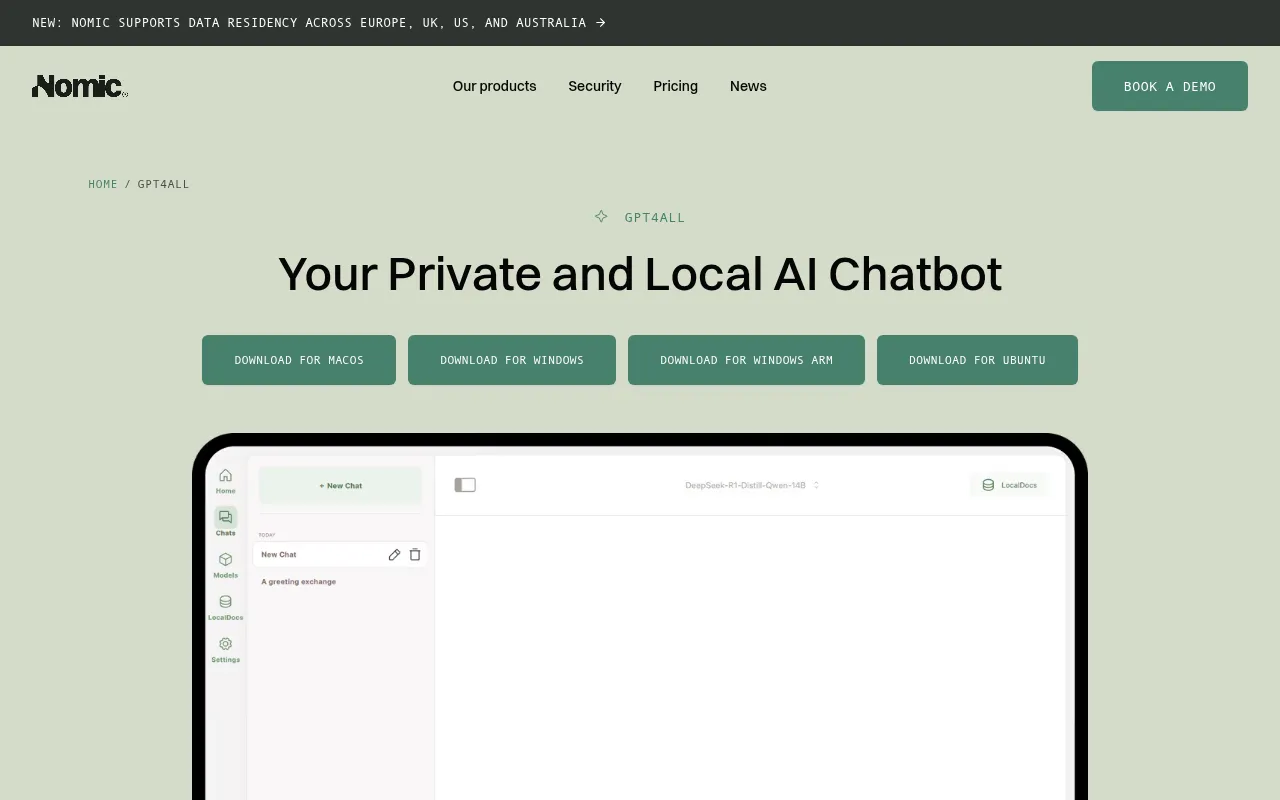
GPT4All is a desktop application for running large language models (LLMs) directly on a laptop or desktop, without sending data to a remote API. Built on top of llama.cpp, it targets people who want ChatGPT-style conversations while keeping models, prompts, and documents entirely on their own machine. The project is maintained by Nomic and ships installers for Windows, macOS, and Linux, plus a Python client for scripting.
Unlike ChatGPT, which runs on OpenAI's servers, GPT4All downloads a GGUF-format model once and then runs inference locally, with no GPU required on most systems. It supports a range of open model architectures, including Llama 3 and Mistral-based models, and includes a chat UI with session management. The project has grown since its original 2023 release through GGUF format support, Nomic Vulkan GPU acceleration, and a 2024 redesign of the chat application UI and LocalDocs workflow, and it also integrates with existing tooling through a LangChain provider, a Weaviate vector database module, and OpenLIT for OpenTelemetry-native monitoring.
Key features
- Local inference with no API key: Download a model (as small as a few gigabytes) and chat with it entirely offline, with no OpenAI-style API calls or per-token billing.
- LocalDocs for private RAG: Point GPT4All at a folder of PDFs or text files and it indexes them locally so you can ask questions grounded in your own documents.
- Cross-platform installers: Native builds for Windows (including ARM), macOS (Monterey and later, optimized for Apple Silicon), and Ubuntu/Linux.
- OpenAI-compatible API server: A Docker-based local server exposes an OpenAI-compatible HTTP endpoint so existing tools and scripts can point at a local model instead of OpenAI's API.
- Python bindings:
pip install gpt4allgives programmatic access to the same llama.cpp-based inference engine used by the desktop app. - GPU acceleration via Vulkan: Nomic Vulkan support accelerates inference on NVIDIA and AMD GPUs for supported quantization formats.
Ideal use cases
GPT4All fits scenarios where sending prompts to a third-party API is undesirable: working with confidential documents, running on air-gapped machines, or simply avoiding recurring API costs for personal or small-team use. It's also useful for developers testing prompts against open models before deciding whether a hosted API is necessary, and for hobbyists experimenting with local LLMs on consumer hardware. Teams already building on LangChain or Weaviate can plug GPT4All in as a local model provider without restructuring the rest of their stack.
Getting started
Download an installer from the GPT4All website for your platform, or install the Python package with pip install gpt4all. The Python client downloads a model on first use:
from gpt4all import GPT4All
model = GPT4All("Meta-Llama-3-8B-Instruct.Q4_0.gguf")
with model.chat_session():
    print(model.generate("How can I run LLMs efficiently on my laptop?", max_tokens=1024))
The desktop app requires an Intel Core i3 2nd Gen or AMD Bulldozer-class CPU or better on Windows and Linux, and macOS Monterey 12.6 or newer.
Frequently asked questions






Similar to GPT4All


