
Crush
Crush is a Go-based terminal AI coding assistant with multi-model support, LSP context, MCP extensibility, and session-based workflows.
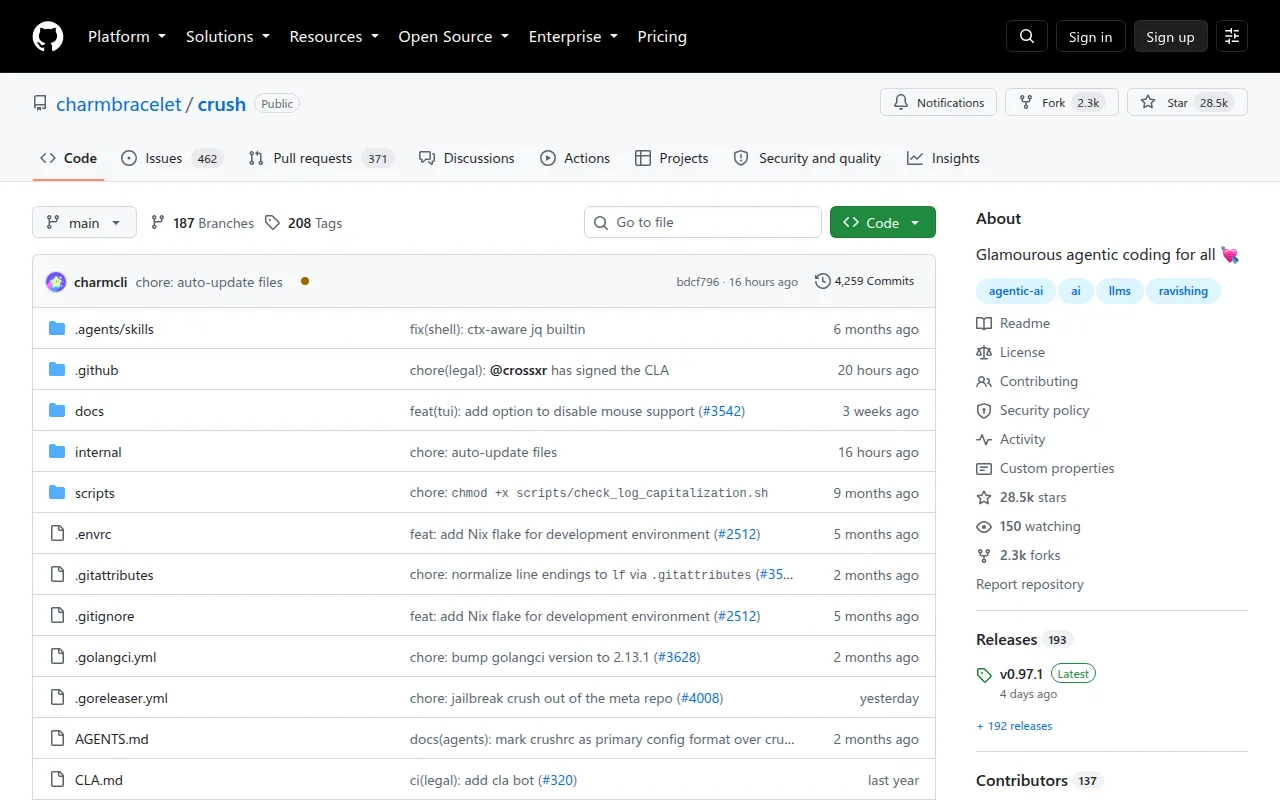
Crush is a terminal application from Charmbracelet that acts as an AI coding agent wired into your codebase, your tools, and the LLM of your choice. It's built for developers who want an agentic coding assistant that lives in the terminal rather than a browser tab or IDE plugin, and who want control over which model backs it.
The tool runs as a single binary written in Go and works across macOS, Linux, Windows (including PowerShell and WSL), Android, FreeBSD, OpenBSD, and NetBSD. It supports switching models mid-session, maintaining multiple work sessions per project, pulling context from Language Server Protocol (LSP) servers, and extending itself through Model Context Protocol (MCP) servers.
Key features
- Multi-model support: connect to a wide range of LLMs or add your own via OpenAI- or Anthropic-compatible APIs, including Anthropic, OpenAI, Gemini, OpenRouter, Bedrock, Azure OpenAI, VertexAI, Groq, and more
- Mid-session model switching: change the underlying LLM without losing session context
- Session-based workflows: keep multiple work sessions and contexts per project separate
- LSP-enhanced context: Crush queries language servers (gopls, typescript-language-server, nil, etc.) to inform its decisions
- MCP extensibility: add capabilities through MCP servers over
stdio,http, orssetransports, with OAuth support for HTTP/SSE servers - Bash-based configuration: configure via a
crushrcfile, which is plain Bash with Crush-specific builtins, so config works identically across platforms including Windows - Cross-platform terminal support: runs in any terminal on the major desktop, server, and even Android/BSD platforms
- Theming: ships with built-in color themes and supports custom theme palettes via JSON
Ideal use cases
Crush fits developers who already work primarily in a terminal and want an AI agent that can read and edit code, run commands, and reason using LSP context without leaving that environment. It's a good match for teams that want to standardize on one coding agent but let individual developers or projects pick different LLM providers, since the model is swappable per session.
It also works well for anyone who wants to script or automate agent behavior through configuration, since crushrc is just Bash and can conditionally load settings per machine, add providers, register local Ollama models, or wire in MCP servers with secrets pulled from a password manager.
It's less of a fit if you need a GUI-first or IDE-embedded assistant, or if your workflow depends on a specific provider integration that isn't exposed through OpenAI- or Anthropic-compatible APIs. Teams uncomfortable running agent-executed shell commands and trusting a crushrc/crush.json config as executable code should review the security notes carefully before adopting it, since both files run as trusted code with full shell access.
Installation
Install via a package manager for your platform:
# Homebrew
brew install charmbracelet/tap/crush

# NPM
npm install -g @charmland/crush

# Arch Linux
yay -S crush-bin

# Nix
nix run github:numtide/nix-ai-tools#crush

# FreeBSD
pkg install crush
On Windows:
# Winget
winget install charmbracelet.crush

# Scoop
scoop bucket add charm https://github.com/charmbracelet/scoop-bucket.git
scoop install crush
Debian/Ubuntu and Fedora/RHEL users can add Charm's apt or yum repositories, or install prebuilt .deb/.rpm packages and binaries from the GitHub Releases page. Go users can install directly:
go install github.com/charmbracelet/crush@latest
After installing, launch Crush and open the model picker with ctrl+l to authenticate with a provider, or set an environment variable such as ANTHROPIC_API_KEY or OPENAI_API_KEY before starting. Configuration, including providers, LSPs, MCP servers, and permissions, can be customized through a .crushrc file placed locally in a project or globally in ~/.config/crush/crushrc.
Frequently asked questions






Similar to Crush


