
Cua
Open-source toolkit for computer-use AI agents: background drivers, cross-OS sandboxes, VM management, and RL benchmarks.
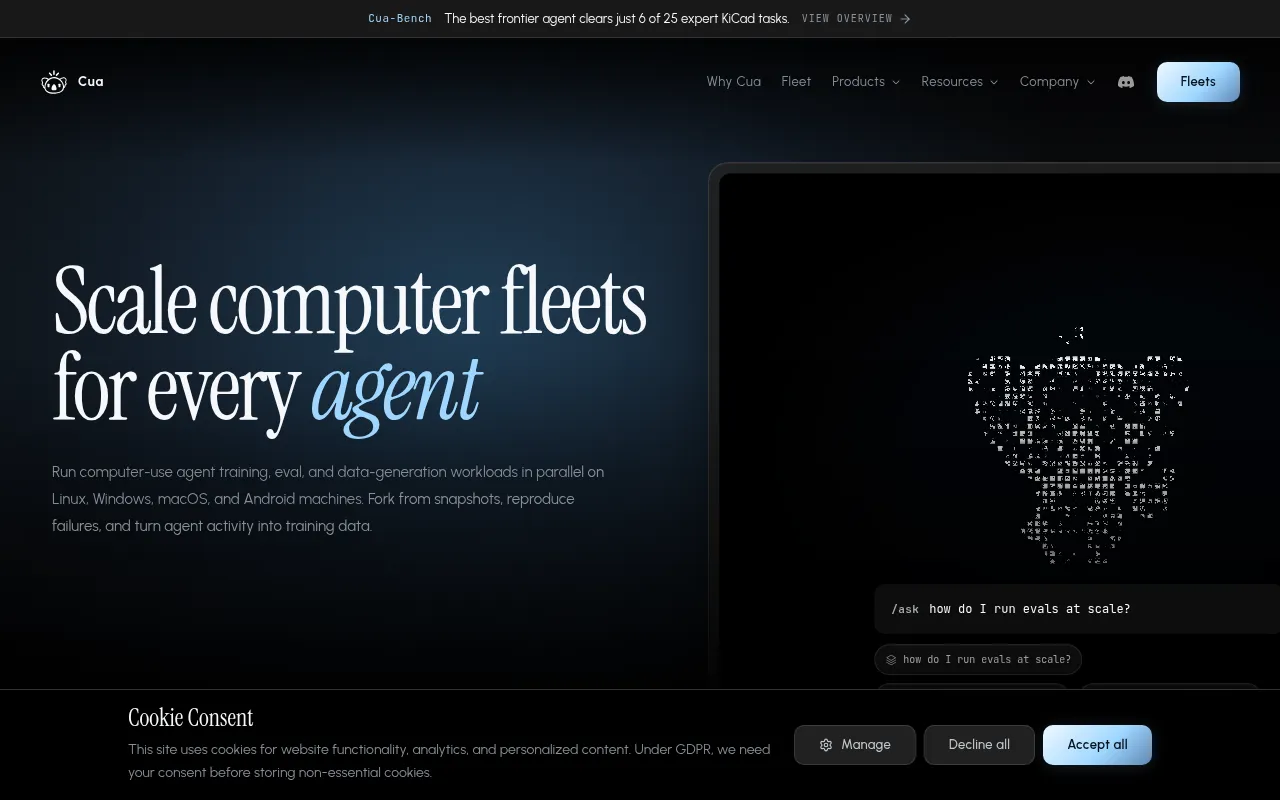
Cua is a collection of open-source tools for building and evaluating computer-use AI agents, agents that see a screen, click, type, and complete tasks on a real OS. It's aimed at developers building agent frameworks, teams giving coding assistants control of a desktop, and researchers who need reproducible benchmarks and RL environments for training and evaluation.
The project is split into four parts that can be used independently: Cua Drivers for background desktop control, Cua (the sandbox SDK) for spinning up agent-ready VMs or containers, Cua-Bench for benchmarking agents against tasks like OSWorld and ScreenSpot, and Lume for managing macOS/Linux virtual machines on Apple Silicon.
Key features
- Background computer-use drivers: control native apps on macOS, Windows, and Linux without stealing focus or the mouse cursor, exposed via a CLI and MCP server usable from Claude Code, Cursor, Codex, and custom clients.
- Cross-OS sandbox SDK: a single Python API (
cua) to run agents against Linux, macOS, Windows, or Android targets, in the cloud or locally via QEMU, with support for bring-your-own images (.qcow2, .iso). - Unified agent actions: screenshots, mouse clicks, keyboard input, shell commands, and multi-touch mobile gestures through one consistent interface regardless of the underlying OS or runtime.
- Benchmarking and RL environments (Cua-Bench): run agents against OSWorld, ScreenSpot, Windows Arena, and custom datasets, and export trajectories for training.
- macOS/Linux virtualization (Lume): create and run macOS or Linux VMs with near-native performance on Apple Silicon using Apple's Virtualization.Framework, including unattended setup presets.
- Docker-compatible VM interface (Lumier): manage Lume VMs through a Docker-like interface for teams already working in container tooling.
- MIT-licensed core with clearly separated third-party licenses for optional components like OmniParser and ultralytics.
Ideal use cases
Cua fits teams building autonomous agents that need to operate a real desktop or mobile environment: filling forms, testing software UIs, automating legacy desktop apps, or giving a coding agent hands-on access to a machine. It also suits researchers who need a standard, reproducible way to evaluate computer-use models across established benchmarks (OSWorld, ScreenSpot) or to generate training trajectories.
It's a good fit if you need cross-platform coverage (macOS, Windows, Linux, Android) from one API, or if you specifically need macOS/Linux VMs on Apple Silicon with near-native performance. It's less useful if you just need simple browser automation or a single-OS scripting tool. Wayland-based Linux background input has explicit limits, so if your workload depends heavily on raw background input under a Wayland compositor, check the driver docs before committing.
Installation
Each component installs separately depending on what you need.
Cua Drivers (macOS / Linux):
/bin/bash -c "$(curl -fsSL https://cua.ai/driver/install.sh)"
Cua Drivers (Windows PowerShell):
irm https://cua.ai/driver/install.ps1 | iex
Cua sandbox SDK (Python 3.11+):
pip install cua
from cua import Sandbox, Image

async with Sandbox.ephemeral(Image.linux()) as sb:   # or .macos() .windows() .android()
    result = await sb.shell.run("echo hello")
    screenshot = await sb.screenshot()
    await sb.mouse.click(100, 200)
    await sb.keyboard.type("Hello from Cua!")
    await sb.mobile.gesture((100, 500), (100, 200))
Cua-Bench:
git clone https://github.com/trycua/cua && cd cua/cua-bench
uv tool install -e . && cb image create linux-docker
cb run dataset datasets/cua-bench-basic --agent cua-agent --max-parallel 4
Lume (macOS VM management):
/bin/bash -c "$(curl -fsSL https://cua.ai/lume/install.sh)"
curl -L "$(lume ipsw | tail -n 1)" -o ~/Downloads/macos-tahoe.ipsw
lume create macos-tahoe --ipsw ~/Downloads/macos-tahoe.ipsw --unattended tahoe
lume run macos-tahoe
Default VM credentials for the unattended presets are lume / lume.
Frequently asked questions







Similar to Cua


