
Chat2DB
Chat2DB is a free, cross-platform database client with an AI assistant you connect to your own model, supporting MySQL, PostgreSQL, Oracle, and more.
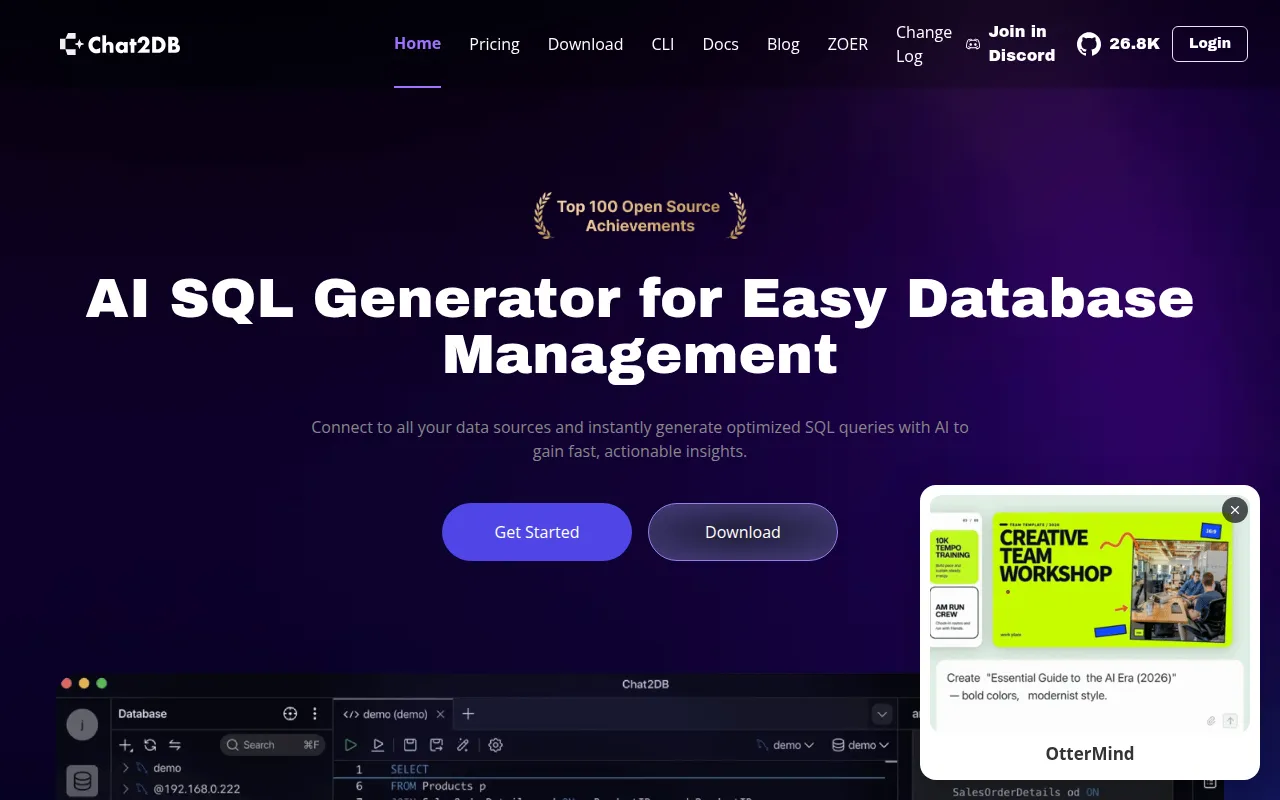
Chat2DB Community is a local-first database client for Windows, macOS, and Linux. It targets developers, DBAs, and analysts who want a full SQL workspace plus an AI assistant that helps write, explain, and optimize SQL, without sending data to a vendor-hosted service unless they choose to.
The tool connects to over 30 databases including MySQL, PostgreSQL, Oracle, SQL Server, ClickHouse, MongoDB, Redis, SQLite, MariaDB, TiDB, Hive, DB2, Snowflake, BigQuery, and Elasticsearch, with more available via plugins. It runs as a desktop app or as a self-hosted web service through Docker, and everything stays on your machine or your own infrastructure.
Key features
- Broad database support: connects to 30+ relational, NoSQL, and analytical databases through built-in drivers and plugins.
- SQL workspace: editing, autocompletion, formatting, execution, saved queries, and execution history in one interface.
- Bring-your-own AI assistant: connect any AI model you configure to generate, explain, and optimize SQL in natural language.
- Database management: browse metadata, manage tables and objects (DDL/DML), and edit data directly in the UI.
- Data import and export: move data in and out of connected databases.
- Dashboards and charts: build basic BI-style visualizations on top of query results.
- ER diagrams: visualize table relationships.
- Open-source CLI with MCP support: a companion command-line tool for automation and integration workflows.
- Encrypted credential storage: datasource passwords and AI API keys are encrypted at rest with AES-256-GCM using a per-installation key.
Ideal use cases
Chat2DB fits developers and analysts who need one client for multiple database engines instead of juggling separate GUIs like DBeaver or DataGrip for each vendor. It works well for teams that want AI-assisted SQL generation but need to control which model handles their queries and data, since the Community edition requires you to bring your own AI backend rather than using a bundled hosted service.
It's also a reasonable fit for solo developers or small teams running local or self-hosted database instances who want quick dashboards, ER diagrams, and data import/export without standing up a separate BI tool.
It is not a fit if you need multi-user accounts, authorization boundaries, or team collaboration out of the box: the Community edition is explicitly single-user and local-first, with no login system. If you need hosted AI, cloud sync across devices, or governance features, those live in the commercial Pro/Enterprise editions, not in this open-source build. It's also not designed to be exposed on public networks; the README is explicit that the HTTP service should stay bound to localhost.
Installation
Desktop app: download the installer for your OS from the GitHub Releases page, install it, and connect to your databases. No further setup is needed; Desktop mode also auto-creates the encryption key.
Docker: requires Docker 19.03.0+ (and Compose 2.0.0+ if using the Compose variant), 2+ CPU cores, and 4+ GiB RAM.
git clone https://github.com/OtterMind/Chat2DB.git && cd Chat2DB
./script/security/init-community-encryption-key.sh

docker run --detach \
  --name chat2db-community \
  --restart unless-stopped \
  --publish 127.0.0.1:10825:10825 \
  --volume "$HOME/.chat2db-community-docker:/root/.chat2db-community" \
  --env CHAT2DB_COMMUNITY_ENCRYPTION_KEY_FILE=/run/secrets/chat2db-community-encryption.key \
  --volume "$HOME/.config/chat2db-community/encryption.key:/run/secrets/chat2db-community-encryption.key:ro" \
  chat2db/chat2db:latest
Then open http://localhost:10825. Or use the bundled Compose file:
./script/security/init-community-encryption-key.sh
docker compose --file docker/docker-compose.yml up --detach
Build from source requires Eclipse Temurin 17, Node.js 18.17.0+, Maven 3.8+, and Yarn:
git clone https://github.com/OtterMind/Chat2DB.git
cd Chat2DB/chat2db-community-client
yarn install --frozen-lockfile
yarn run start:community:hot
For the backend, run the Maven package command from the README, initialize the encryption key, then launch the jar with the WEB mode flags shown there. Keep the generated encryption.key file backed up separately; losing it makes stored datasource passwords and AI keys unreadable.
Frequently asked questions



Similar to Chat2DB


