
Oh My Pi
Open-source terminal AI coding agent (fork of Pi) with LSP, DAP debugging, subagents, browser control, and 60+ model providers.
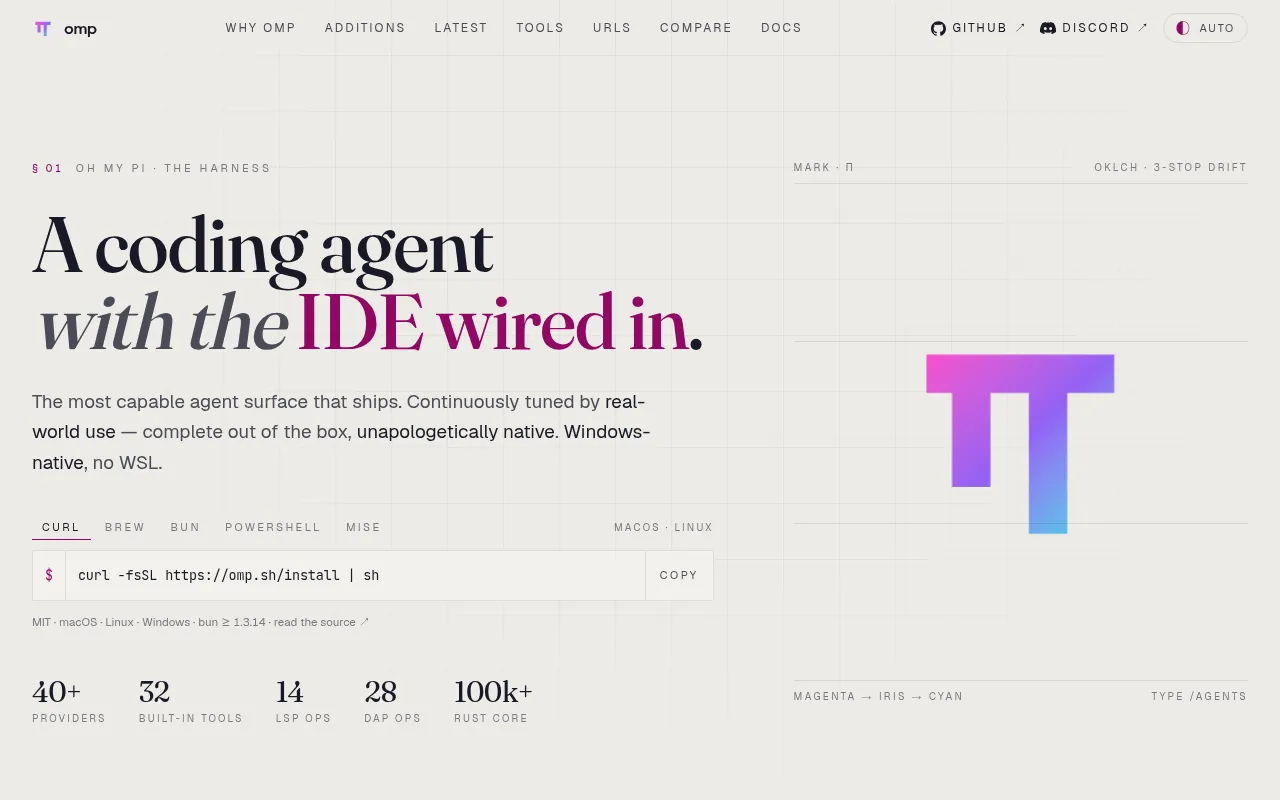
oh-my-pi (omp) is a terminal-based AI coding agent forked from Mario Zechner's Pi project. It's built for developers who want an agent that goes beyond chat-and-edit: it wires in an LSP client, a real debugger via DAP, persistent code execution, and a multi-provider model layer, all running as a single native binary written in TypeScript and Rust.
It targets engineers doing serious day-to-day coding work with an agent, not casual prompt-and-paste users. If you want an agent that can rename symbols correctly, attach lldb or dlv to a crashing process, split your diff into atomic commits, or fan work out to subagents with typed results, this is aimed at that workflow.
Key features
- Hashline edits: the model anchors edits to content hashes instead of retyping lines, cutting failed patches and token spend; stale anchors get rejected before they corrupt a file.
- LSP integration: renames, references, and other operations go through the real language server, so barrel files and aliased imports update correctly.
- DAP debugging: attaches lldb, dlv, debugpy, and other adapters to step through real processes instead of relying on print statements.
- Code execution with tool-calling: persistent Python and a Bun worker can call back into the agent's own read/search/task tools over a loopback bridge.
- First-class subagents:
taskspawns isolated workers in their own worktrees and returns schema-validated results to the parent, avoiding prose parsing and merge conflicts. - Advisor mode: a second model reviews every turn on its own context and injects concerns or blockers inline.
- Time-traveling stream rules: regex-matched rules abort a stream mid-token, inject a correction, and retry, surviving context compaction.
- Collab mode:
/collabshares a live session over a relay link (read-write or read-only) with client-side sealed frames. - Native tool harness: ripgrep, glob, find, and a bash-compatible shell (brush) with 58 ported CLI utilities run in-process, no fork-exec, on macOS, Linux, and Windows.
- URI schemes for everything:
pr://,issue://,agent://,skill://,conflict://, and more let the agent read PRs, walk diffs, resolve merge conflicts, or pull fields out of subagent output through the same file-shaped tools. - Config inheritance: reads existing Cursor MDC, Cline rules, Codex AGENTS.md, Copilot applyTo, and other formats natively, no migration step.
- Curated memory: retains facts, learns lessons, and recalls them across sessions, scoped per project, with a pluggable backend (local, Hindsight, Mnemopi).
- ACP editor mode: runs inside Zed as the same agent, reading and writing through the editor's buffer and save path.
- Multi-provider support: works across 60+ model providers with 31 built-in tools, 14 LSP ops, and 28 DAP ops.
Ideal use cases
- Working in a large codebase where you need reliable renames, references, and cross-file refactors an agent can actually verify with an LSP.
- Debugging native crashes, hung services, or wedged processes where stepping through a real debugger beats adding print statements.
- Splitting large tasks (multi-file audits, parallel exploration) across subagents that return structured, typed results instead of free text.
- Reviewing a branch or PR and wanting a ranked P0-P3 verdict instead of a wall of prose.
- Pairing with a teammate on a live agent session via a shareable link, or watching a session read-only.
- Not a good fit if you want a lightweight, minimal chat-style CLI wrapper around an LLM; the tool surface here is large and opinionated, and the native binary plus Rust core add more moving parts than a simple script-based agent.
- Not ideal if your workflow has no need for LSP/DAP integration or subagents and you just want quick one-off completions; a simpler tool will have less overhead.
Installation
Install the native binary on macOS or Linux:
curl -fsSL https://omp.sh/install | sh
On Alpine/musl, install runtime dependencies first:
apk add libstdc++ libgcc
Via Homebrew:
brew install can1357/tap/omp
Via Bun (recommended for the npm package):
bun install -g @oh-my-pi/pi-coding-agent
On Windows (PowerShell):
irm https://omp.sh/install.ps1 | iex
For pinned versions with mise:
mise use -g github:can1357/oh-my-pi
Supported platforms are macOS, Linux, and Windows, and Bun ≥ 1.3.14 is required if installing via npm/Bun. Shell completions for bash, zsh, and fish are generated from the live CLI metadata:
# zsh
eval "$(omp completions zsh)"

# bash
eval "$(omp completions bash)"

# fish
omp completions fish > ~/.config/fish/completions/omp.fish
Frequently asked questions







Similar to Oh My Pi


