
rea
REA is an MCP server connecting AI agents to reverse engineering tools for binaries, Electron/JS apps, .NET, APKs, and websites.
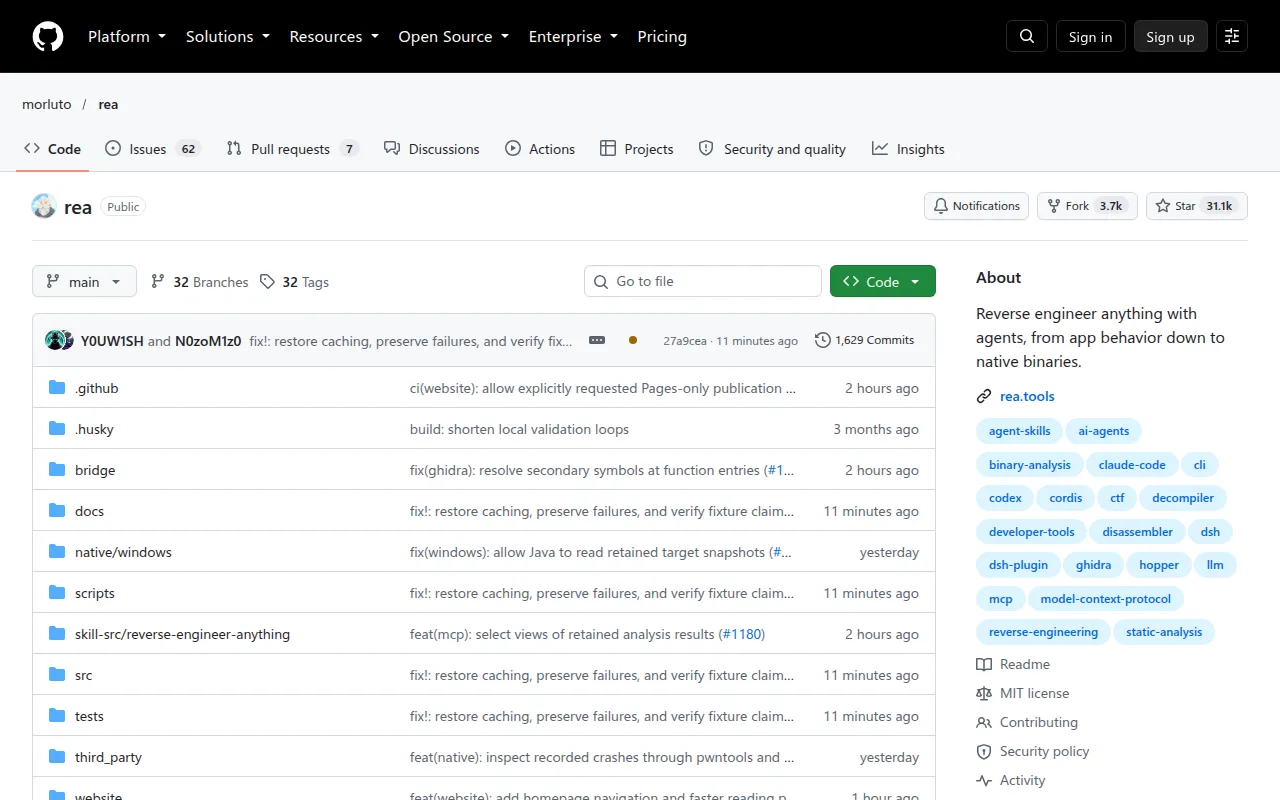
REA (Reverse Engineer Anything) is an MCP server and CLI that gives AI agents the tools to inspect software without source code, from native binaries to JavaScript/Electron apps, .NET assemblies, Android APKs, firmware, and websites. It's built for developers and security researchers who want an agent to explain how a feature works, show the evidence behind that explanation, and then help reimplement it. Everything runs locally; the agent only sees the tool results REA produces.
You connect REA to your coding agent (Claude Code, Codex, Cursor, Gemini CLI, Grok Build, and others) through MCP, or run the same analyses directly from the terminal with the rea CLI. Setup wires up the MCP server and installs workflow instructions matching your agent, with backups of any existing config.
Key features
- Multi-target analysis: handles native binaries, ELF layout, EVM bytecode, recorded Linux crashes, JavaScript/Electron apps, websites, saved network captures (HAR/mitmproxy), .NET assemblies, Android APKs, firmware images, and general packages/resources.
- Evidence-backed findings: every result comes with the supporting evidence and stated limitations, not just a conclusion, so an agent (or you) can verify the claim.
- Native disassembly integration: deep binary analysis works through an existing Hopper, Ghidra, or IDA installation; setup can install Hopper for you with approval.
- No-engine static analysis: static JavaScript/Electron and .NET inspection work without any native disassembly engine installed.
- Agent-agnostic MCP server: any agent supporting local MCP servers can use REA; manual MCP registration is available for clients setup doesn't cover directly.
- CLI parity: the same investigation workflows (modules, imports, source maps, IPC, pseudocode, assembly, strings, symbols) are available as direct terminal commands for scripting or one-off checks.
- Local-only execution: analysis runs on your machine; REA doesn't upload your application, though your agent's model provider has its own data policy for what it sends upstream.
- Process behavior capture: on Linux/macOS with a native PTY, REA can record terminal output, interactions, and filesystem observations for runtime comparison.
Ideal use cases
REA fits well when you want to understand a closed-source feature (a search function in a desktop app, a clipboard bridge in an Electron app, a game's physics calculation) and reproduce it in your own codebase, with an agent doing the tracing and you reviewing the evidence trail. It's also useful for CTF-style binary analysis, firmware triage, Android APK inspection, or auditing what a website's scripts and network calls actually do.
It's a good fit for security researchers, reverse engineers, and developers doing competitive feature analysis who are comfortable working through an AI agent and want tool-assisted, evidence-backed results instead of raw decompiler output.
It's not a fit if you need a standalone GUI disassembler or decompiler; REA is a layer on top of tools like Hopper, Ghidra, or IDA, not a replacement for them. It's also not the right tool if you want fully automated reverse engineering with no agent or CLI involvement, or if your workflow can't accommodate running an MCP server locally alongside your coding agent.
Installation
REA requires Node.js 22.x (>=22.19), 24.x (>=24.11), or 26+, plus npm. Additional requirements depend on the analysis target (e.g., Hopper/Ghidra/IDA for native binaries, a Chrome-family browser for website analysis, JADX and a JDK for Android APKs).
Register REA with your agent:
npx rea-agents setup
Choose your agents, review the proposed changes, approve them, then restart your agent. Setup supports Claude Code, Codex, Cursor, Gemini CLI, Grok Build, and other agents with local MCP support.
To use the terminal directly without an agent:
npx -y rea-agents@latest analyze-javascript-application /absolute/path/to/app --json
To install the rea command permanently:
npm install --global rea-agents
rea --help
Keep REA updated, since releases ship frequent fixes:
rea update
or, for npx-based agent setups:
npx rea-agents@latest setup
For native binary analysis, configure a disassembly provider (Hopper, Ghidra, or IDA) first; see the project's CLI and installation docs for provider selection and troubleshooting.
Frequently asked questions







Similar to rea


