
FreeLLMAPI
Self-hosted router that unifies 34 free LLM providers behind one OpenAI-compatible /v1 API, with automatic fallover and key tracking.
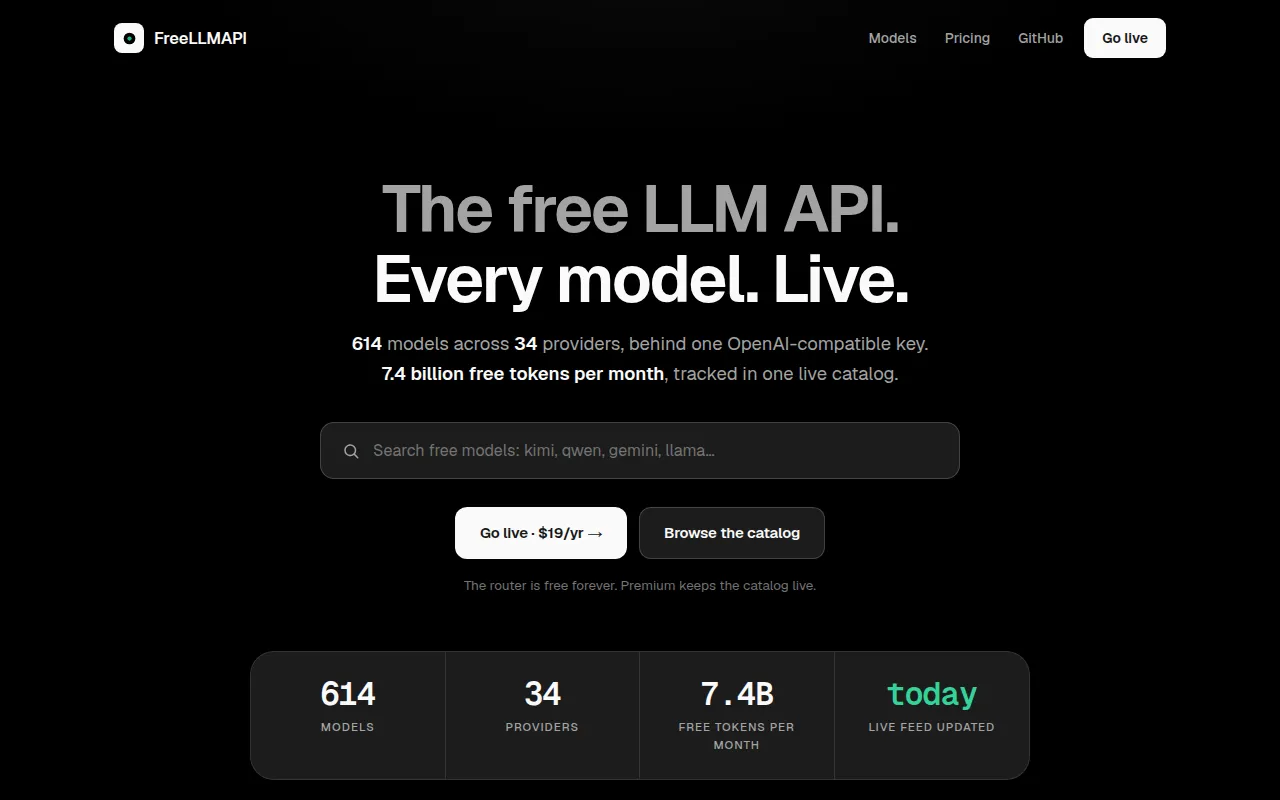
FreeLLMAPI is a self-hosted router that aggregates free-tier access from dozens of LLM providers behind a single OpenAI-compatible /v1 endpoint. It's built for developers who want to use free inference capacity, roughly 7.4 billion tokens per month across 34 providers and 635 model endpoints, without wiring up 34 different SDKs, rate limits, and failure modes by hand. It also supports custom OpenAI-compatible endpoints, so you can mix free-tier providers with a local llama.cpp, LM Studio, vLLM, or Ollama instance.
The project targets people running coding agents, chat apps, or scripts that call LLMs and want to stay under free-tier caps without manual key juggling. Keys are stored encrypted in SQLite, and the router picks a working model, falls over to another provider when one is rate-limited, and tracks usage per key so requests don't blow past quotas.
Key features
- Unified API surface: chat completions, responses, completions, image and video generation, audio speech/transcription, embeddings, and models endpoints, all OpenAI-compatible, streaming and non-streaming.
- Anthropic and Gemini wire compatibility:
/v1/messagesfor Claude Code and Anthropic SDKs,/v1betafor Gemini CLI, plus opt-in Ollama emulation for tools like Zed and JetBrains AI. - Fusion mode: fans a prompt out to several free models in parallel and has a judge model synthesize one answer from the drafts.
- Smart routing: live speed/capability/reliability scores rank the fallback chain, with automatic retry on 429/5xx, cooldowns, and key rotation.
- Unified models and profiles: the same model available from multiple providers collapses into one entry with in-group failover; named fallback-chain profiles let you switch chains per request.
- Per-key rate tracking: RPM/RPD/TPM/TPD counters per platform/model/key that learn each provider's actual limits.
- Self-updating model catalog: the router pulls a signed catalog from freellmapi.co so new models and quota changes show up without a git pull (free installs get a monthly snapshot, paid installs get same-day updates).
- Tool calling and structured outputs: OpenAI-style
tools,response_format,seed,logprobs, and sampling params passed through per provider. - Encrypted key storage: provider keys are AES-256-GCM encrypted in SQLite and decrypted only in-memory per request; client apps see a single unified bearer token.
- Admin dashboard: React UI for managing keys, reordering the fallback chain, running a playground, and viewing p50/p95/TTFT analytics.
- MCP server and OpenAPI docs: agents can introspect available models, provider health, and routing strategy over
/mcp. - Small footprint: runs on Node 20+ on Windows, macOS, Linux, or an ARM SBC like a Raspberry Pi, at roughly 40 MB RSS idle.
Ideal use cases
FreeLLMAPI fits developers running coding agents (Claude Code, Codex CLI, Aider, Cline, and similar tools) who want them to draw from free-tier inference instead of a paid API key. It also works well for side projects, prototypes, or personal tools where hitting a single free-tier cap would block you, but stacking many providers behind one endpoint keeps things running.
It's a good fit if you're comfortable self-hosting a small service (Docker, a VPS, or a local machine) and managing your own provider API keys. It is not a good fit if you need guaranteed throughput or SLAs, since it depends entirely on providers' free-tier availability and rate limits, which can change without notice. It's also not meant for production workloads with strict latency or reliability requirements, since fallover across providers introduces variable response times.
Installation
The fastest path is the one-line installer, which requires Docker:
curl -fsSL https://freellmapi.co/install.sh | bash
This sets up a ~/freellmapi directory, generates an encryption key, pulls the Docker image, and starts the container. Re-running the script is safe; your .env and encryption key are preserved and the container updates to :latest.
After install, open http://localhost:3001, add provider API keys on the Keys page, reorder the Fallback Chain as needed, and copy the unified API key from the Keys page header. Point any OpenAI SDK at that unified key and the local endpoint.
On Windows, a native .exe installer is available from the GitHub Releases page. A macOS .dmg desktop app is also available, running the router and dashboard from the menu bar. For Docker Compose setups, local development, declarative startup config, and LAN access, see docs/install.md in the repository.
Tags:
Frequently asked questions







Similar to FreeLLMAPI


