Next AI Draw.io
Next.js app that lets you generate and modify draw.io diagrams through AI chat, image upload, or MCP integration.
 Miro
Miro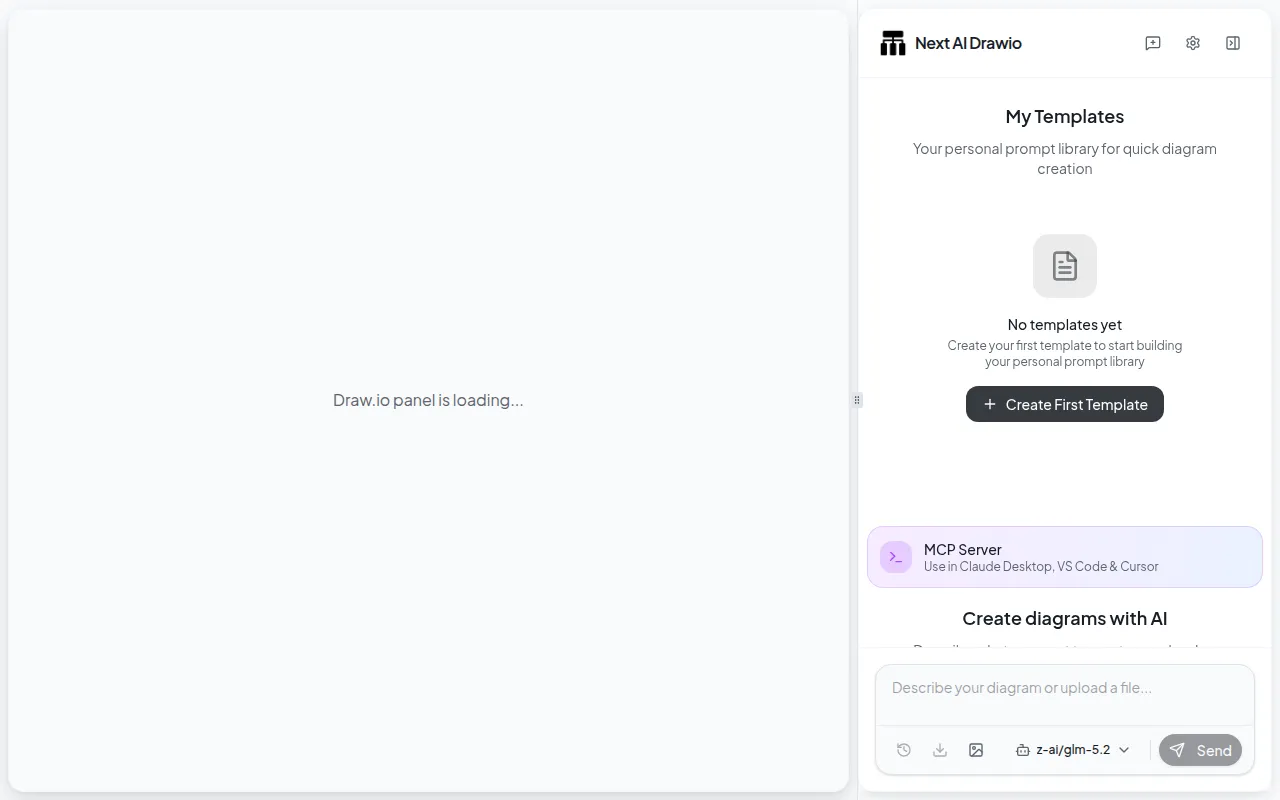
Next AI Draw.io is a Next.js web app that connects large language models to draw.io, so you can create and edit diagrams by chatting instead of dragging shapes manually. It's built for developers, architects, and anyone who needs quick flowcharts, cloud architecture diagrams, or sketches without spending time on manual layout in draw.io. You describe what you want, upload a reference image or PDF, and the AI generates or updates the underlying draw.io XML in real time.
Key features
- Natural language editing: create and modify draw.io diagrams through chat commands instead of manual drawing.
- Image and file replication: upload an existing diagram, image, PDF, or text file and have the AI recreate or extend it.
- AI reasoning display: see the model's thinking process for supported models like OpenAI o1/o3, Gemini, and Claude.
- Version history: every AI edit is tracked, so you can view and roll back to earlier diagram states.
- Cloud architecture support: generates AWS, GCP, and Azure diagrams, with Claude models specifically trained on draw.io's cloud logo shapes.
- Animated connectors: adds dynamic connectors between elements for clearer visual flow.
- Multi-provider AI support: works with AWS Bedrock, OpenAI, Anthropic, Google AI/Vertex, Azure OpenAI, Ollama, OpenRouter, DeepSeek, and more.
- MCP server: exposes the diagram tool to agents like Claude Desktop, Cursor, and VS Code via the Model Context Protocol.
Ideal use cases
This fits well if you need to produce technical diagrams quickly, such as system architecture, authentication flows, or RAG pipelines, and would rather describe them than click through shape palettes. It's also useful for teams that want a self-hosted or Bring-Your-Own-Key diagramming tool with an audit trail of edits, or for admins who want to give a whole team access to AI diagramming without distributing personal API keys (via the server-side model config and admin panel).
It's a good fit for AI agent workflows too: connecting it as an MCP server lets Claude Code, Cursor, or VS Code generate diagrams directly from a coding session.
It is not the right tool if you need pixel-perfect manual diagram control from the start, a full offline-first native editor, or a diagramming tool that doesn't depend on an LLM provider (even local models via Ollama still require you to run and manage that model). If your diagrams are highly nonstandard or require very fine layout tuning, expect to do manual cleanup after AI generation since output quality depends on the underlying model's ability to produce well-formed draw.io XML.
Installation
Try the hosted demo first, no install required, at the live demo site, and optionally add your own API key in Settings to bypass usage limits (your key stays in the browser, not on the server).
For local setup:
git clone https://github.com/DayuanJiang/next-ai-draw-io
cd next-ai-draw-io
npm install
cp env.example .env.local
Configure your AI provider credentials in .env.local (see the Provider Configuration Guide in the docs for provider-specific details), then start the dev server:
npm run dev
Open http://localhost:6002 in your browser.
Other deployment options include a native desktop app (Windows, macOS, Linux) from the Releases page, Docker, one-click deploy to Vercel or Tencent EdgeOne Pages, and deployment to Cloudflare Workers. To use it as an MCP server with Claude Desktop, Cursor, or VS Code, add an MCP server entry pointing to npx @next-ai-drawio/mcp-server@latest, or run:
claude mcp add drawio -- npx @next-ai-drawio/mcp-server@latest
Frequently asked questions






Similar to Next AI Draw.io


