
1Panel
1Panel is an open-source Go-based VPS control panel for managing websites, Docker containers, and Ollama AI agents via a web UI.
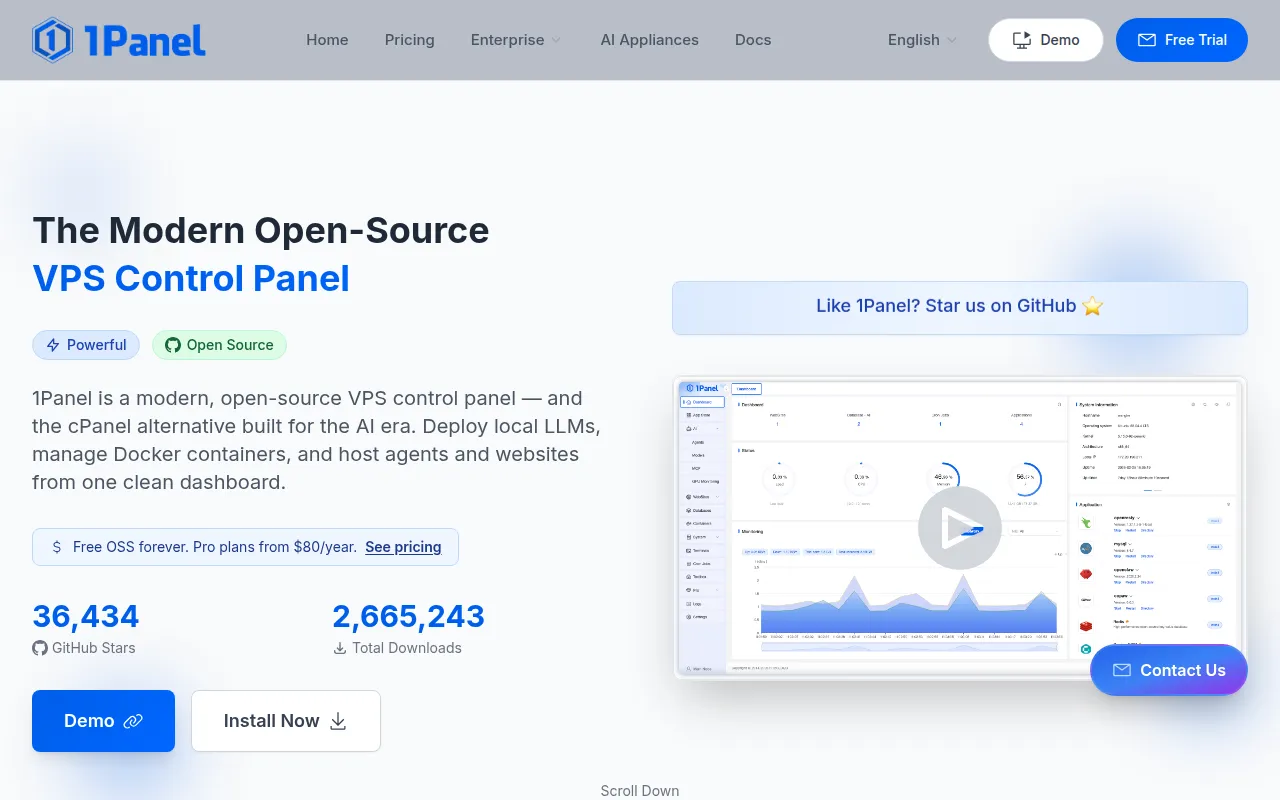
1Panel is an open-source control panel for managing Linux VPS servers through a web interface instead of the command line. It's built for self-hosters, small ops teams, and developers who want to run websites, Docker containers, and AI models on a server without memorizing CLI commands for each tool. The project targets Debian, Ubuntu, CentOS, and Rocky Linux hosts and pairs a Go backend with a browser-based dashboard.
The panel bundles several things that are usually separate tools: a reverse proxy and SSL setup for websites, a Docker management UI, a marketplace of prebuilt open-source apps, and a runtime for local AI models via Ollama. It also includes basic security tooling like firewall rules, fail2ban, and audit logs, configured by default rather than left for the admin to wire up.
Key features
- AI agent runtime: Run Ollama LLMs and OpenClaw personal agents directly from the dashboard, with GPU utilization monitoring, without setting up a separate AI stack.
- One-click website deployment: Bind a domain, provision SSL, and generate Nginx config for a new site without editing config files by hand.
- App marketplace: Install and update 165+ open-source apps (Nextcloud, Bitwarden, Umami, NocoBase, and others) with a single click.
- Docker and container management: Create, start, stop, and inspect containers, images, networks, and volumes through a visual UI instead of
dockerCLI commands. - Built-in security: Firewall rules, fail2ban, container isolation, WAF, and audit logs are active from the initial install.
- Backup and restore: Schedule automated backups to AWS S3, Cloudflare R2, or local disk, and restore a snapshot in one click.
Ideal use cases
1Panel fits people running one or a handful of VPS instances who want a single dashboard instead of juggling SSH sessions, docker-compose files, and manual Nginx edits. It works well for hosting a personal site, a small SaaS, a self-hosted app collection, or a local LLM setup for experimentation or light production use. Teams that want to give non-CLI-comfortable staff a way to deploy apps or check server health will also find it useful.
It's a weaker fit if you need multi-node orchestration, uptime monitoring, or website tamper protection out of the box, since those live in the paid Pro tier rather than the open-source edition. It's also not a fit for large-scale Kubernetes clusters or environments that already have a mature infra-as-code pipeline (Ansible, Terraform, etc.), where a GUI panel adds friction rather than removing it. If your workflow is fully scripted and version-controlled, a control panel like this can work against you rather than for you.
Installation
Requirements: a Linux VPS (Debian, Ubuntu, CentOS, or Rocky Linux), at least 1 GB RAM, and internet access. Installation takes about 60 seconds.
Run the install script on your server:
bash -c "$(curl -sSL https://resource.1panel.pro/v2/quick_start.sh)"
After it finishes, open the panel in your browser:
http://<your-server-ip>:<port>/<security-path>
The script prints the port and security path at the end of installation. If you need to retrieve your access credentials later, run this over SSH:
1pctl user-info
The open-source edition is free to use indefinitely. A paid Pro tier exists for teams that need unlimited AI agents, multi-node management, advanced WAF, uptime monitoring, and priority support, starting at $80/year with a 30-day trial.
Frequently asked questions






Similar to 1Panel


