
Khoj
Khoj is an open-source, self-hostable AI assistant that chats with any LLM, searches your docs, and runs custom agents.
 ChatGPT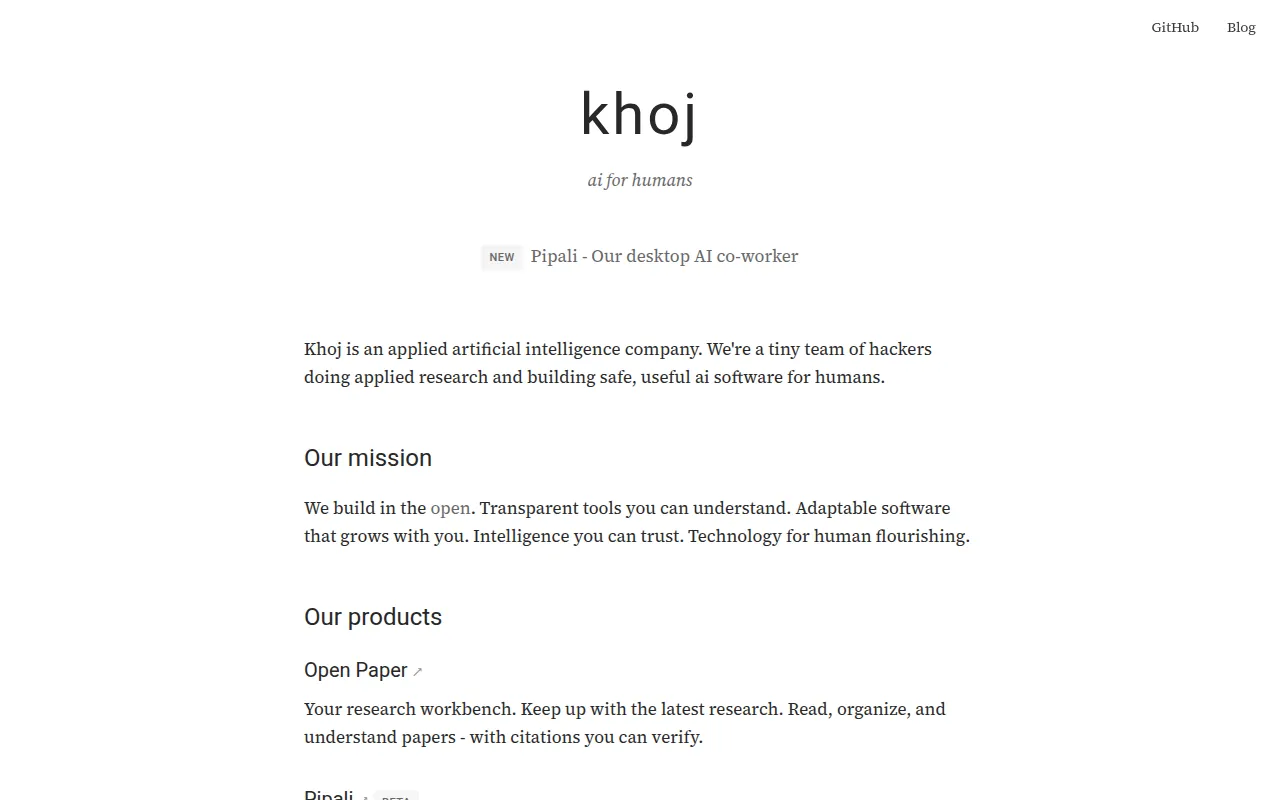
Khoj is an open-source personal AI assistant that connects to local or online language models and answers questions using the web or your own documents. It's built for developers, researchers, and knowledge workers who want a private, self-hosted alternative to cloud chat assistants, with access to their notes, PDFs, and files across multiple apps.
It works as a chat layer over your data. You can point it at PDFs, Markdown, Notion exports, Word docs, and org-mode files, then ask questions and get answers grounded in that content or pulled from the internet. Access points include a browser app, Obsidian and Emacs plugins, a desktop app, phone, and WhatsApp.
Key features
- Multi-model chat: talk to local models (llama3, qwen, gemma, mistral, deepseek) or hosted ones (GPT, Claude, Gemini) from a single interface.
- Document search: semantic search and Q&A across images, PDFs, Markdown, org-mode, Word, and Notion files.
- Custom agents: build agents with their own knowledge base, persona, chat model, and tools for specific roles.
- Automations: schedule recurring research tasks, personal newsletters, and smart notifications delivered to your inbox.
- Multi-surface access: use it from a browser, Obsidian, Emacs, desktop app, phone, or WhatsApp.
- Media generation: generate images, read messages aloud, and play back audio responses.
- Self-hostable: run entirely on your own machine or infrastructure, or use the hosted cloud app instead.
Ideal use cases
Khoj fits well if you keep a large personal knowledge base (notes, PDFs, research papers) and want a chat interface that can search across it without sending everything to a third-party cloud service. It also suits developers who want to swap in different LLMs, including fully local ones via llama.cpp, without changing their workflow. Emacs and Obsidian users get direct plugin integration, so it's a natural fit if those are already your daily tools.
It also works for teams or individuals who want scheduled research digests or custom agents tuned to a specific domain (a legal research assistant, a coding helper with access to internal docs, etc.). The enterprise option covers on-premises or hybrid deployments for organizations with stricter data requirements.
It's a weaker fit if you just want a single quick cloud chatbot with no document search or automation needs, in which case a plain hosted LLM chat UI is simpler. It's also not ideal if you need a fully managed, zero-maintenance SaaS product and don't want to deal with self-hosting or model configuration, though the hosted app at app.khoj.dev covers that middle ground.
Installation
The fastest way to try Khoj without any setup is the hosted app:
https://app.khoj.dev
For self-hosting, follow the setup guide in the docs:
https://docs.khoj.dev/get-started/setup
Khoj is distributed as a PyPI package and as a Docker image, with automated build and test workflows in the repo (see the pypi and dockerize GitHub Actions). Since it's a Python project, a typical local setup involves installing the package, configuring which LLMs (local or API-based) you want to use, and pointing it at the folders or files you want indexed for search. Detailed, up-to-date steps (including Docker Compose options) live in the official documentation linked above rather than in the README itself.
For enterprise or hybrid deployments, check the Khoj Teams page for on-premises and hybrid options.
Tags:
Frequently asked questions






Similar to Khoj


