
HyperFrames
Open-source TypeScript framework that renders HTML, CSS, media, and seekable animations into deterministic MP4 video via CLI or AI coding agents.
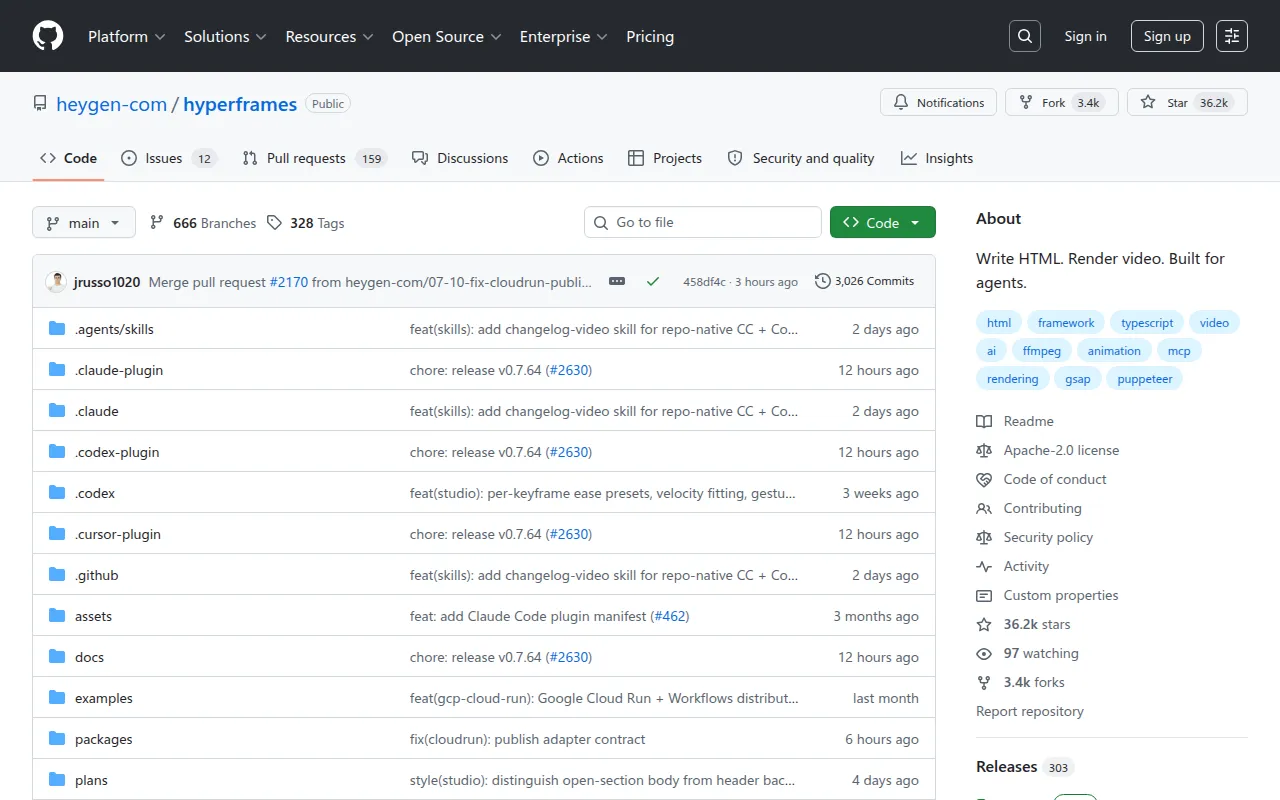
HyperFrames is an open-source framework that converts HTML, CSS, media, and seekable animations into deterministic MP4 videos. It's aimed at developers who want video generation driven by code rather than a timeline editor, and especially at teams wiring AI coding agents (Claude Code, Cursor, Gemini CLI, Codex) into a video production pipeline. You can use it as a local CLI tool, feed it prompts through agent skills, or embed it as the rendering core behind a hosted authoring workflow.
The project ships with 19 loadable "skills" that teach an agent the full production loop: plan a video, write valid HTML, wire seekable animations, add media, lint, preview, and render. A router skill (/hyperframes) reads any "make me a video" request and picks the right creation workflow, whether that's a product launch clip, a PR walkthrough, a faceless explainer, a slideshow deck, or a port from an existing Remotion composition.
Key features
- HTML-to-video rendering: write standard HTML/CSS with
data-*timing attributes andclass="clip"conventions, and HyperFrames renders it to a deterministic MP4. - Agent-native skills: 19 skills covering creation workflows (product launch videos, PR-to-video, faceless explainers, music-synced video, slideshows) and domain skills (animation, keyframes, media, CLI, registry, Figma import).
- Animation runtime support: seek-safe keyframes across GSAP, Lottie, Three.js, Anime.js, CSS, WAAPI, and TypeGPU, with diagnostics for rendered motion.
- Media OS (
/media-use): resolves BGM, SFX, images, icons, logos, and voice into frozen local assets or generates them via TTS/music/image models, with transcription and captioning built in. - CLI dev loop:
init,lint,check,snapshot,preview,render,publish, anddoctorcommands, plus HeyGen-hosted cloud rendering and AWS Lambda rendering options. - Registry and blocks:
hyperframes addinstalls pre-built blocks and components from a catalog into a composition. - frame.md design translation: converts a web-oriented
design.mddesign system into aDESIGN.mdspec rewritten for the constraints of video composition. - Figma import: pulls assets, tokens, components, and storyboard sections from Figma (REST/CLI/MCP) into a composition, including Motion animations and shaders.
Ideal use cases
- Automating product launch or feature-announcement videos from a URL, brief, or script, especially inside a CI or content pipeline.
- Turning GitHub pull requests into changelog or feature-reveal videos, read directly via the
ghCLI. - Generating data visualizations, chart races, or map animations from code instead of manual keyframing in a timeline app.
- Adding captions, lower-thirds, or graphic overlays to existing talking-head or interview footage.
- Building interactive slide decks (not rendered video) with fragment reveals and branching navigation.
- Porting an existing Remotion (React) composition to HyperFrames HTML as a one-way migration.
- It's not a fit if you need a drag-and-drop visual editor with no code involved, or if you're producing long-form narrative film editing that depends on manual multi-track NLE workflows rather than composable HTML scenes.
Installation
HyperFrames requires Node.js 22+ and FFmpeg installed locally.
For agent-driven workflows, install the skills into your coding agent:
npx skills add heygen-com/hyperframes --full-depth
This opens an interactive picker with the Core Skills group. For non-interactive or agent runs, use the update command instead so you don't pull all 19 skills at once:
npx hyperframes skills update
To install every skill deliberately:
npx skills add heygen-com/hyperframes --all --full-depth
Or install a single named skill:
npx skills add heygen-com/hyperframes --skill <name> --full-depth
For a manual, code-first workflow without an agent, use the CLI directly:
npx hyperframes init my-video
cd my-video
npx hyperframes preview      # preview in browser with live reload
npx hyperframes render       # render to MP4
Keep --full-depth on skill installs. Without it, skills add pulls from the skills.sh registry blob, which can lag the repo's main branch by hours.
Frequently asked questions






Similar to HyperFrames


