
Owncast
Owncast is an open source, self-hosted live video streaming and chat server that gives you full control over your content.
 Twitch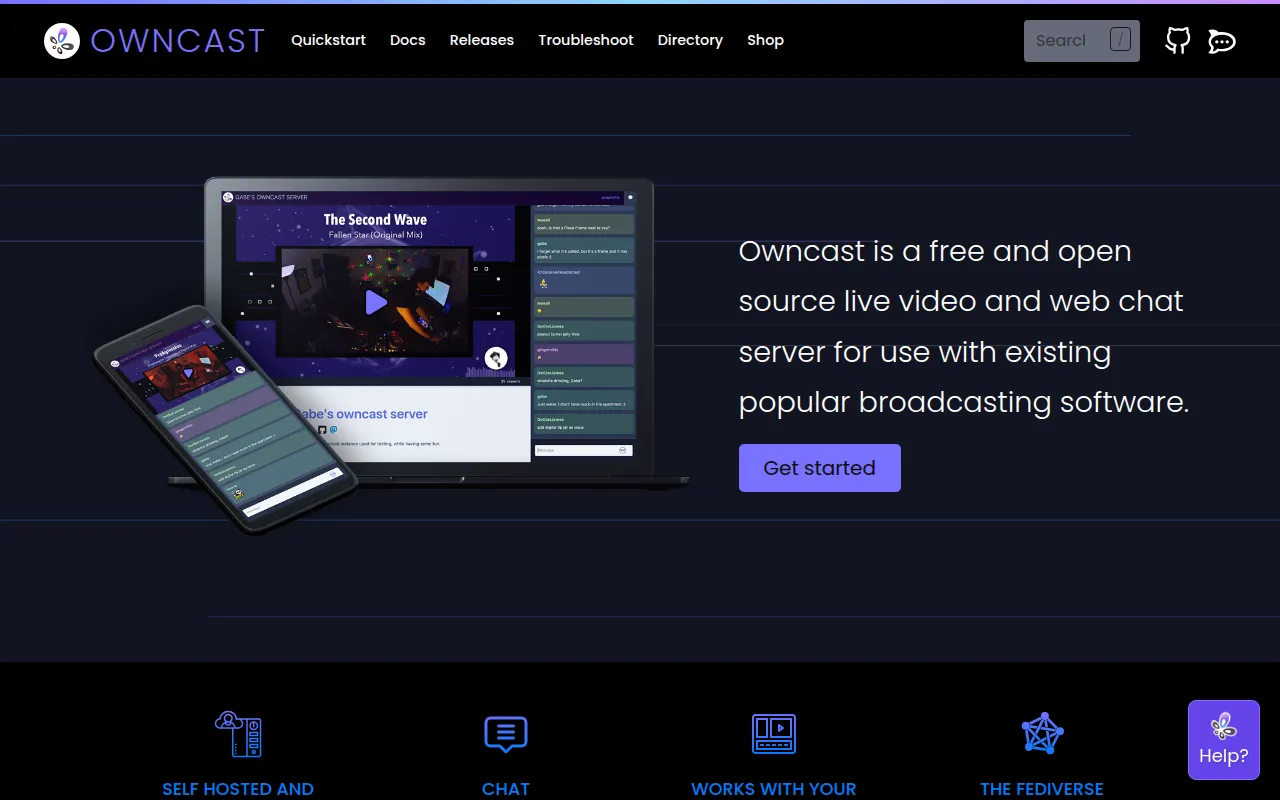
Owncast is an open source, self-hosted, single-user live video streaming and chat server, styled after mainstream platforms like Twitch but running entirely on infrastructure you control. It works with any broadcasting software that supports RTMP, so tools like OBS or Streamlabs can point directly at an Owncast instance instead of a third-party service. Because a single instance is meant for one broadcaster, the moderation, interface, and audience data on it stay under that broadcaster's own control rather than a platform's. The project frames this directly as taking control over your content and streaming it yourself, rather than positioning itself as a drop-in replacement for a specific commercial platform's feature set.
Key features
- RTMP broadcasting compatibility: Works with OBS, Streamlabs, Restream, and other RTMP-based broadcasting software without special plugins.
- Built-in chat: Viewers can chat alongside the stream without a separate service.
- Full content ownership: Streams, chat logs, and moderation decisions stay on your own server.
- Web-based admin panel: Manage the stream and moderation from a browser at
/admin. - Decentralized and federated: Supports ActivityPub so streams can be followed from the wider fediverse.
- Single service to run: Designed to work out of the box without a complex stack of dependent services.
- Downloadable releases: Pre-built releases are tracked publicly by total download count, alongside separate Docker pull statistics.
Tech stack
The backend is written in Go and requires ffmpeg for video processing; the frontend is a React application that lives in the web directory of the same repository, so the player, chat, and embed components ship together with the server. A C compiler, such as GCC or a Musl-compatible compiler, is also required to build the backend from source. Infrastructure and hosting for the project's own demo and services are provided by DigitalOcean, with Fastly handling CDN duties, both credited as sponsors in the README.
Getting started
Install prerequisites (a C compiler and ffmpeg), install the Go toolchain (1.24+), clone the repository, and run go run main.go to start from source. The web interface is available at http://yourserver:8080, with the admin panel at /admin. Point broadcasting software at the server's RTMP endpoint to go live. Windows servers aren't natively supported, but Windows users can run Owncast through WSL2, and the project documents that path separately for anyone on that platform. The develop branch always reflects the latest in-progress work, so anyone who wants a stable release should check out the tagged version instead of building directly from develop. A hosted demo instance is also available for trying the viewer and chat experience before setting up a server, and the project's Table of Contents in its README points to separate backend and frontend build instructions for contributors working on only one half of the stack.
Tags:
Frequently asked questions







Similar to Owncast


