
RustFS
RustFS is an open-source, S3-compatible distributed object storage system written in Rust, licensed under Apache-2.0.
 Amazon S3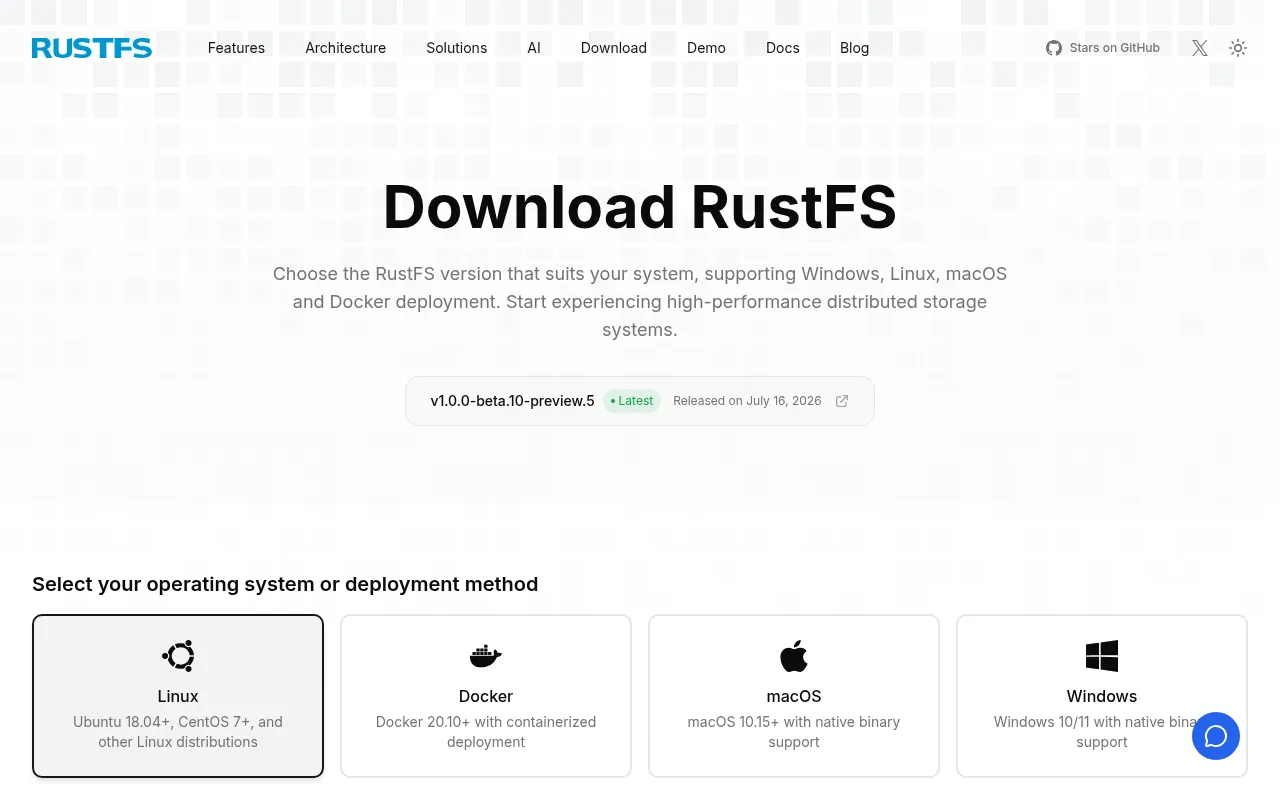
RustFS is a distributed object storage system written in Rust that targets the same use cases as MinIO but with a permissive Apache-2.0 license instead of AGPL. It's built for teams running S3-compatible storage for data lakes, AI pipelines, or big data workloads who want memory-safe performance without GC pauses or license restrictions. It fits self-hosted deployments ranging from a single node to distributed clusters, and it also runs on edge and IoT hardware.
Key features
- S3 API compatibility: works with common S3-compatible clients and tools, with coverage tracked in a public compatibility matrix.
- Swift and Keystone support: native OpenStack Swift API and Keystone authentication with X-Auth-Token headers, in addition to S3.
- Rust-based core: memory safety by design, avoiding GC pauses and memory leak classes common in Go or C-based storage systems.
- Distributed architecture: designed for scalable, fault-tolerant deployments (distributed mode is currently under testing).
- Bitrot protection and versioning: built-in data integrity checks alongside object versioning and bucket replication.
- Event notifications: webhook-based notifications for object events, configurable via environment variables.
- Management console: a web console (default port 9001) for buckets, objects, and administration.
- Multiple deployment paths: install scripts, Docker/Podman images, Helm charts for Kubernetes, Nix flakes, and x-cmd support.
- Permissive licensing: Apache 2.0, avoiding AGPL restrictions and their downstream obligations.
- No telemetry by design: aimed at data sovereignty and compliance contexts (GDPR, CCPA, APPI) according to the project.
Ideal use cases
RustFS is a good fit if you need self-hosted, S3-compatible object storage and want to avoid AGPL licensing terms, or if you're running storage on edge devices where a lighter, memory-safe binary matters. It suits data lake and AI/big-data pipelines that need high-throughput object access, and teams already using S3 tooling who want a drop-in alternative to MinIO. It also works for OpenStack Swift environments needing Keystone-based auth.
It's not the right choice if you need a fully mature distributed deployment today: distributed mode, lifecycle management, and RustFS KMS are still under testing per the project's own status table. If your workload depends on advanced S3 features not yet covered in the compatibility matrix, check that matrix first. Teams that need a vendor-managed cloud storage service rather than something to operate themselves should look elsewhere, since RustFS is self-hosted software you deploy and maintain.
Installation
RustFS offers several installation paths.
One-click script:
curl -O https://rustfs.com/install_rustfs.sh && bash install_rustfs.sh
Docker:
mkdir -p data logs
chown -R 10001:10001 data logs
docker run -d -p 9000:9000 -p 9001:9001 -v $(pwd)/data:/data -v $(pwd)/logs:/logs rustfs/rustfs:latest
The container runs as a non-root user (UID/GID 10001:10001), so bind-mounted directories must be writable by that user or startup fails.
Docker Compose:
docker compose -f docker-compose-simple.yml up -d
Podman:
mkdir -p data logs
podman run -d -p 9000:9000 -p 9001:9001 -v $(pwd)/data:/data:Z,U -v $(pwd)/logs:/logs:Z,U rustfs/rustfs:latest
Kubernetes (Helm): follow the Helm Chart README at charts.rustfs.com.
Nix flakes:
nix run github:rustfs/rustfs
Build from source (multi-arch Docker images):
./docker-buildx.sh --build-arg RELEASE=latest
After starting, open http://localhost:9001 in a browser to reach the management console. Default credentials are rustfsadmin / rustfsadmin; change them before exposing the instance. From there you can create buckets and upload objects, or connect any S3-compatible client to the API port (9000).
Frequently asked questions




Similar to RustFS


