
OmniVoice Studio
Open-source desktop app for local voice cloning, dubbing, and speech-to-text across 16 TTS and 11 ASR engines, no cloud account needed.
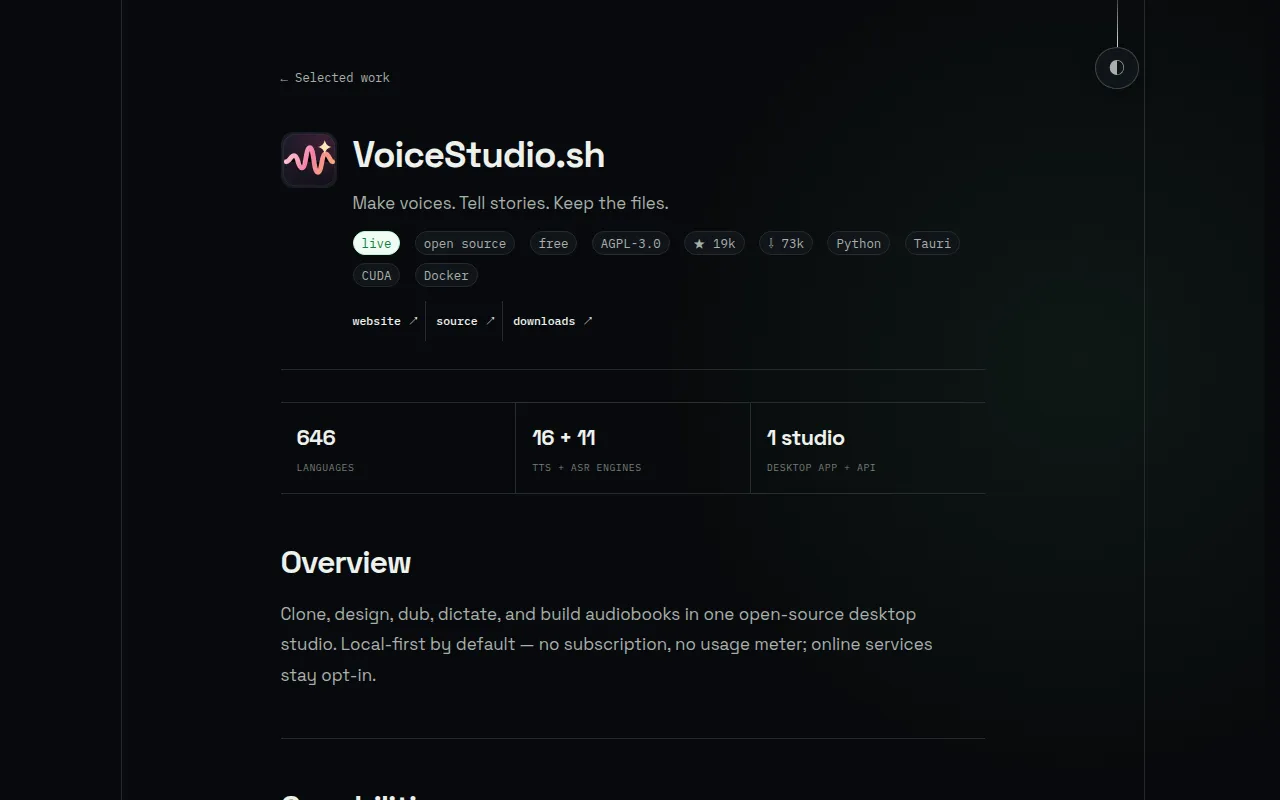
VoiceStudio (formerly OmniVoice-Studio) is a self-hosted desktop application for voice cloning, voice design, video dubbing, dictation, and long-form audio production. It targets developers, content creators, and privacy-conscious teams who want an ElevenLabs-style workflow without sending audio or text to a third-party service. The app runs on macOS, Windows, Linux, and Docker, and switches between 16 TTS engines and 11 ASR engines depending on hardware and use case.
Key features
- Voice cloning and design: zero-shot synthesis from a short reference clip, or build a voice from age, accent, pitch, and delivery instructions.
- Video dubbing: transcribe, translate, preserve speakers, synthesize, and export dubbed video with a combined waveform/transcript editor.
- Dictation widget: system-wide shortcut for live transcription with optional local-LLM cleanup.
- Audiobook production: multi-voice scripts, EPUB/PDF import, chapter rendering, and .m4b export.
- Vocal isolation and diarization: Demucs-based speech/background separation plus Pyannote and WhisperX speaker assignment.
- Batch queue: process large sets of audio/video jobs or watch a folder for new files.
- Model catalogue: install, remove, and route TTS, ASR, and LLM models, including remote worker installs.
- GPU auto-detect: routes work across CUDA, Apple Silicon MPS/MLX, ROCm, or CPU per engine.
- APIs: local REST/SSE/WebSocket API, an OpenAI-compatible audio API, and an MCP server for tool-calling clients.
- AI watermark: AudioSeal embedding and detection on generated audio.
- Local-first storage: voices, projects, settings, and outputs stay on the machine by default; network features are explicit opt-ins.
Ideal use cases
- Teams that need voice cloning or dubbing but can't send audio to a cloud API for privacy, compliance, or cost reasons.
- Creators producing audiobooks, dubbed video, or multi-voice stories who want to iterate offline without per-minute billing.
- Developers who want to script TTS/ASR into other tools via the local REST API, OpenAI-compatible endpoint, or MCP server.
- Users on Apple Silicon, CUDA GPUs, or even CPU-only machines who want engine choice matched to their hardware.
- Not a good fit for Intel Macs (the local Python backend doesn't run there without a remote backend), for anyone wanting a zero-setup hosted service, or for workloads needing guaranteed managed uptime and scaling, since you own the hardware and maintenance here.
Installation
Download a prebuilt package for your platform from the latest GitHub release, or run it with Docker:
docker run -d -p 127.0.0.1:3900:3900 -v omnivoice-data:/app/omnivoice_data --name voicestudio palashdeb/omnivoice-studio:stable
Note: published Docker images are linux/amd64 only. On Apple Silicon, use the native macOS app for GPU acceleration.
First launch creates a managed Python environment and downloads the default model automatically; later launches reuse both. On macOS, right-click the app once and approve Open before first run.
To run from source (requires Node 20+/Bun and Python 3.11+):
git clone https://github.com/debpalash/VoiceStudio.git
cd VoiceStudio
bun install
bun run desktop
Use bun run dev for the browser UI. The desktop launcher configures Python dependencies via uv automatically on first run.
For a quick trial without installing anything locally, a Google Colab notebook is provided in the repo's notebooks directory. First voice-clone workflow: open Voice Cloning, add a 5-15 second clean voice sample, enter text, choose a language, and select Generate.
If setup fails, run Settings → About → Run self-check in the app, or uv run python backend/main.py --diagnose --deep from source, and check the install troubleshooting docs before filing an issue.
Tags:
Frequently asked questions







Similar to OmniVoice Studio


