
OpenObserve
OpenObserve is an open-source observability platform for logs, metrics, traces, and frontend monitoring, built on Parquet and S3-native storage.
 Datadog
 Elasticsearch
 Splunk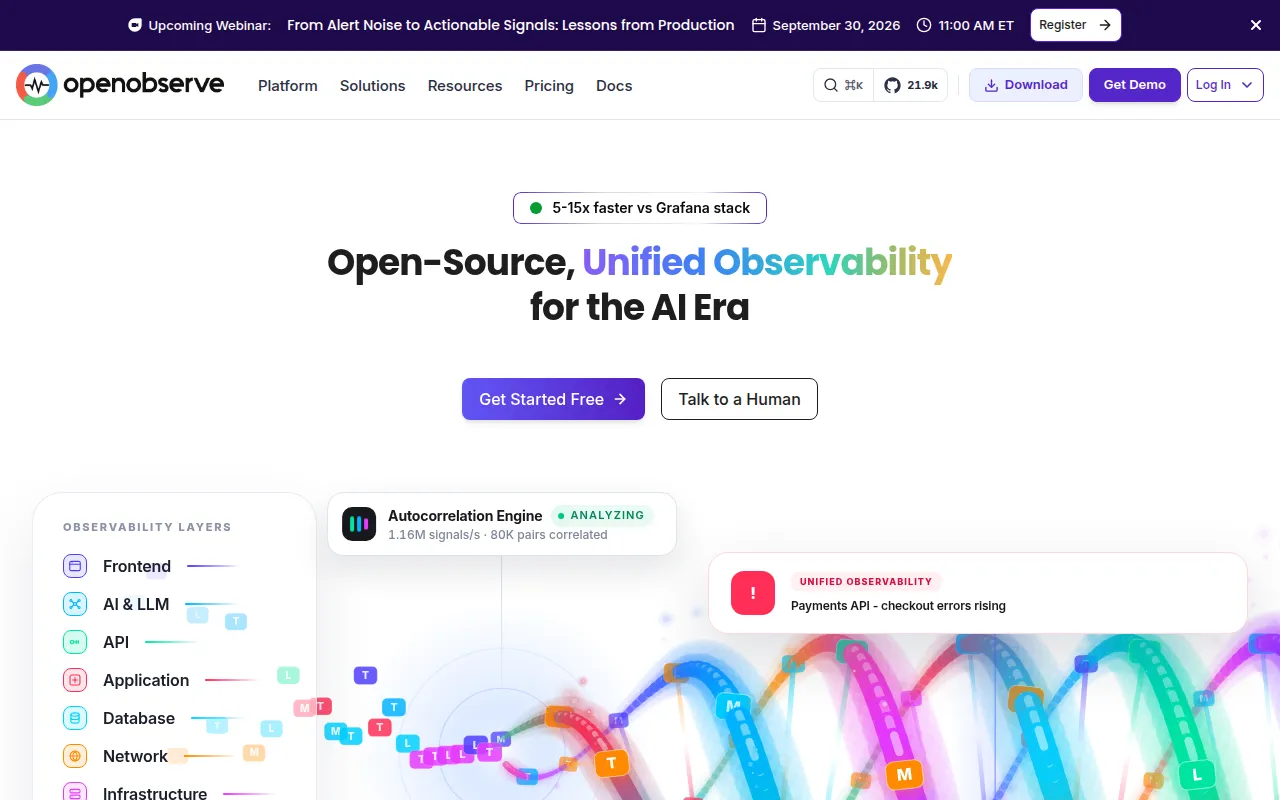
OpenObserve (O2) is a cloud-native observability platform that combines logs, metrics, traces, real user monitoring (RUM), pipelines, and LLM/AI observability into a single tool. It's built for teams that want an alternative to Datadog, Splunk, or an Elasticsearch/Grafana stack without the operational overhead or storage bill that comes with those tools. It suits platform engineers, SREs, and backend teams who need to self-host observability or run it on their own cloud infrastructure.
The core pitch is cost and simplicity: OpenObserve stores data in Parquet columnar format on S3-compatible object storage, which the project claims cuts storage costs by up to 140x compared to Elasticsearch, while running as a single Rust binary that starts in under two minutes. It speaks OpenTelemetry natively and lets you query logs and traces with SQL and metrics with SQL or PromQL, avoiding proprietary query languages.
Key features
- Unified signals: logs, metrics, traces, RUM/session replay, dashboards, alerts, incidents, and pipelines in one UI and one binary.
- Parquet + S3-native storage: columnar storage plus object storage caching for lower cost and fast analytical queries.
- SQL and PromQL: no proprietary query language; logs and traces use SQL, metrics support SQL or PromQL.
- OpenTelemetry native: ingests via OTLP, reducing vendor lock-in.
- Visual pipelines: enrich, redact, reduce, or normalize data at ingest with a drag-and-drop editor and VRL functions, including logs-to-metrics conversion.
- Dashboards: 19+ chart types, template variables, geo maps, drag-and-drop panel builder.
- AI observability: track cost, tokens, latency, and error rates for GenAI/LLM apps, plus an in-product AI assistant that generates SQL, VRL, and PromQL from natural language.
- Stateless architecture: rapid scaling and low RPO/RTO for disaster recovery, with High Availability clustering for petabyte-scale workloads.
- Multi-tenancy: organizations and streams as first-class concepts with data isolation.
Ideal use cases
OpenObserve fits teams running self-hosted infrastructure who want to consolidate logs, metrics, and traces without maintaining separate Elasticsearch, Prometheus, Grafana, and Loki deployments. It's a reasonable fit if you're outgrowing Loki's cardinality limits or want to cut an Elasticsearch storage bill, and you're comfortable running a Rust binary or Docker container yourself (or using their managed cloud with a 50GB/day free tier).
It also works for frontend/RUM monitoring with session replay, and for teams building or operating LLM-based applications who need cost, token, and latency tracking alongside their existing infrastructure logs and traces.
It's less of a fit if you need SSO, advanced RBAC, audit trails, federated multi-region search, or sensitive data redaction without paying for the Enterprise edition; those are gated features. Teams with no interest in self-hosting and who want a fully managed SaaS with a large existing ecosystem of integrations may be better served sticking with Datadog or similar, since OpenObserve's ecosystem and third-party integration surface is smaller.
Installation
The fastest way to try OpenObserve without managing infrastructure is the hosted cloud offering, which includes a free tier up to 50 GB/day of ingestion.
For self-hosting, the quickest path is Docker:
docker run -d \
      --name openobserve \
      -v $PWD/data:/data \
      -p 5080:5080 \
      -e ZO_ROOT_USER_EMAIL="[email protected]" \
      -e ZO_ROOT_USER_PASSWORD="Complexpass#123" \
      public.ecr.aws/zinclabs/openobserve:latest
After the container starts, open http://localhost:5080 and log in with the root email and password set above. This single-binary setup is meant for evaluation or small workloads.
For production or high-throughput environments, OpenObserve supports a clustered High Availability deployment that scales to petabytes, documented in the HA deployment guide. Other installation methods (binaries, Kubernetes, etc.) are covered in the official quickstart documentation.
Frequently asked questions







Similar to OpenObserve

