
mise
mise is a Rust CLI that manages dev tool versions, project env vars, and task running from a single mise.toml file.
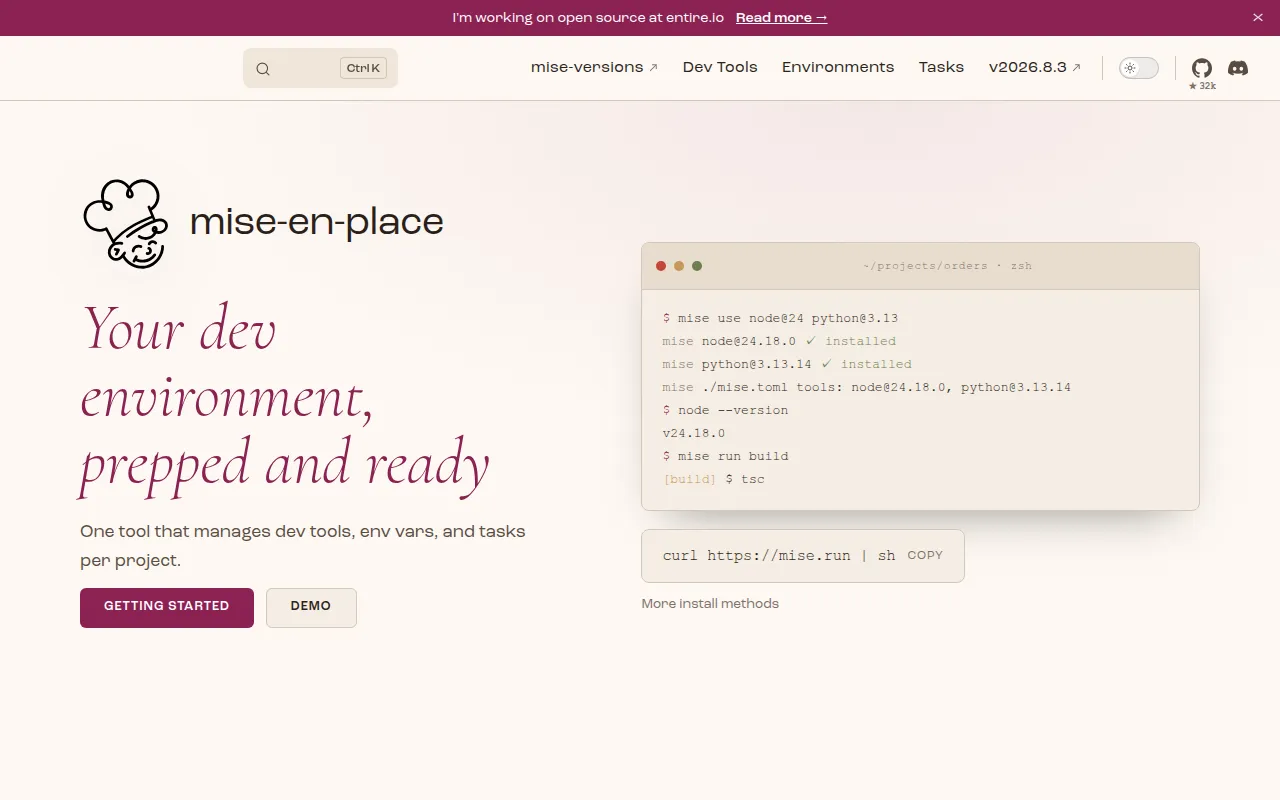
mise (pronounced "meez", as in mise-en-place) is a command-line tool that prepares your development environment before every command runs. It combines three things developers usually juggle with separate tools: installing and switching dev tool versions, loading per-project environment variables, and running build/test/deploy tasks. It's aimed at developers and teams who want one config file (mise.toml) instead of a .nvmrc, a .env file, a Makefile, and a version manager per language, all doing overlapping jobs differently.
It works as a replacement for tools like asdf, nvm, pyenv, rbenv, and direnv, and it also functions as a lightweight task runner similar to make or just. Because it hooks into your shell, activating a directory automatically switches tool versions and loads environment variables, without shims pointing to wrapper scripts.
Key features
- Dev tool management: install and switch between versions of node, python, go, terraform, cmake, and hundreds of other tools listed in mise's registry, all from one CLI.
- No shims by default:
mise activateputs real tool paths on yourPATH, sowhich noderesolves to the actual binary instead of a shim script. - Per-directory environment variables: define vars in
mise.tomlor load them from.envfiles, scoped to a project directory and applied automatically when youcdin. - Task runner: define tasks with
runcommands, descriptions, anddependschains directly inmise.toml, then execute them withmise run <task>. - One-off tool execution: run a command against a specific tool version without installing it globally using
mise exec <tool>@<version> -- <command>. - Shell activation for multiple shells: works with bash, zsh, fish, and PowerShell via a single
mise activatehook line. - CI-friendly setup: the same
mise.tomlthat developers use locally can be installed withmise installin CI, keeping local and CI environments consistent.
Ideal use cases
- Teams that want a single config file to pin tool versions (node, python, terraform, etc.) instead of maintaining separate version-manager config files for each language.
- Projects that need environment variables scoped per directory, such as different AWS profiles or Terraform workspaces for dev vs. staging checkouts.
- Repos that want lightweight, declarative tasks (build, lint, deploy) without pulling in a full build system, especially when tasks need to
dependson each other. - CI pipelines that should mirror local dev environments exactly, since
mise installreads the samemise.tomlused on developer machines. - Polyglot projects (e.g., a repo mixing Go, Terraform, and AWS CLI) where juggling asdf, direnv, and a Makefile separately becomes tedious.
It's less of a fit if you only ever work with a single language and already have a stable, minimal setup with a dedicated version manager you're happy with, since introducing another tool adds a small migration cost for little gain. It's also not a general-purpose build system like Make or Bazel; task dependency graphs are simple (depends), not a full DAG-based build engine.
Installation
Install with the official install script:
$ curl https://mise.run | sh
$ ~/.local/bin/mise --version
Hook mise into your shell so it activates per directory (pick the line for your shell):
echo 'eval "$(~/.local/bin/mise activate bash)"' >> ~/.bashrc
echo 'eval "$(~/.local/bin/mise activate zsh)"' >> ~/.zshrc
echo '~/.local/bin/mise activate fish | source' >> ~/.config/fish/config.fish
echo '~/.local/bin/mise activate pwsh | Out-String | Invoke-Expression' >> ~/.config/powershell/Microsoft.PowerShell_profile.ps1
Install tools globally or per project:
$ mise use --global node@26 go@1
Run a command against a specific version without installing globally:
$ mise exec node@26 -- node -v
Define env vars and tasks in mise.toml, then apply and run them:
[env]
SOME_VAR = "foo"

[tasks.build]
description = "build the project"
run = "echo building..."
$ mise install
$ mise run build
Also installable via crates.io (cargo install mise) since it's published as a Rust crate. See the getting-started guide on the docs site for platform-specific package manager options.
Frequently asked questions







Similar to mise


