
Lightdash
Lightdash is an open-source BI tool that turns your dbt project's metrics and dimensions into shareable dashboards.
 Looker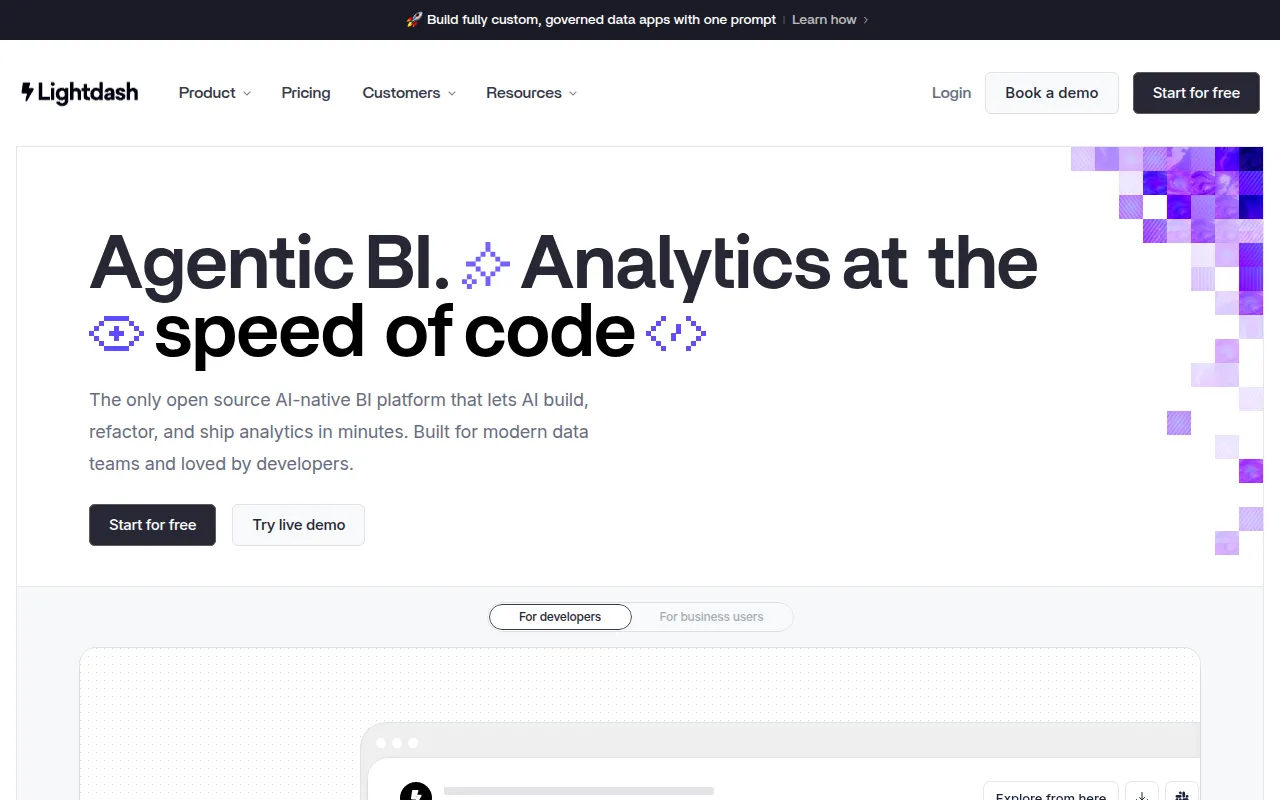
Lightdash is an open-source business intelligence tool, described in its own README as the open-source Looker alternative. It connects directly to a dbt project, so metrics and dimensions are defined in YAML alongside the models that already power your dbt runs, rather than in a separate BI-specific layer. Analysts define the metrics once, and the rest of the company can self-serve answers using dashboards built on top of them.
Key features
- dbt-native metrics: Declare dimensions and metrics in YAML files alongside your existing dbt project, keeping business logic in one place.
- Automatic dimension creation: Lightdash automatically creates dimensions from your dbt models, and keeps dbt descriptions and metadata in sync.
- Data lineage: See the upstream and downstream dependencies of a model to understand where a metric's numbers come from.
- Table calculations and drill-down: Dig further into a chart with table calculations or drill down to the underlying records behind any number.
- Dashboards and scheduled delivery: Save charts into dashboards and share them by URL, or schedule automatic deliveries to Slack or email.
- Version history and rollback: Explore the version history of any chart and roll back to a previous version.
- Preview environments and CI/CD: Use Preview BI Environments and automated content validation in CI/CD pipelines before changes reach production.
How it works
Lightdash sits on top of an existing dbt project: you connect the project, define metrics in YAML files that live next to your dbt models, and Lightdash turns those into a self-serve interface with charts and dashboards. Because the definitions live in the dbt project itself, there's a single source of truth for what a metric means instead of multiple versions of the same number across different tools.
Self-hosting and deployment
Lightdash can be run locally with an installation script (./scripts/install.sh after cloning the repo), deployed to production using the community Helm charts on Kubernetes, or deployed with one click on Render. Lightdash Cloud is also available as a hosted option with a free trial, for teams that don't want to manage the deployment themselves.
Community and support
Lightdash keeps a public Slack community where users can ask about feature requests, implementation details, or dbt-specific quirks, alongside Twitter and LinkedIn for release updates. Anyone can browse the open issue tracker to check whether a requested feature already exists before filing a new one, and a hosted demo app is available for testing Lightdash's charts and dashboards without connecting a real dbt project first.
Tags:
Frequently asked questions






Similar to Lightdash


