InvokeAI
InvokeAI is a self-hosted web UI for Stable Diffusion and other image models with a unified canvas, node workflows, and model management.
 Midjourney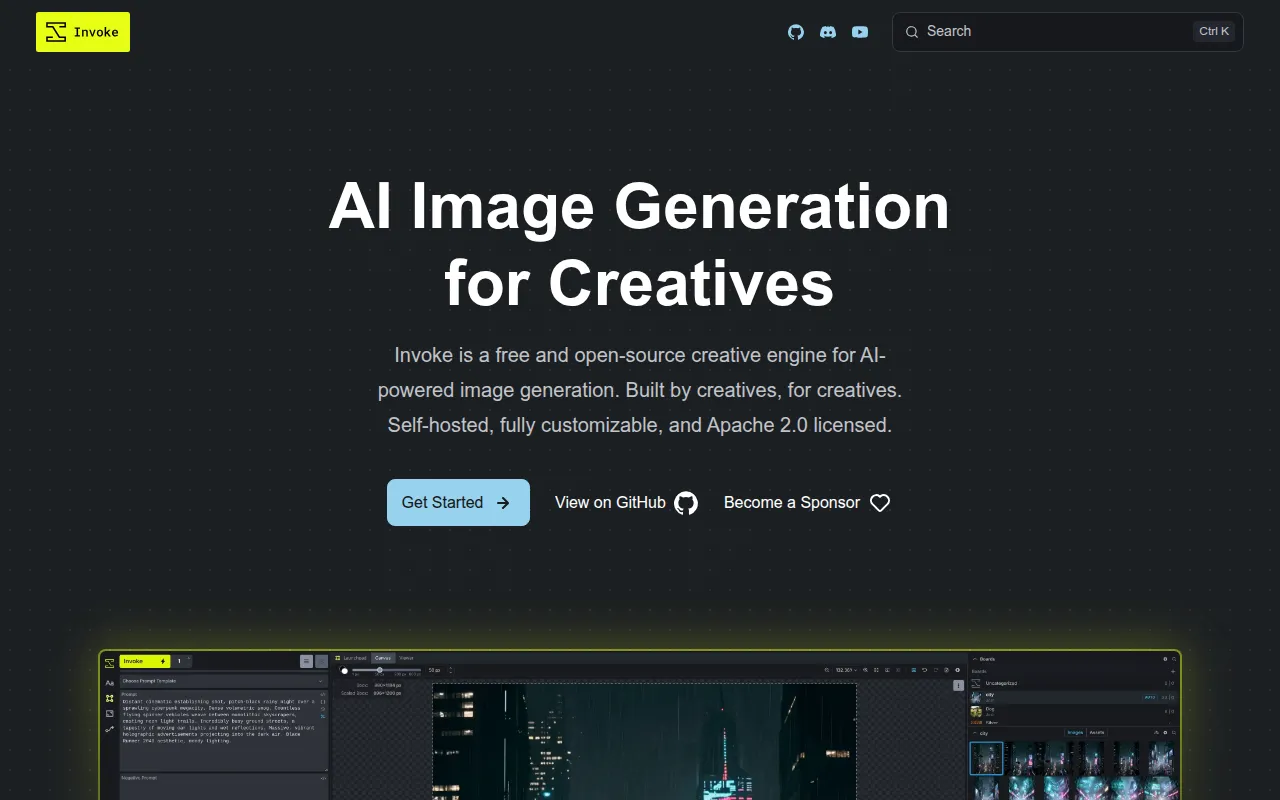
InvokeAI is a self-hosted, locally run application for generating and editing images with Stable Diffusion and related diffusion models. It runs a web server with a React-based UI on your own machine (Linux or macOS, with GPU support), giving artists, designers, and developers a canvas and node-based interface for text-to-image, image-to-image, inpainting, and outpainting work. It's aimed at people who want direct control over image generation without depending on a hosted SaaS product.
Key features
- Unified Canvas: an integrated canvas with brush tools, inpainting, and outpainting so you can treat AI generation as one layer in a larger creative workflow alongside sketches, photos, or renders.
- Workflows & Nodes: a node-based pipeline editor wrapped in a UI, letting you build, save, and share custom generation pipelines for repeatable production use-cases.
- Gallery and board management: an organized system for storing and browsing generated images, with drag-and-drop support and rich embedded metadata for recalling prompts and settings later.
- Broad model support: works with Stable Diffusion 1.5, 2.0, and SDXL, SD 3.5, Flux variants (Dev, Schnell, Kontext, Krea, Redux, Fill), CogView 4, Qwen Image, Ideogram 4, ERNIE-Image, and several API-only models like GPT Image and Nano Banana.
- Model manager: handles ckpt, diffusers, and some gguf model formats, plus embedding management for LoRAs and textual inversions.
- Upscaling and segmentation tools: built-in upscalers and object segmentation/selection via SAM and SAM2 for more precise editing.
- Commercially-friendly license: released under Apache-2.0, and free to use, with the same codebase powering commercial products built on top of it.
Ideal use cases
InvokeAI fits artists, illustrators, and studios who want a persistent, local tool for iterating on AI-generated imagery, rather than a one-off prompt box. It's a good match if you want to combine hand-drawn or photographed elements with generative fill, build repeatable node-based pipelines for a production pipeline, or need full control over which model checkpoints and LoRAs you're running.
It also suits teams building on top of open models who want a UI and workflow layer instead of writing their own inference scripts from scratch, since the node system can be adapted into custom pipelines.
It's less of a fit if you want a zero-setup, browser-only experience with no local hardware, since it requires installing and running on your own machine with a compatible GPU. It's also not the right tool if you just need a single quick image and don't care about canvas editing, model management, or reusable workflows. If your priority is the smallest, most minimal txt2img script, a lighter command-line tool will get you there faster.
Installation
The recommended way to install InvokeAI is through the official launcher rather than manual pip or source setup:
- Download the launcher from the InvokeAI launcher releases page.
- Run the launcher and follow its guided setup to install InvokeAI and download models for your platform.
- Launch the app; it starts a local web server and opens the React-based UI in your browser.
For detailed platform-specific instructions, hardware requirements (Linux and macOS are the supported platforms), and update steps, see the Installation and Updates documentation. If you hit setup issues, check the FAQ or ask in the project's Discord.
Once installed, model support (SD 1.5/2.0/SDXL, SD 3.5, Flux variants, and others) can be added and managed through the built-in model manager inside the UI, without needing to edit config files by hand for standard cases.
Tags:
Frequently asked questions







Similar to InvokeAI


