
Automatisch
Automatisch is a self-hosted automation tool connecting apps like Slack and Twitter into workflows, without requiring programming knowledge.
 Zapier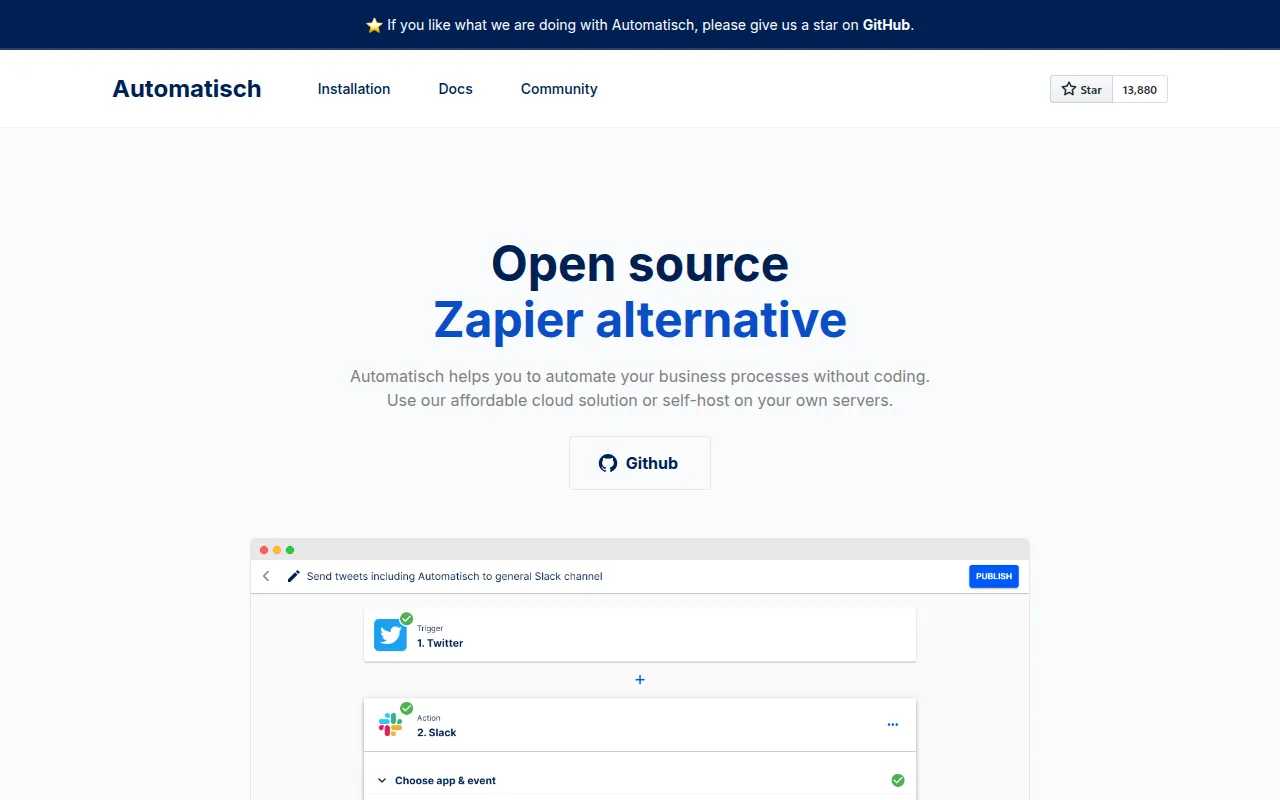
Automatisch is an open source business automation tool, explicitly described in its own README as an open source Zapier alternative, that connects services like Twitter and Slack into automated workflows. It targets teams that need to keep automation data on their own servers, which the project calls out as relevant for healthcare, finance, and GDPR-bound European companies. No programming knowledge is required to build a workflow, and the project frames contributions from its community as a core part of how the product and its roadmap move forward over time.
Key features
- Self-hosted data: Workflow data stays on servers you control instead of a third-party cloud, which matters for regulated industries handling sensitive user information under GDPR.
- No-code workflow builder: Automations connecting different services, such as Twitter and Slack, are built without writing code, aimed at non-technical business users.
- No vendor lock-in: Because data and workflows live on infrastructure you control, switching away from Automatisch to another provider is described as easier than migrating between two closed, proprietary cloud automation tools.
- Open source community edition: Automatisch Community Edition is licensed under AGPL-3.0, so anyone can inspect, modify, and contribute to how the product develops rather than depending on a single vendor's roadmap.
- Enterprise edition in the same repo: Automatisch Enterprise Edition adds commercially licensed features, distinguished from the community edition by an ".ee." marker in file names, while both editions share one codebase for easier maintenance.
- Docker-first setup: The entire application, including its database dependencies, starts with a single
docker compose upcommand rather than a multi-step manual install across separate services.
Self-hosting and deployment
Getting a local instance running is a three-command sequence: clone the repository, cd into it, and run docker compose up. A default login ([email protected] / sample) is provided for the first session, with the README explicitly noting that credentials should be changed from the settings page immediately after installation. Other installation types are covered in Automatisch's installation guide for teams that need a different deployment path than the default Docker Compose setup, such as running behind an existing reverse proxy or alongside a database the team already operates.
Getting started
Beyond the Docker quick-start, Automatisch's documentation site covers workflow concepts and available app integrations in more depth than the README alone. Community support runs through Discord and GitHub issues, and the project has an active Twitter presence for release announcements, giving self-hosters more than one channel to get help when a workflow breaks. Because Automatisch connects to the same kinds of services as commercial automation tools, existing Zapier or Integromat workflows are typically straightforward to recreate once the equivalent app connections are configured in a self-hosted instance.
Tags:
Frequently asked questions







Similar to Automatisch


