
NetBird
NetBird is an open-source WireGuard mesh VPN with SSO, MFA, and granular access policies for zero-trust networking.
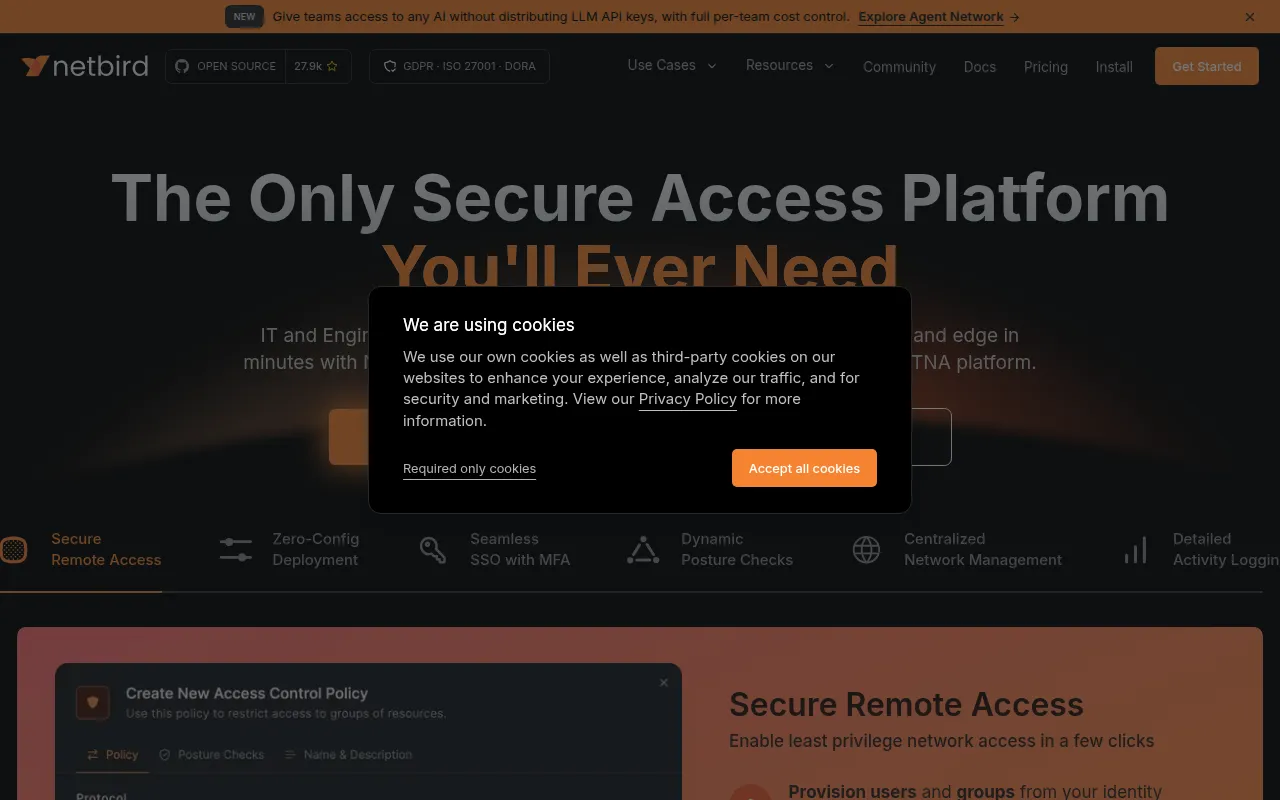
NetBird is an open-source overlay networking platform built on WireGuard that connects devices into a private mesh network without manual firewall or port configuration. It's aimed at engineers and IT teams who need secure remote access to servers, homelabs, or company infrastructure, but don't want to run a traditional VPN gateway or manage complex NAT traversal by hand.
The platform combines peer-to-peer encrypted tunnels with centralized management: an admin web UI, SSO/MFA login, access policies, and DNS. Agents run on each device, negotiate direct connections using ICE and STUN, and fall back to a relay service when a direct path isn't possible (common on carrier-grade NAT).
Key features
- Kernel WireGuard tunnels: uses the in-kernel WireGuard implementation where available for fast, encrypted point-to-point links.
- Peer-to-peer with relay fallback: agents try direct NAT traversal first via ICE/STUN, and drop to a relay service when direct connections fail.
- SSO and MFA: integrates with identity providers for login, supports periodic re-authentication and JWT-based group sync.
- Access control: group- and rule-based policies managed from a central admin UI, plus device posture checks.
- Private DNS: custom DNS zones and domain-based routing to external networks, including exit nodes for full-tunnel routing.
- Setup keys: bulk provisioning of machines without manual per-device approval, useful for fleets or CI.
- Broad platform support: Linux, macOS, Windows, Android, iOS, tvOS, FreeBSD, pfSense, OPNsense, MikroTik, Synology, TrueNAS, Proxmox, Raspberry Pi, containers, and serverless.
- Browser SSH/RDP and reverse proxy: access machines through the browser or via an auto-TLS reverse proxy without a separate client on the target.
- Quantum-resistant option: optional Rosenpass integration for post-quantum key exchange alongside WireGuard.
- Automation hooks: public API, Terraform provider, and Ansible collection for scripted network management.
- Activity and traffic logging: audit events and traffic logs for visibility into who connected where.
Ideal use cases
NetBird fits teams that need to connect distributed machines (laptops, servers, cloud instances, homelab devices) into one secure network without exposing ports publicly or maintaining a central VPN concentrator. It works well for remote access to internal services, connecting branch offices or cloud VPCs, securing SSH/RDP access with central policy instead of per-host firewall rules, and homelab setups where users want peer-to-peer access to NAS or media servers from anywhere.
It's also a reasonable fit for organizations that want zero-trust-style access control (groups, posture checks, periodic re-auth) without building that logic themselves, and for teams already using an identity provider that want SSO/MFA enforced on network access.
It's not a good fit if you need a fully managed, zero-maintenance VPN with no infrastructure at all and don't want to run any signaling/management components yourself (though the hosted NetBird Cloud option covers that). It's also not designed as a general-purpose reverse proxy or CDN, and if your network is small and static with no NAT traversal problems, a simpler WireGuard config file setup might be less overhead.
Installation
Managed option: download and install the client from the NetBird Cloud install page, sign up via Google, Microsoft, GitHub, or email, then manage peers from the admin UI.
Self-hosted option requires:
- A Linux VM with at least 1 CPU and 2 GB memory.
- The VM publicly reachable on TCP 80/443 and UDP 3478.
- A public domain name pointing to the VM.
- Docker with the Compose plugin (v2+).
Run the installer script with your domain set:
export NETBIRD_DOMAIN=netbird.example.com; curl -fsSL https://github.com/netbirdio/netbird/releases/latest/download/getting-started.sh | bash
For setups with a custom identity provider, follow the advanced self-hosted guide linked in the project docs. The main branch can be unstable during active development; use tagged releases for anything running in production.
Frequently asked questions






Similar to NetBird


