
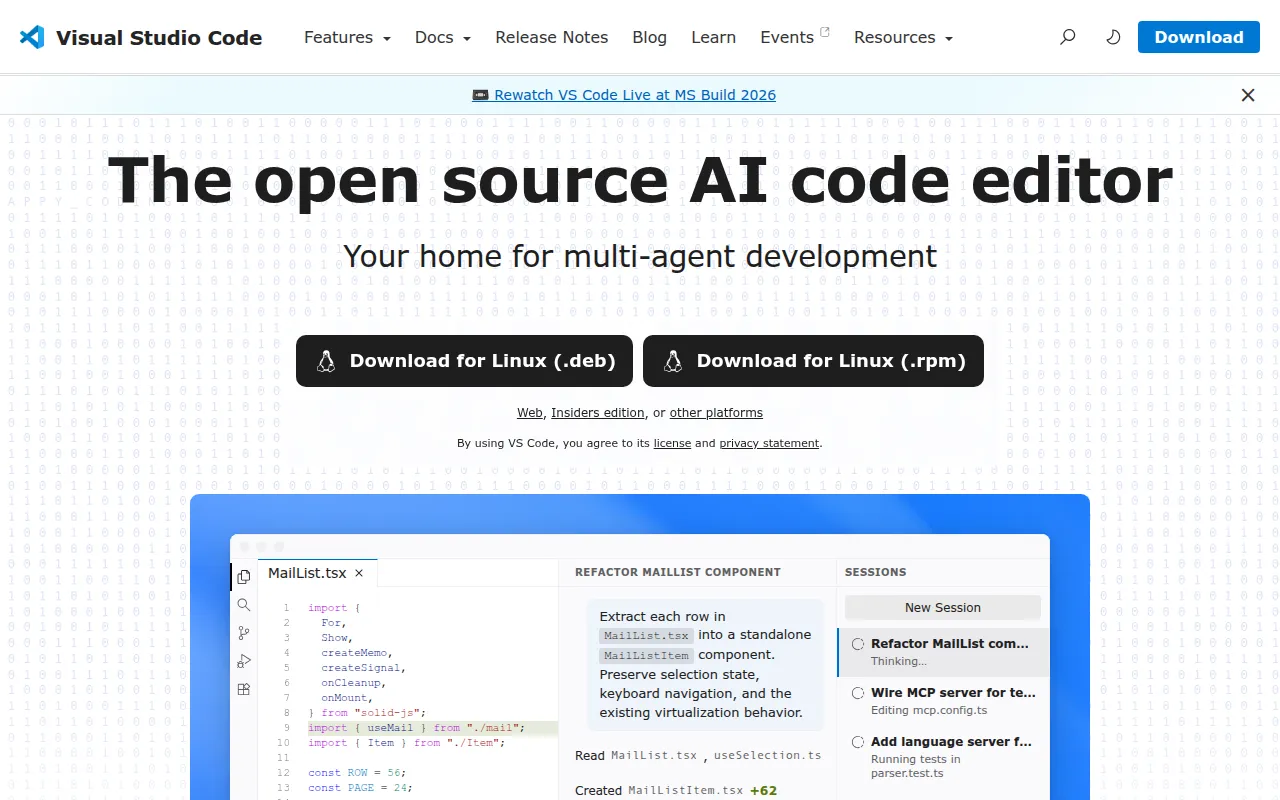
The open source repository (Code - OSS) behind Visual Studio Code, offering code editing, debugging, and a rich extension model for any language.
Read moreThe best open source alternative to Sublime Text is VS Code. If that doesn't suit you, we've compiled a ranked list of open source Sublime Text alternatives to help you find a replacement.

The open source repository (Code - OSS) behind Visual Studio Code, offering code editing, debugging, and a rich extension model for any language.
Read more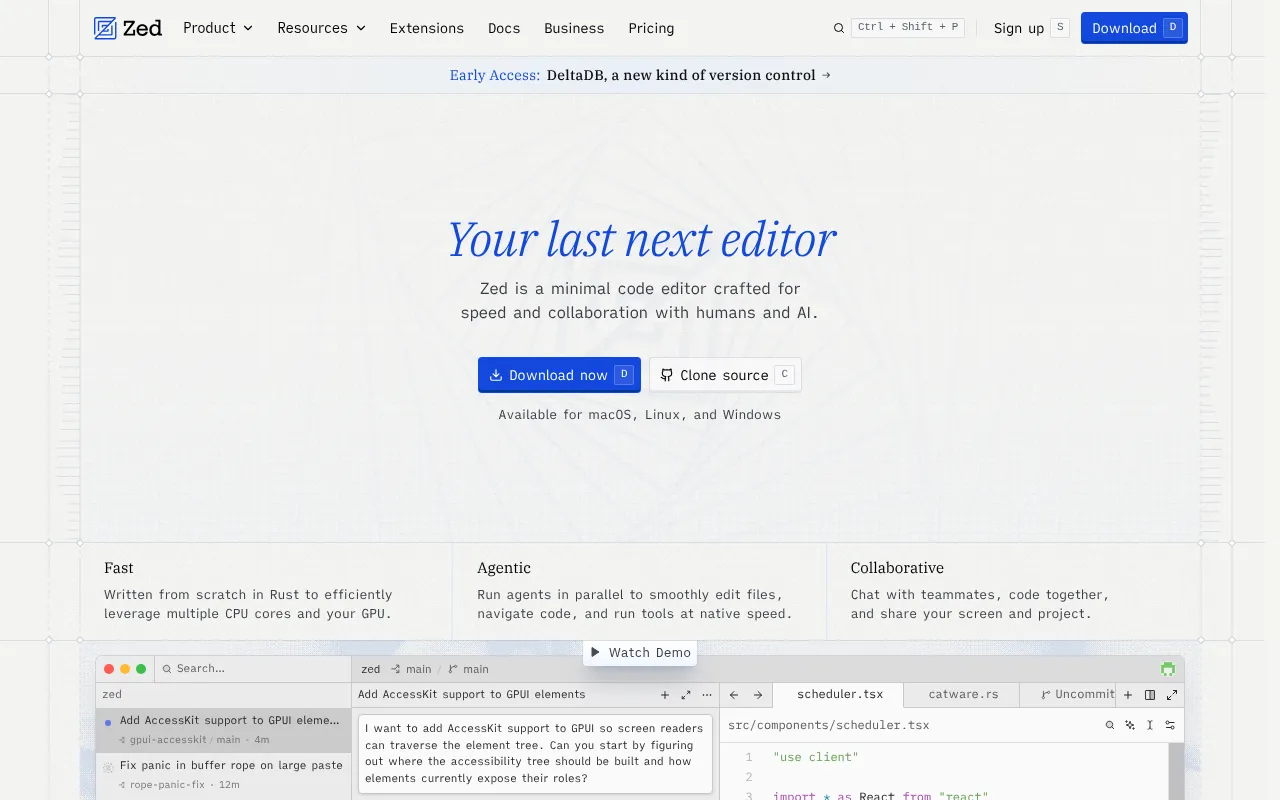
Zed is an open-source, GPU-accelerated code editor written in Rust with built-in multiplayer collaboration and AI features.
Read more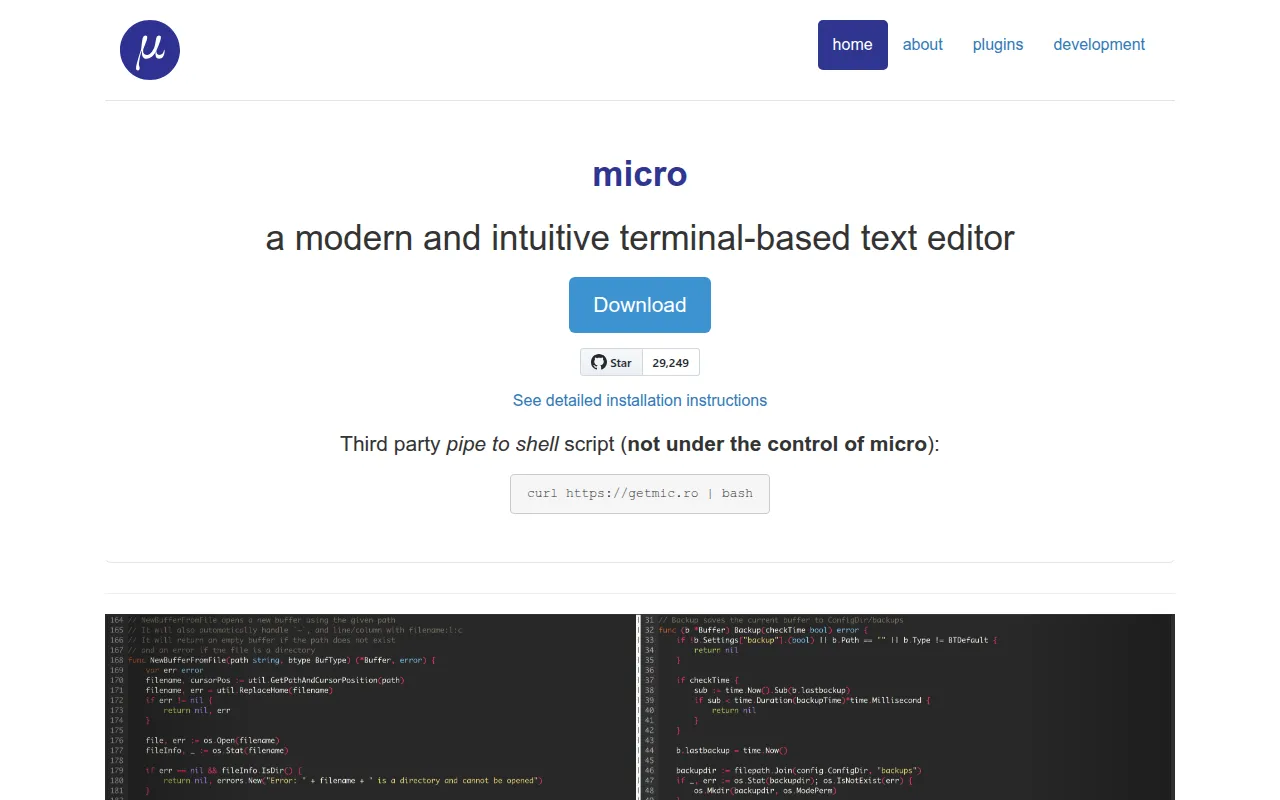
Micro is a Go-based terminal text editor with intuitive keybindings, mouse support, and a Lua plugin system, distributed as a single binary.
Read moreSublime Text is a code editor known for its speed, low resource usage, and a "goto anything" style navigation that made it popular with developers for over a decade. It's a paid, closed-source product with a large community plugin ecosystem built through its Package Control system, and it supports an unlimited free evaluation mode that many users simply never pay for.
Interest in open-source editors comes less from cost, since Sublime Text is a modest one-time license fee, and more from extensibility and ecosystem gravity. Visual Studio Code, itself open-source at its core despite Microsoft's branded distribution, has built a much larger extension marketplace and language server integration ecosystem, pulling developer mindshare away from Sublime Text over the past several years. Zed, a newer open-source editor, focuses on performance and built-in real-time collaboration, positioning itself as a faster alternative for developers who found VS Code's extension-heavy model had made it feel less snappy.
Because both alternatives are actively developed with large communities, the decision usually comes down to workflow fit rather than any single missing feature. VS Code has by far the largest extension and language support ecosystem of the three, covering nearly every language and framework with official or community extensions. Zed is newer and leaner, with fewer extensions available but stronger out-of-the-box performance and native collaborative editing.
Before switching, check whether your specific Sublime Text plugins or keybindings have equivalents, since muscle memory built around a particular editor's shortcuts takes real time to unlearn. Test startup speed and large-file handling directly, since this is where Sublime Text has historically outperformed heavier editors, and see whether that gap still matters for the alternative you're considering.


 Your brand here — Reach our audience of professional directory owners and boost your sales.