
Zed
Zed is an open-source, GPU-accelerated code editor written in Rust with built-in multiplayer collaboration and AI features.
 Sublime Text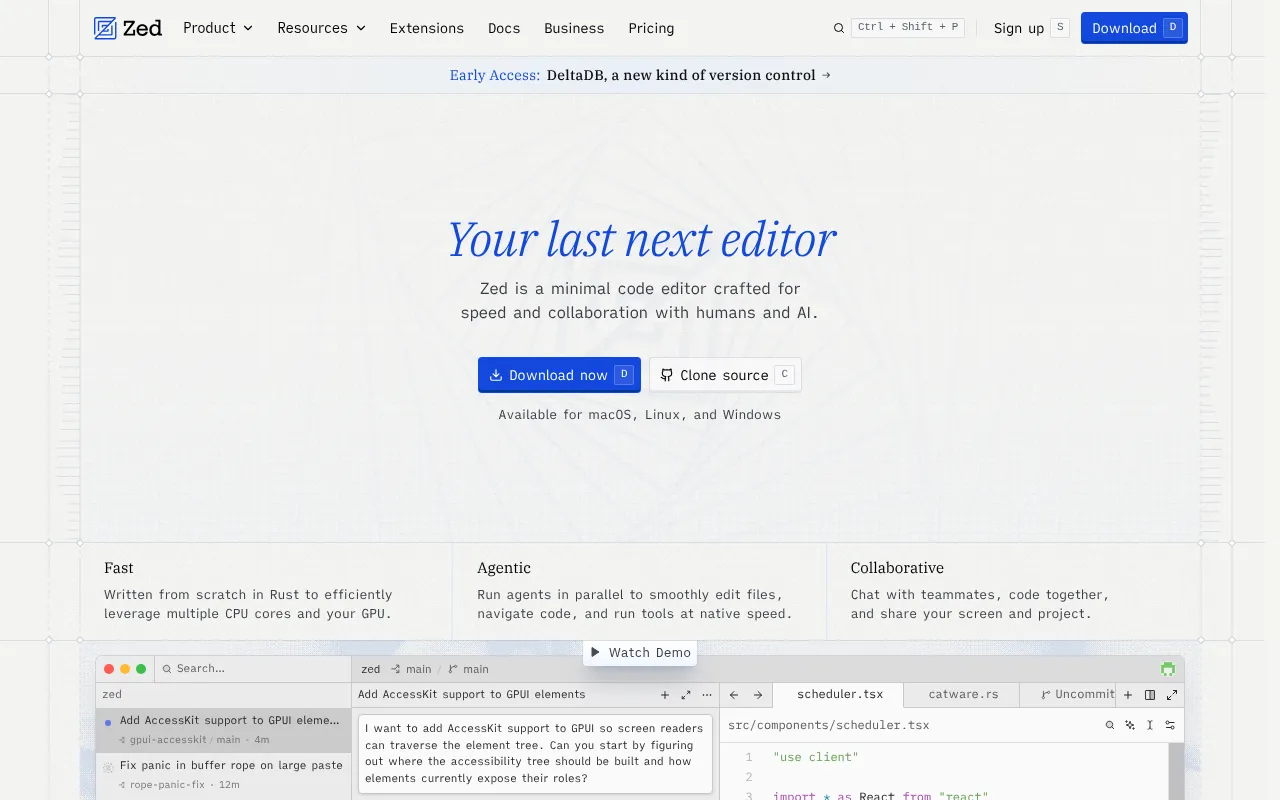
Zed is a code editor built from scratch in Rust by the team behind Atom and Tree-sitter. It targets developers who want a fast, native editing experience with real-time collaboration built in, rather than bolted on through extensions. It's aimed at individuals and teams who care about editor performance and want to pair-program or review code together without leaving the editor.
Key features
- GPU-accelerated rendering via the custom
gpuiframework, built for high frame rates and low input latency. - Multiplayer collaboration lets multiple people edit and navigate the same project together in real time.
- Tree-sitter based syntax parsing, giving accurate, fast syntax highlighting and code structure awareness (Tree-sitter was created by the same team).
- Cross-platform support with direct downloads and package manager installs for macOS, Linux, and Windows.
- Native performance since the whole editor is written in Rust instead of running on a web runtime like Electron.
- Open development with source code, build docs, and contribution guidelines all public on GitHub.
Ideal use cases
Zed fits developers who want a responsive, low-latency editor for day-to-day coding and are willing to move off editors like VS Code or JetBrains IDEs. It's a good match for teams that do live pair programming or want to review code changes together in the same session without screen sharing.
It also suits people who want to build or inspect a native, Rust-based GUI application, since the codebase itself is a real-world example of the gpui framework in use.
It's not the right fit if you depend heavily on a specific extension ecosystem or plugin already built for another editor, since Zed's ecosystem is smaller and newer. It's also not available as a web-based editor yet, so it won't work for browser-only workflows. If you need a fully mature, long-established plugin marketplace, an established editor may serve you better for now.
Installation
On macOS, Linux, and Windows, you can download Zed directly from the downloads page, or install it through your platform's package manager:
- macOS: see the macOS installation docs
- Linux: see the Linux package manager docs
- Windows: see the Windows package manager docs
Web support is not available; there's an open tracking discussion for it in the repository.
To build Zed from source instead of using a prebuilt binary, follow the platform-specific build docs in the repo:
docs/src/development/macos.md
docs/src/development/linux.md
docs/src/development/windows.md
These docs walk through setting up the Rust toolchain and platform dependencies needed to compile the editor.
If you plan to contribute code, check CONTRIBUTING.md for the process. The project also uses cargo-about to manage open-source license compliance in CI. If you add a new crate that shouldn't be published, mark it publish = false in its Cargo.toml. If CI fails on a dependency's license, you may need to add its SPDX identifier to script/licenses/zed-licenses.toml after confirming it's compatible.
Tags:
Frequently asked questions





Similar to Zed


