
Rowboat
Rowboat is an open-source personal AI assistant that builds a local knowledge graph from your email, meetings, and notes, and works solo or with a team.
 ChatGPT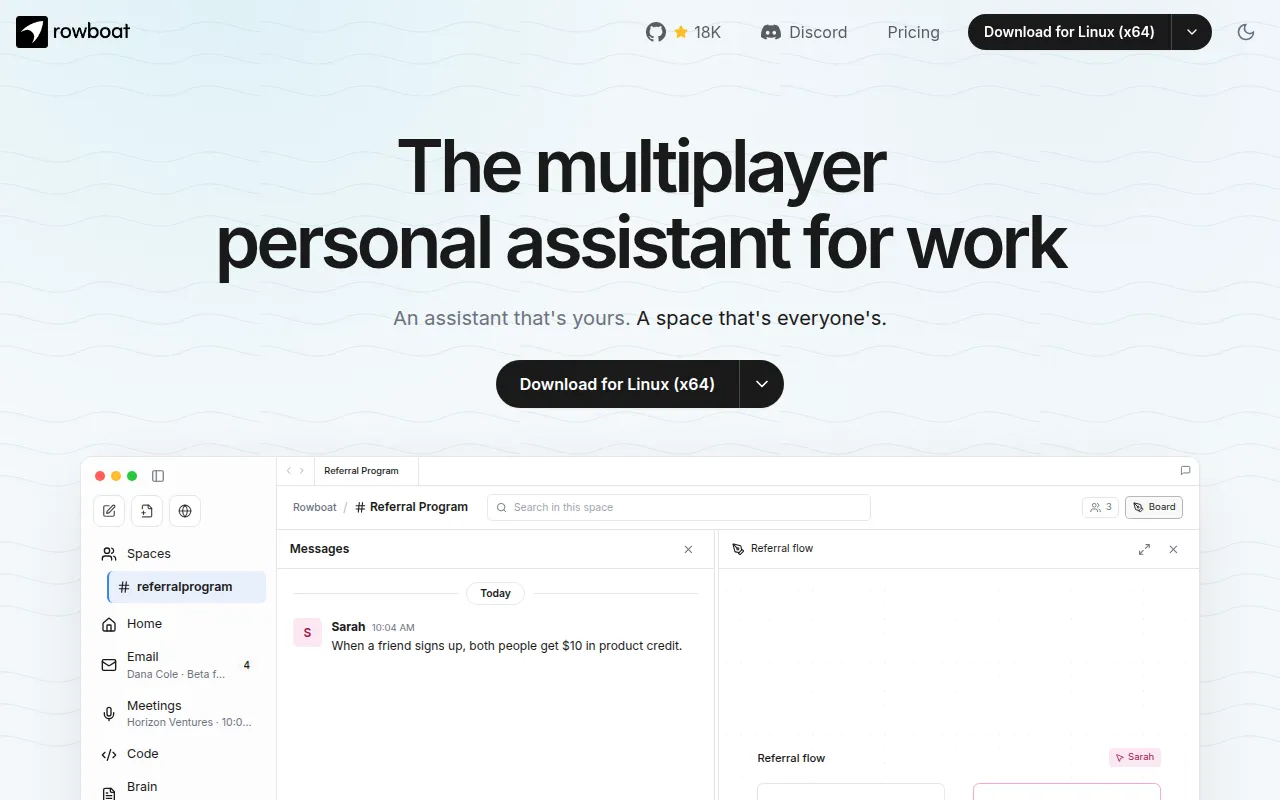
Rowboat is a desktop AI assistant for Mac, Windows, and Linux that indexes your email, meetings, notes, and conversations into a local, Obsidian-style knowledge graph, then uses that context to get work done. It's built for individuals who want an assistant with actual memory of their work, and for teams who want to collaborate with their own assistants in a shared space without handing all their data to a hosted service.
Each person runs Rowboat on their own machine with their own model keys and their own memory. A Space (served by the open-source Harbor component) is where teammates come together to chat, share files, and whiteboard, while each person's Rowboat does the actual work on their local machine and only posts results back to the room.
Key features
- Knowledge graph (Brain): indexes email, meetings, Slack, and assistant conversations into a backlinked, inspectable graph stored as plain Markdown.
- Built-in email client: sorts incoming mail into important and everything else, and drafts responses using accumulated work context.
- Background agents: trigger on events (new email) or schedules (daily at 8am), and can use tools, search the web, browse, or write code via Claude Code or Codex.
- Isolated browser: a separate browser instance for assistant collaboration on web tasks, so you only log in to accounts you want it to access.
- Meeting note-taker: captures mic and speaker audio locally, produces a live transcript, and summarizes into a Markdown file that updates the graph.
- Code mode: runs parallel coding agents (Claude Code or Codex) driven by Rowboat with full work context.
- Apps: custom work surfaces you build inside Rowboat that get access to tools and integrations and can be shared with others.
- Spaces: a channel-plus-shared-folder model with messages, threads, whiteboards, and
@rowboatmentions that wake your own local agent. - MCP extensibility: connect external tools (Exa, Slack, Linear/Jira, GitHub, Composio-backed services) through the Model Context Protocol.
- Local-first storage: all personal data lives as plain Markdown on your machine, no proprietary formats, fully inspectable and deletable.
- Bring your own model: works with local models (Ollama, LM Studio) or hosted providers via your own API key.
Ideal use cases
Rowboat fits people who want an assistant that accumulates context over months instead of re-searching transcripts every session, for example someone managing a busy inbox, recurring meetings, and ongoing projects who wants drafts and summaries grounded in real history. It also fits small teams that want each member to run their own assistant locally but still coordinate in a shared space, handing off proposals to implementation via Claude Code or Codex without routing private data through a hosted model.
It's a good match if you care about owning your data as plain Markdown and want the option to self-host the collaboration server (Harbor) rather than depend on a third party. It's less suited to users who want a pure cloud SaaS with zero local setup, or teams needing a fully managed, centrally hosted multi-tenant system with no local client component, since Rowboat's design assumes each person runs an instance on their own machine.
Installation
Download the desktop app for Mac, Windows, or Linux from the downloads page, or grab a release directly from the GitHub releases page.
Optional integrations are configured via JSON key files in ~/.rowboat/config/:
{
  "apiKey": "<key>"
}
This format applies to Deepgram (voice input), ElevenLabs (voice output), Exa (web search), and Composio (external tools). Google integration (Gmail, Calendar, Drive) follows a separate Google setup guide.
To try the Spaces server (Harbor) locally, it boots a seeded single-org instance in memory:
cd apps/harbor
pnpm install && pnpm build
cd packages/server && pnpm dev
Then open the Spaces dialog in the app, choose Add a dev server, and point it at http://localhost:4272 using one of the seeded member ids. Set DATABASE_URL for a durable Postgres-backed deployment, and use the provided Dockerfile plus HARBOR_MODE=deployment, APEX_DOMAIN, and AUTH_ISSUER environment variables to deploy Harbor for a real team with OpenID Connect sign-in.
MCP tools, like the example Parallel Search server, are added under Settings → MCP Servers in the app by editing the mcpServers JSON object and saving.
Tags:
Frequently asked questions







Similar to Rowboat


