
Cap
Cap is an open-source Loom alternative for screen recording, editing, and sharing, with self-hosting and custom S3 storage support.
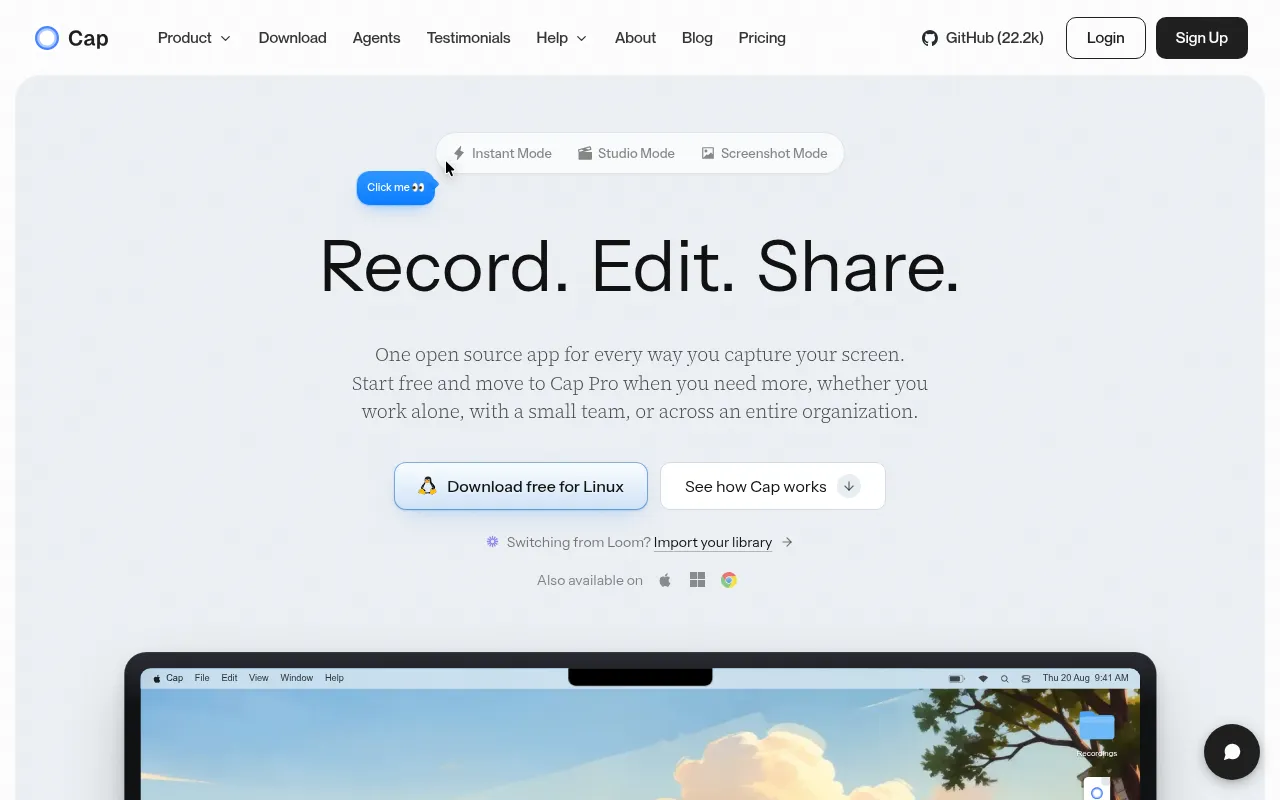
Cap is an open source screen recording tool built as an alternative to Loom. It's aimed at teams and individuals who want fast, shareable screen recordings but don't want their videos locked inside someone else's cloud. Desktop apps run on macOS and Windows, with a web dashboard for sharing and management, and the whole platform can be self-hosted with Docker Compose.
Key features
- Two recording modes. Instant Mode uploads while you record and gives you a share link the moment you stop; Studio Mode records locally and opens an editor for backgrounds, zooms, trimming, and captions before export.
- Data ownership options. Use Cap Cloud, connect your own S3-compatible bucket (AWS S3, Cloudflare R2, Backblaze B2, MinIO, Wasabi), keep recordings local, or self-host the entire stack.
- Async collaboration. Comments, reactions, transcripts, and viewer analytics stay attached to each video, plus team workspaces for shared libraries.
- Cap AI. Auto-generates titles, summaries, clickable chapters, captions, and transcripts.
- Privacy controls. Share publicly or privately, password-protect links, use a custom domain, or keep recordings off hosted infrastructure entirely.
- Loom import. Bring existing Loom videos into Cap to consolidate your recording library.
- Cross-platform desktop apps. Native apps for macOS and Windows, built with Tauri v2 and a Rust backend for capture, encoding, and export.
Ideal use cases
Cap fits teams that record a lot of async video: product demos, bug reports, onboarding walkthroughs, engineering explainers, design reviews, client updates, and async standups. It's a good match if you need to control where recordings live, whether that's a custom S3 bucket, your own domain, or a fully self-hosted deployment on a VPS or home server.
It's less of a fit if you just need a quick one-off screen capture with zero setup and don't care about hosting, sharing infrastructure, or team features, a lighter native OS tool might be faster to reach for. Self-hosting also assumes some comfort with Docker, environment configuration, and production hardening (SSL, secrets, public URLs) if you plan to expose it to the internet. If you don't want to manage any infrastructure at all, Cap Cloud is the simpler path, though that shifts you away from the self-hosting angle that makes Cap distinct.
Installation
For everyday use, download the desktop app:
- Get Cap for macOS or Windows from cap.so/download.
- Sign in or create an account.
- Pick Instant Mode or Studio Mode.
- Record.
- Share the link, export the file, or keep it local.
To self-host the web platform, the fastest route is Docker Compose:
git clone https://github.com/CapSoftware/Cap.git
cd Cap
docker compose up -d
Cap becomes available at http://localhost:3000. If email isn't configured, login links show up in the logs:
docker compose logs cap-web
For production, set public URLs and replace default secrets before exposing the instance:
CAP_URL=https://cap.yourdomain.com
S3_PUBLIC_URL=https://s3.yourdomain.com
Other deployment options include a one-click Railway template and Coolify (using docker-compose.coolify.yml).
For local development, Cap is a Turborepo monorepo combining Rust, TypeScript, Tauri, SolidStart, Next.js, Drizzle, and MySQL. Requirements: Node.js 20+, Bun 1.4.0, Rust 1.88+, and Docker for local services. Setup:
bun install
bun run env-setup
bun run cap-setup
Then use bun run dev for the full stack, bun run dev:web or bun run dev:desktop for individual apps, and bun run tauri:build to build the desktop release.
Frequently asked questions







Similar to Cap


