
Nginx Proxy Manager
Docker container with a web admin UI for creating Nginx reverse proxy hosts and free Let's Encrypt SSL certificates without editing config files.
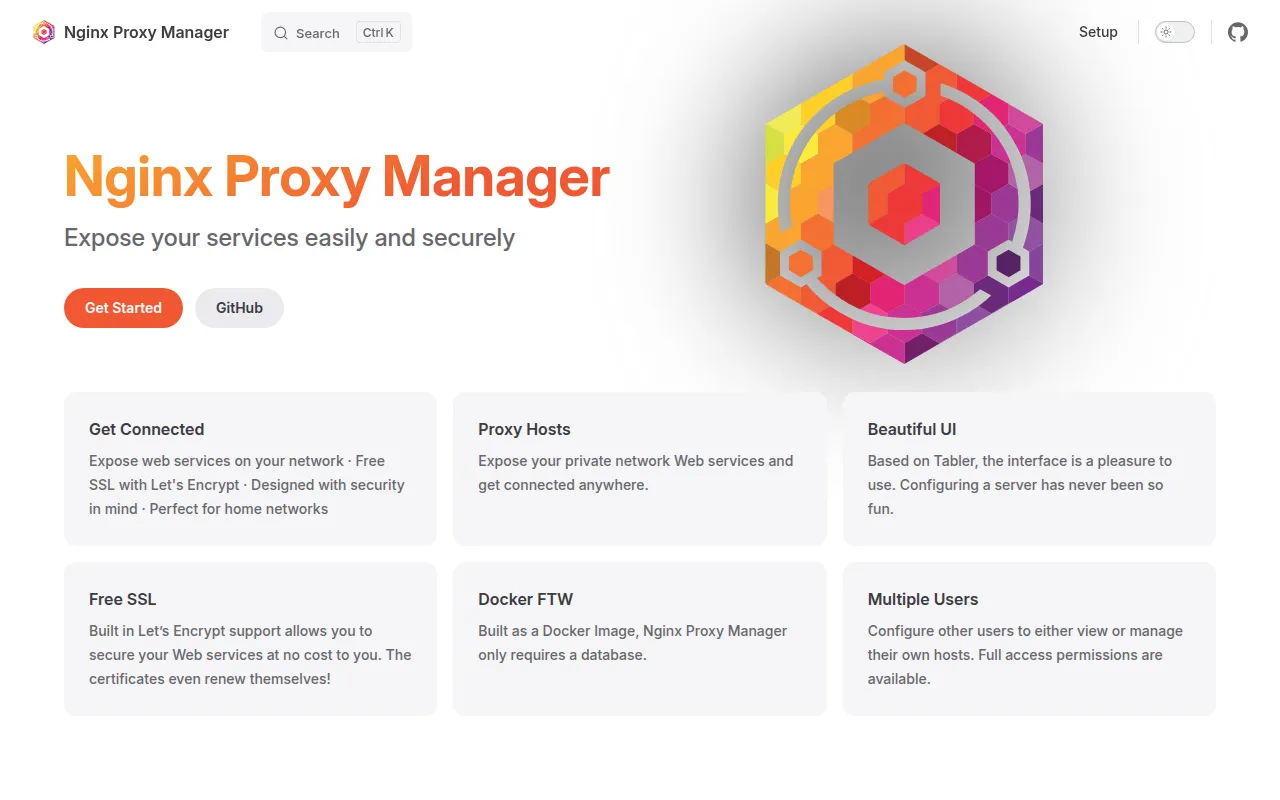
Nginx Proxy Manager is a self-hosted Docker application that puts a web interface in front of Nginx, letting you set up reverse proxy hosts, redirections, and SSL termination without hand-editing Nginx config files. It's built for homelab users and small teams who run multiple services behind a single public IP and want free, automated SSL without learning the details of Nginx or Certbot.
The project targets people self-hosting apps at home or on a VPS: point a domain at your server, and Nginx Proxy Manager routes traffic to the right backend service while handling certificate renewal in the background. It deliberately keeps the common path simple, while still exposing an advanced Nginx config option for people who need finer control.
Key features
- Web admin UI: a Tabler-based interface for adding, editing, and monitoring proxy hosts without touching Nginx config files directly.
- Automatic SSL: free certificates via Let's Encrypt, or bring your own custom SSL certificates.
- Multiple host types: forwarding domains (reverse proxy), redirections, streams (TCP/UDP), and custom 404 hosts.
- Access control: access lists and basic HTTP authentication to restrict who can reach a given host.
- Advanced Nginx config: raw config snippets for users who need behavior beyond the UI's defaults.
- User management: multiple accounts, permissions, and an audit log of changes.
- Single Docker image: ships as one container, configured through a docker-compose file with data and Let's Encrypt volumes.
Ideal use cases
- You self-host several web apps at home (media servers, dashboards, small services) behind one router and want a single entry point handling SSL and routing.
- You run a small VPS with multiple containers or ports and want to expose them under different subdomains with valid certificates, without manually running Certbot per host.
- You want a GUI for adding proxy hosts quickly, and only occasionally need to drop into raw Nginx config for edge cases (the advanced config panel covers this).
- You need port forwarding plus dynamic DNS setup (via services like DuckDNS, Route53, or Cloudflare) to expose a home server publicly.
It's not the right fit if you manage Nginx configs as code with version control and infrastructure-as-code tooling, since this project centers on a stateful UI and its own data store rather than declarative config files. It's also not designed for complex multi-region load balancing or as a full API gateway; it stays focused on straightforward reverse proxy and SSL management for a handful to a few dozen hosts.
Installation
Installation requires Docker. Create a docker-compose.yml file:
services:
  app:
    image: 'docker.io/jc21/nginx-proxy-manager:latest'
    restart: unless-stopped
    ports:
      - '80:80'
      - '81:81'
      - '443:443'
    volumes:
      - ./data:/data
      - ./letsencrypt:/etc/letsencrypt
This is the minimum configuration. Bring the stack up:
docker compose up -d
Once the container is running, connect to the admin interface on port 81:
http://127.0.0.1:81
The first login may take a moment while entropy builds for key generation. For a home network setup, forward ports 80 and 443 on your router to the server running the container, then point your domain at your home IP (statically, or via a dynamic DNS service like DuckDNS, Route53, or Cloudflare). Full setup details, including advanced options, are in the official documentation site linked from the project.
Frequently asked questions







Similar to Nginx Proxy Manager


