
Podman
Podman is a daemonless tool for managing OCI containers, pods, and images, with a Docker-compatible CLI and REST API.
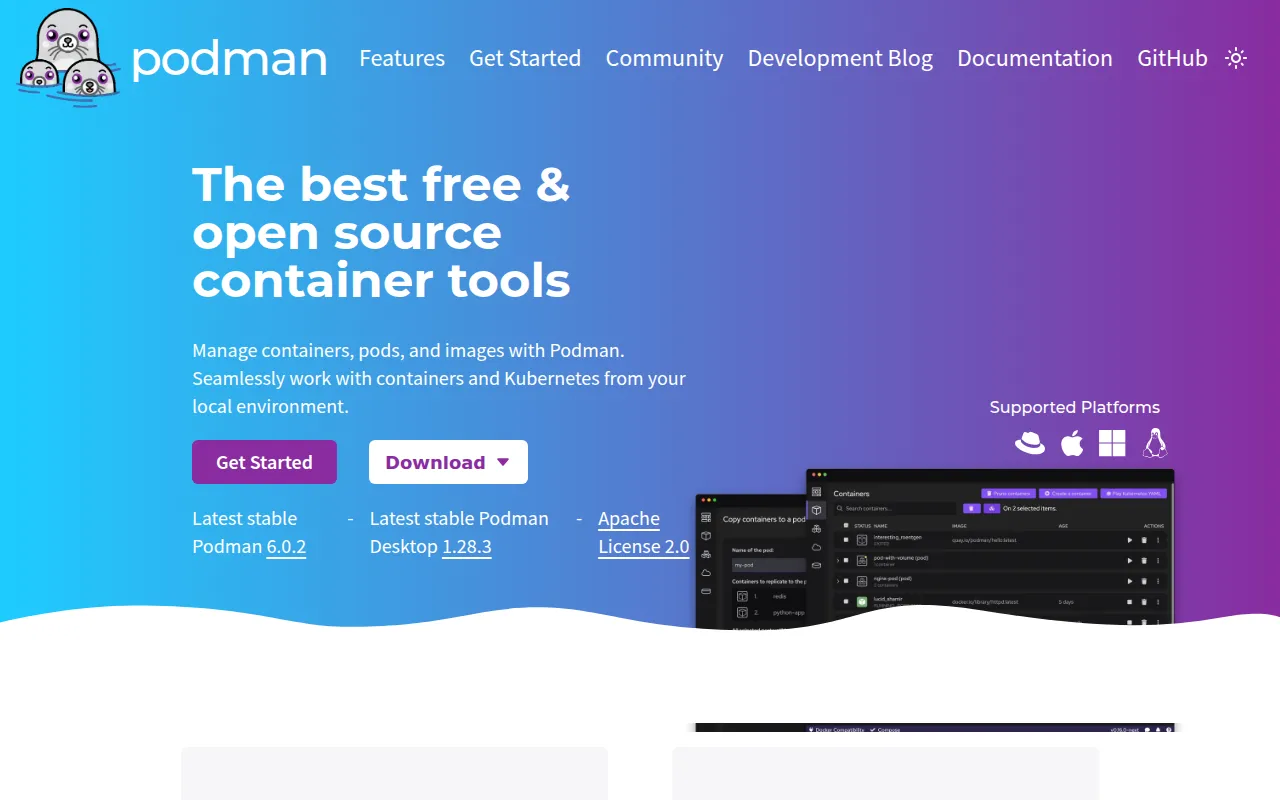
Podman (POD MANager) manages containers, images, volumes, and pods without running a background daemon. It's built for developers and ops teams who want Docker-compatible container tooling with rootless execution and no single point of failure from a daemon process. Podman runs natively on Linux and, through a managed virtual machine, on Mac and Windows.
The project is backed by libpod, a Go library handling container lifecycle management, and pairs with other OCI tools like Buildah (image building) and Skopeo (image signing/pushing) rather than duplicating their work. Podman itself focuses on running and managing containers and pods once images exist.
Key features
- Daemonless architecture: no background manager process, which lowers idle resource use and removes a common attack surface.
- Rootless containers: run containers as a normal user via user namespaces, with no elevated privileges beyond what the launching user already has.
- Pod support: group containers together and manage them as a single unit, similar to Kubernetes pods.
- Docker-compatible CLI and REST API: use familiar commands and scripts, plus an API that also exposes Podman-specific functionality.
- Multi-format image support: pull, build, tag, and push both OCI and Docker-format images, with trust and signature verification.
- Checkpoint/restore: checkpoint and restore running containers using CRIU.
- Netavark networking: full container and pod networking, including rootless networking via pasta.
- Remote and cross-platform use: manage containers on remote systems, and run on Mac/Windows through
podman machinevirtual machines. - Podman Desktop: an optional GUI frontend for full lifecycle management, including Kubernetes YAML workflows.
Ideal use cases
Podman fits teams migrating from Docker who want a drop-in CLI replacement without a persistent daemon, especially in security-conscious environments where rootless execution matters (CI runners, multi-tenant hosts, developer laptops). It's a solid choice for anyone building on Linux who wants to run containers as an unprivileged user, or who needs pods (grouped containers sharing resources) without deploying a full Kubernetes cluster.
It also works well for teams already using other OCI tooling (Buildah for builds, Skopeo for signing/pushing, CRI-O for Kubernetes CRI), since Podman is designed to complement rather than replace them.
It's not the right tool if you need a Kubernetes CRI-compliant runtime directly (that's CRI-O's job) or specialized image signing/push workflows (that's Skopeo's scope). If your workflow depends heavily on Docker Compose-specific features or Docker's daemon-based API quirks, expect some adaptation, though Podman documents Docker-to-Podman command equivalents to ease the transition.
Installation
Podman ships as native packages for most Linux distributions. Check the installation guide for distro-specific package manager commands (e.g., apt, dnf, pacman).
On Mac and Windows, Podman runs through a managed virtual machine:
podman machine init
podman machine start
Once installed, verify it works with a quick test run:
$ podman run quay.io/podman/hello
This pulls a small test image and prints a confirmation message if the setup is correct. For rootless operation, most recent Linux distributions work out of the box, though some require additional one-time configuration described in the rootless tutorial. Detailed platform-specific install notes live in install.md in the repository.
Frequently asked questions







Similar to Podman


