
PhotoPrism
PhotoPrism is a self-hosted, AI-powered app for browsing, organizing, and sharing photos and videos with automatic tagging.
 Google Photos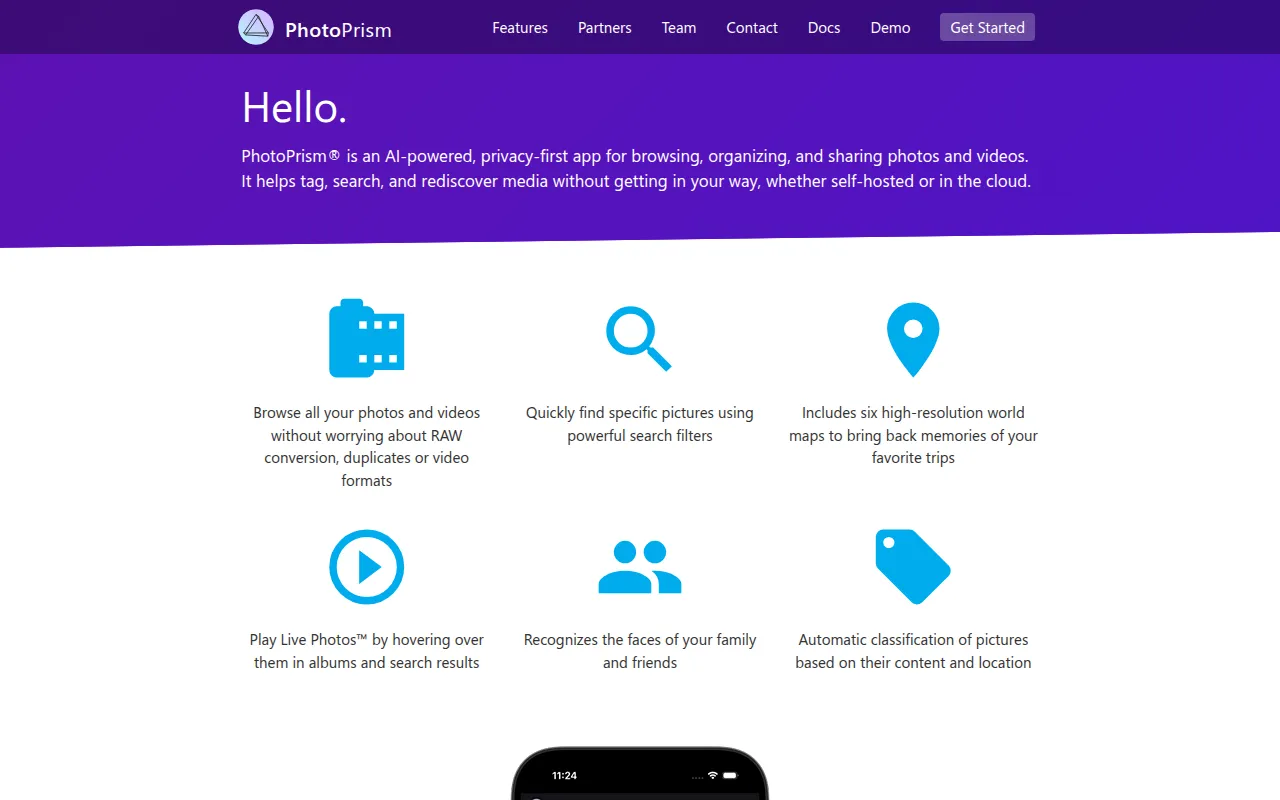
PhotoPrism is an open source, AI-powered app for browsing, organizing, and sharing photos and videos, built to run wherever you need it, self-hosted or in the cloud. It's aimed at people who want a private alternative to Google Photos that keeps data on hardware they control, while still getting automatic tagging, search, and face recognition. The project is self-funded and independent, and its maintainers commit to never sharing user data with Google, Amazon, Microsoft, or Apple unless a user intentionally uploads to one of those services themselves.
Key features
- Automatic labeling: Content and location-based labels are generated automatically, so photos are searchable without manual tagging.
- Face recognition: Recognizes the faces of family and friends across your library.
- Powerful search filters: Combine filters for labels, location, resolution, color, chroma, and quality to find specific photos fast.
- RAW and video support: Browses RAW images and video formats without extra plugins.
- World Maps: Six high-resolution maps use a privacy-preserving geocoding service to place photos by location.
- WebDAV access: Connect directly from Windows Explorer or macOS Finder to open, edit, or delete files as if they were local.
- Progressive Web App: Installable on phones, tablets, or desktops for a native app-like experience.
Self-hosting and deployment
The community edition runs via Docker and ships as a multi-arch image supporting 64-bit AMD, Intel, and ARM processors, including Raspberry Pi and Apple Silicon, so all of these follow the same docker-compose installation steps. Alternative installation methods, including tar.gz packages, are documented for setups that don't use Docker. A live public demo is also available for trying the interface before installing anything, and the getting-started FAQ covers installing without Docker for users who would rather run PhotoPrism directly on a host system. Development preview builds are published alongside stable releases for people who want newer features before they land in a tagged release.
Tech stack
The backend is written in Go with TensorFlow for image classification, and metadata can be extracted and merged from Exif, XMP, and other sources, including Google Photos exports. Apps like PhotoSync can be used to back up iOS and Android phones to a PhotoPrism instance automatically in the background. WebDAV support means the same library can also be mounted as a network drive, so files can be added, edited, or removed from a desktop file manager without going through the web interface at all. Live Photos are also recognized as a distinct type and start playing automatically when hovered over in the browser or shown in a slideshow, rather than displaying as a static frame. Support channels include Gitter chat and GitHub Discussions, both linked directly from the project README for users troubleshooting an installation.
Tags:
Frequently asked questions







Similar to PhotoPrism


