
NocoDB
NocoDB turns any MySQL, PostgreSQL, or SQLite database into a spreadsheet interface with auto-generated REST APIs and workflow automations.
 Airtable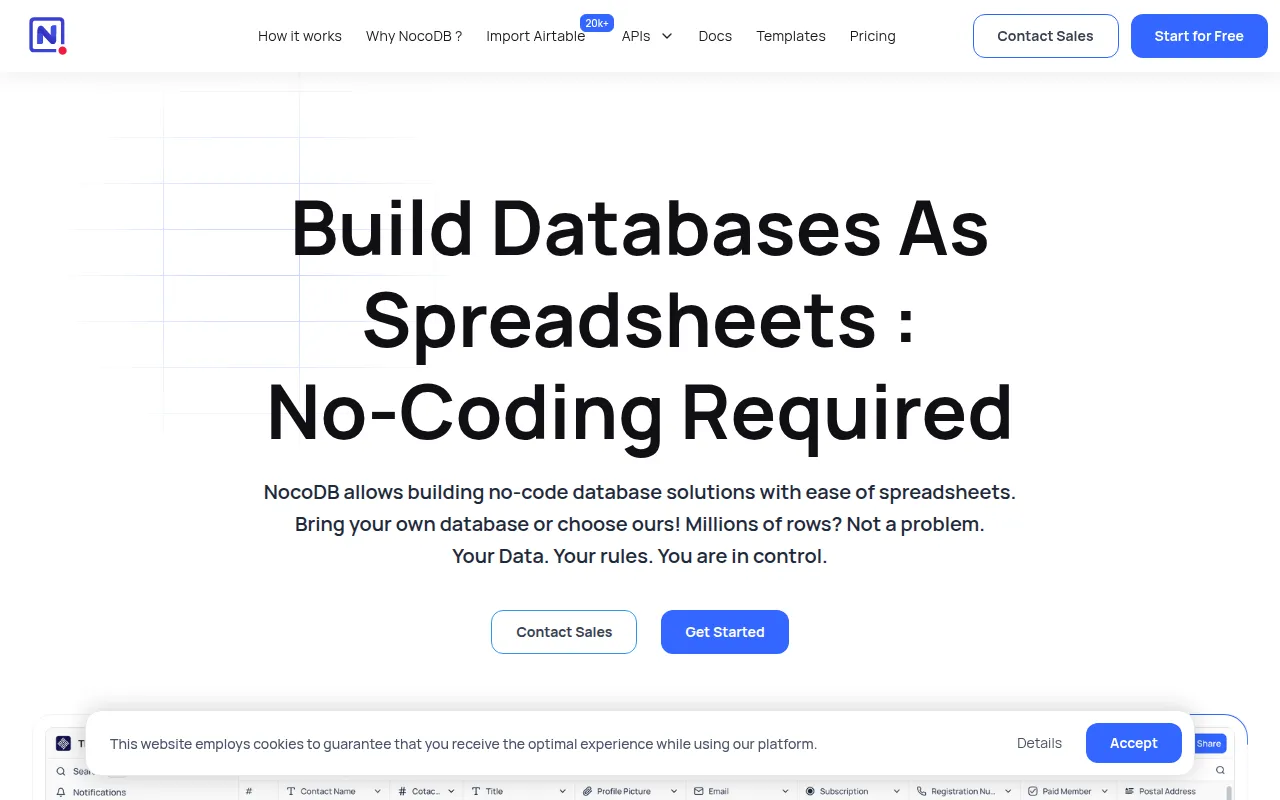
NocoDB turns any MySQL, PostgreSQL, SQLite, or other SQL database into a spreadsheet interface, positioning itself as an open source alternative to Airtable. Instead of storing data in a proprietary format, it connects to a database you already run and layers a grid-based UI, automatic APIs, and workflow automation on top of it. The project ships as a single Node.js application and can be self-hosted with Docker, a one-line install script, or native binaries, and it is translated into languages including Chinese, French, German, Spanish, Portuguese, Italian, Japanese, Korean, and Russian.
Key features
- Multiple view types: switch between Grid, Gallery, Form, Kanban, and Calendar views over the same underlying table data, each with its own filters and sort order.
- Bring your own database: connects to MySQL, PostgreSQL, SQLite, and other SQL databases rather than locking data into a proprietary store, so existing schemas and data stay where they are.
- Automatic REST APIs: every table gets a generated REST API and NocoDB SDK access without additional configuration, so a spreadsheet-style change is immediately reflected in the API.
- Airtable-style field types: Links, Lookup, Rollup, Formula, Attachment, Currency, and User fields alongside standard text and number fields.
- Fine-grained access control: role-based permissions at different levels, plus public or password-protected view and base sharing.
- Workflow automation app store: integrations grouped into Chat (Slack, Discord, Mattermost), Email (AWS SES, SMTP, MailerSend), and Storage (AWS S3, Google Cloud Storage, Minio) categories.
- Programmatic access: JWT or social-auth tokens can sign requests, so external scripts and services can read and write through the REST API or SDK the same way the UI does.
Self-hosting and deployment
NocoDB runs as a Docker container backed by SQLite or PostgreSQL, connecting to an existing PostgreSQL instance via the NC_DB environment variable when needed. The Auto-Upstall script goes further, provisioning PostgreSQL, Redis, and a Traefik gateway via Docker Compose in one command, and it can also set up and renew SSL certificates automatically given a domain or subdomain, then re-run to upgrade an existing install to the latest version. Prebuilt binaries are available for macOS (arm64/x64), Linux (arm64/x64), and Windows (arm64/x64) for quick local testing rather than production use. Once running, the dashboard is available at /dashboard on the configured port, defaulting to localhost:8080.
Ideal use cases
Teams that already keep operational data in a SQL database but want a spreadsheet-style interface for non-technical collaborators are the core use case, since NocoDB reads and writes against that existing schema instead of duplicating the data elsewhere. It also fits internal tools, CRMs, and admin panels that need generated REST APIs without hand-writing CRUD endpoints for every table, and the app store's chat and email integrations make it usable as a lightweight workflow automation layer on top of the database.
NocoDB is licensed under the Sustainable Use License.
Tags:
Frequently asked questions






Similar to NocoDB


