
OpenLogi
Local-first, open-source alternative to Logitech Options+, written in Rust. Remap buttons, DPI, and SmartShift over HID++ on macOS, Linux, Windows.
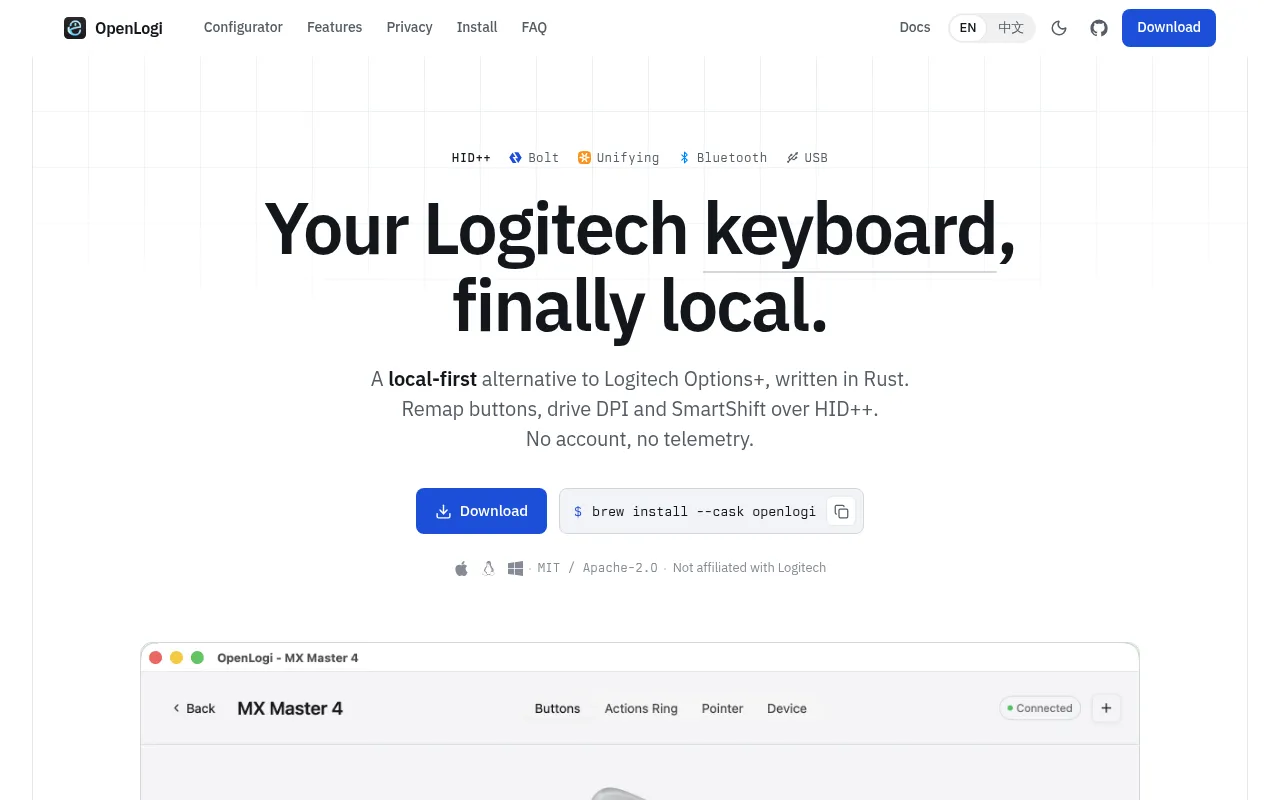
OpenLogi is a native desktop app for controlling Logitech mice, keyboards, and webcams without Logitech's official Options+ software. It talks to devices directly over HID++ and UVC, stores settings in a plain TOML file, and runs on macOS, Linux, and Windows. It's built for people who want full control over their Logitech peripherals without a cloud account, telemetry, or a Linux-shaped hole in their driver support.
The project targets users who found Options+ heavy, closed, or Linux-unfriendly, and who are comfortable installing a signed package or building from source. It's written in Rust using GPUI, and it's still under active development, so config and features can shift between releases.
Key features
- Button remapping: reassign middle, mode-shift, and thumbwheel buttons using a built-in action catalog or custom keyboard shortcuts, with separate short-press, long-press, and hold-until-release behavior.
- DPI and SmartShift control: adjust DPI presets, cycle or set them via actions, and manage SmartShift wheel mode, sensitivity, and ratchet behavior.
- Gesture support: bind directional gestures to supported buttons (Back/Forward, DPI/ModeShift, gesture button, haptic panel), or turn gestures off entirely.
- Actions Ring: an eight-slot, cursor-centered overlay for quick actions, configurable per application.
- Per-application profiles: settings auto-switch based on which app has focus, on macOS, Windows, and Linux under X11/XWayland.
- Keyboard remapping: global F-key remapping and static RGB lighting control on supported keyboards.
- Camera control: live preview and direct UVC controls (zoom, focus, exposure, white balance, and more) for Logitech webcams, with one-click Default/Streaming/Video call profiles.
- Litra light control: power, brightness, and color temperature, with optional auto power tied to camera activity.
- Plain-text config: all settings live in one TOML file you can sync between machines yourself.
- CLI alongside the GUI: script device configuration instead of clicking through a UI.
Ideal use cases
OpenLogi fits anyone running Logitech mice (like the MX Master line), keyboards, or webcams on Linux, where Options+ has no official support at all. It also suits macOS and Windows users who want a lighter, native app instead of Logitech's official software, or who want config files they can version-control or sync manually instead of a cloud-tied profile.
It's a good match for scripting-minded users who want to set DPI, remap buttons, or switch profiles from a CLI rather than a GUI. It also works well for people using Logitech webcams in OBS, Zoom, or Meet who want direct hardware-level image controls.
It's not a good fit if you need a polished, fully mature product: the project is under active development, and features and config format may still change between releases. It's also not built for non-Logitech hardware, and some macOS-specific actions have no equivalent on Linux (they become no-ops). If you rely on per-application profile switching on Wayland (non-XWayland), that's currently unsupported.
Installation
Quit Logi Options+ before installing OpenLogi. Both apps compete for HID++ access, and only one can hold a given receiver at a time.
macOS (13 or later): download the signed .dmg from the latest release and drag OpenLogi.app to /Applications, or use Homebrew:
brew install --cask openlogi
Linux: download the package for your distro from the latest release:
# Debian / Ubuntu
sudo dpkg -i openlogi-*.deb

# Fedora / RHEL
sudo rpm -i openlogi-*.rpm

# Arch Linux
sudo pacman -U openlogi-*.pkg.tar.zst
Packages target x86_64/amd64 and arm64/aarch64, and require GLIBC 2.35 or newer (Ubuntu 22.04 baseline). After installing, enable the background agent for your user:
systemctl --user enable --now openlogi-agent.service
NixOS users can import the flake module instead:
{
  inputs.nixpkgs.url = "github:NixOS/nixpkgs/nixos-unstable";
  inputs.openlogi = {
    url = "github:AprilNEA/OpenLogi";
    inputs.nixpkgs.follows = "nixpkgs";
  };

  outputs = { nixpkgs, openlogi, ... }: {
    nixosConfigurations.my-host = nixpkgs.lib.nixosSystem {
      system = "x86_64-linux";
      modules = [
        openlogi.nixosModules.default
        { programs.openlogi.enable = true; }
      ];
    };
  };
}
Windows: download the signed portable .zip or per-user .msi from the latest release. Keep OpenLogi.exe and openlogi-agent.exe side by side if using the portable zip.
To build from source, see docs/DEVELOPMENT.md in the repository.
Frequently asked questions





Similar to OpenLogi


