
Dolt
Dolt is a SQL database with Git version control built in: clone, branch, merge, push, and pull tables like files.
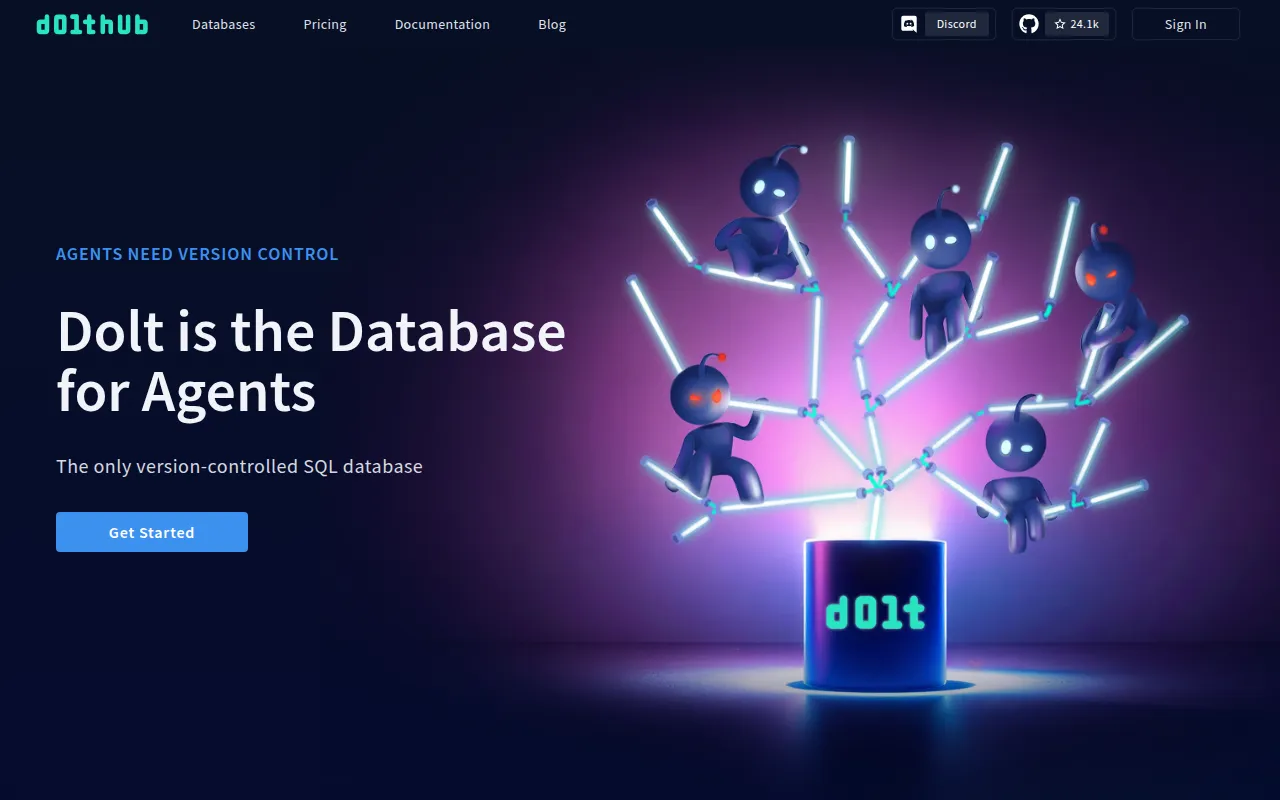
Dolt is a SQL database that behaves like a Git repository. You connect to it like any MySQL server to read and write schema and data, but underneath every change can be committed, branched, merged, and diffed the same way you'd manage a codebase. It's built for developers and data teams who need version control on structured data, not just files.
Git tracks files. Dolt tracks tables, rows, and schema. The CLI mirrors Git's command set almost exactly (dolt commit, dolt branch, dolt merge, dolt push), and the same operations are exposed inside SQL through system tables (dolt_log, dolt_diff) and stored procedures (dolt_commit, dolt_add). You can drive version control from a script, a CI job, or straight from a MySQL client.
Key features
- Git-like CLI:
init,status,add,commit,branch,merge,diff,push,pull,clone,cherry-pick,revert, and more, all operating on tables instead of files. - MySQL wire compatibility:
dolt sql-serverstarts a MySQL-compatible server; any MySQL client or driver can connect to it. - SQL-native version control: version history, diffs, and branch operations are queryable through system tables and callable through stored procedures, so you can script version control inside application code.
- Full-featured SQL engine: supports foreign keys, secondary indexes, triggers, check constraints, and stored procedures.
- Branching and merging for data: create branches, make changes, and merge them back with conflict detection, just like Git.
- Blame and lineage:
dolt blameshows which commit and author last changed each row. - Remotes and hosting: push and pull to Dolt remotes, including DoltHub (free public hosting), DoltLab (self-hosted), or Hosted Dolt (managed).
- Single binary: ships as one ~103MB executable with no external runtime dependencies beyond a C toolchain if building from source.
Ideal use cases
Dolt fits well when you need an audit trail or reproducible history for structured data: reference datasets, configuration tables, ML feature stores, or any dataset multiple people or processes update independently and need to merge later. It's also used as a backing store for AI agent memory, where multi-agent or multi-machine workflows need branchable, mergeable shared state.
It's a good fit for teams already comfortable with Git workflows who want the same mental model (clone, branch, PR-style merge) applied to a database instead of a file tree. Data collaboration scenarios, like publishing and pulling public datasets through DoltHub, also line up well with Dolt's design.
It is not the right choice if you need the raw throughput of a stock MySQL or Postgres install for high-volume OLTP workloads with no versioning requirements; the version-control layer adds overhead that a plain relational database doesn't have. If you're on Postgres and want the same idea, the project points to a separate Postgres-compatible sibling (Doltgres) rather than Dolt itself.
Installation
Dolt distributes as a single binary. On Linux or Mac, install the latest release with:
sudo bash -c 'curl -L https://github.com/dolthub/dolt/releases/latest/download/install.sh | bash'
Package managers are also supported:
# Arch Linux
pacman -S dolt

# macOS (Homebrew)
brew install dolt

# macOS (MacPorts)
sudo port install dolt

# Windows (Chocolatey)
choco install dolt
Windows users can also download the .msi installer from the releases page. Docker images are available as dolthub/dolt (CLI) and dolthub/dolt-sql-server (server mode).
To build from source, you need Go and a working C compiler/toolchain (Dolt uses cgo):
git clone https://github.com/dolthub/dolt
cd dolt/go
go install ./cmd/dolt
~/go/bin/dolt version
After installing, set your identity for commits:
dolt config --global --add user.email [email protected]
dolt config --global --add user.name "YOUR NAME"
Start the SQL server and connect with any MySQL client:
dolt sql-server
# in another terminal
dolt -u root -p "" sql
From there, create databases and tables with standard SQL, then use call dolt_add(...) and call dolt_commit('-m', 'message') to version your changes, and query select * from dolt_log to see history.
Frequently asked questions







Similar to Dolt


