
Composio
Composio SDK gives AI agents access to 1000+ toolkits with per-user auth, sessions, triggers, and a sandbox for tool execution.
 Zapier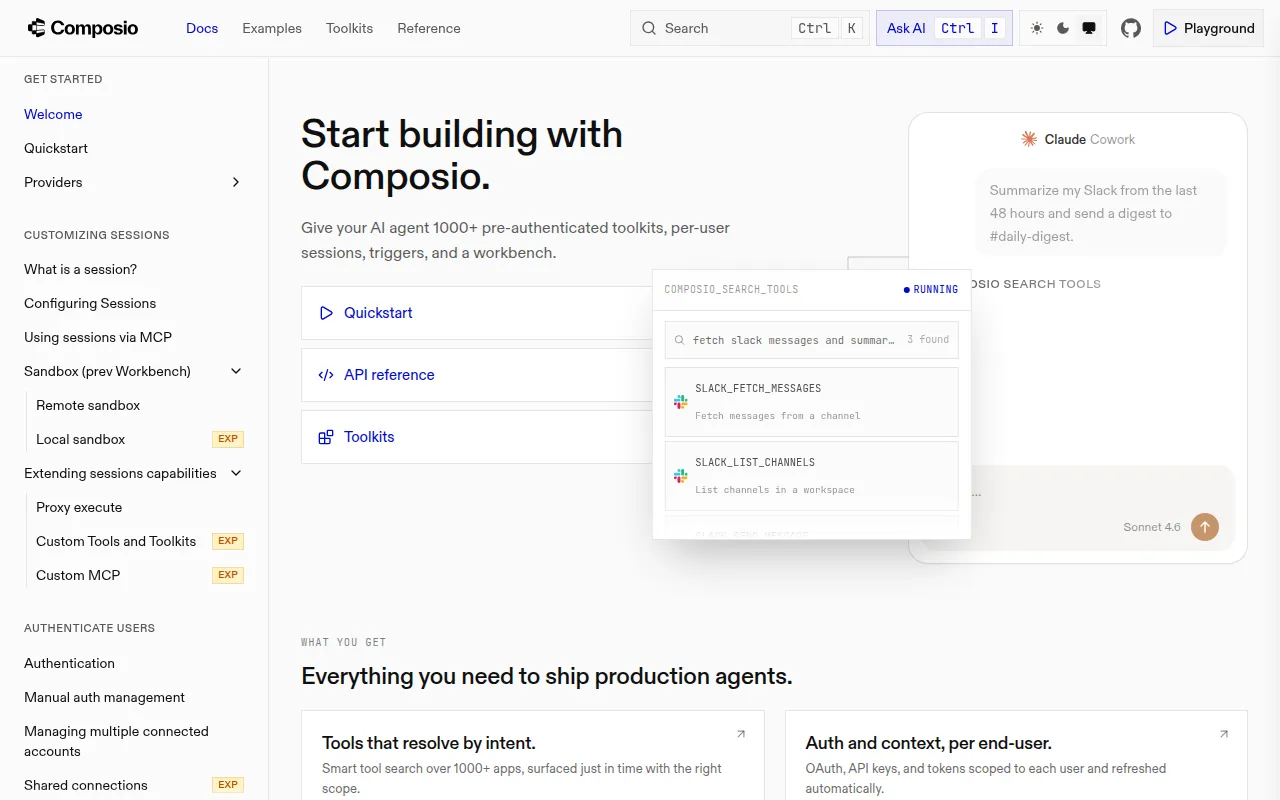
Composio is an SDK and CLI for connecting AI agents to real-world tools and apps. It handles authentication, per-user sessions, tool discovery, and execution across more than 1000 toolkits, so agents built with OpenAI, Anthropic, LangChain, or other frameworks can act on a user's behalf without you building auth flows and API wrappers from scratch. It targets developers building agentic products who need their agents to actually do things (send email, update a CRM, manage files) rather than just generate text.
The repo is a monorepo containing both the TypeScript and Python SDKs, provider adapters for popular agent frameworks, and a standalone CLI. It's meant for teams shipping production agents that need per-user tool access, not for prototyping a single hardcoded API call.
Key features
- Toolkits: over 1000 pre-authenticated tool integrations agents can call directly.
- Sessions: each session scopes tool access to a single user, with meta tools that discover, authenticate, and execute tools at runtime instead of loading hundreds of tool definitions into context.
- Provider adapters: native support for OpenAI, OpenAI Agents, Anthropic, Claude Agent SDK, Vercel AI SDK, LangChain, LangGraph, LlamaIndex, Mastra, Google GenAI/ADK, Cloudflare Workers AI, CrewAI, and AutoGen.
- MCP support: every session exposes a hosted MCP endpoint, so tools work directly with Claude, Cursor, or any MCP client without a provider adapter.
- CLI: search, execute, link accounts, and script workflows in TypeScript directly from the shell, useful for coding agents like Claude Code.
- Authentication management: connect and reuse accounts across turns via
session.session_id, with configuration for restricting toolkits and auth configs per session. - Custom providers: build an adapter for a framework not on the supported list.
Ideal use cases
Composio fits when you're building a multi-user AI agent product that needs to take actions in third-party apps (email, calendar, CRM, dev tools) and you don't want to build and maintain OAuth flows, token refresh, and per-app API clients yourself. It's also a good fit for coding agents that need a local tool surface via the CLI, or for teams standardizing tool access across multiple agent frameworks (say, migrating from LangChain to the Vercel AI SDK) without rewriting integrations.
It's not the right fit if you only need one or two simple API integrations that you can write directly, since Composio adds an SDK, session model, and auth layer that's overkill for a single-tool script. It also assumes you're building an agent around one of the supported frameworks or MCP; if your stack uses something entirely custom with no plan to write a provider adapter, the fit is weaker.
Installation
Grab a COMPOSIO_API_KEY from the dashboard first.
TypeScript:
npm install @composio/core @composio/openai-agents @openai/agents
import { Composio } from "@composio/core";
import { OpenAIAgentsProvider } from "@composio/openai-agents";
import { Agent, run } from "@openai/agents";

const composio = new Composio({ provider: new OpenAIAgentsProvider() });
const session = await composio.create("user_123");
const tools = await session.tools();

const agent = new Agent({
  name: "Personal Assistant",
  instructions: "You are a helpful assistant. Use Composio tools to take action.",
  tools,
});

const result = await run(agent, "Summarize my emails from today");
console.log(result.finalOutput);
Python:
pip install composio composio-openai-agents openai-agents
from composio import Composio
from composio_openai_agents import OpenAIAgentsProvider
from agents import Agent, Runner

composio = Composio(provider=OpenAIAgentsProvider())
session = composio.create(user_id="user_123")
tools = session.tools()

agent = Agent(
    name="Personal Assistant",
    instructions="You are a helpful assistant. Use Composio tools to take action.",
    tools=tools,
)

result = Runner.run_sync(starting_agent=agent, input="Summarize my emails from today")
print(result.final_output)
CLI:
curl -fsSL https://composio.dev/install | sh
Open a new terminal and run composio login. Use composio search, composio execute, composio link, and composio run to work with tools from the shell.
For local development on the monorepo itself: run mise install, then pnpm install, pnpm build, and pnpm test. The TypeScript SDK targets Node 22+; the Python SDK supports Python 3.10+.
Tags:
Frequently asked questions






Similar to Composio


