
OpenHuman
OpenHuman is a Rust-based, local-first AI agent harness with persistent memory, multi-agent orchestration, and workflow automation.
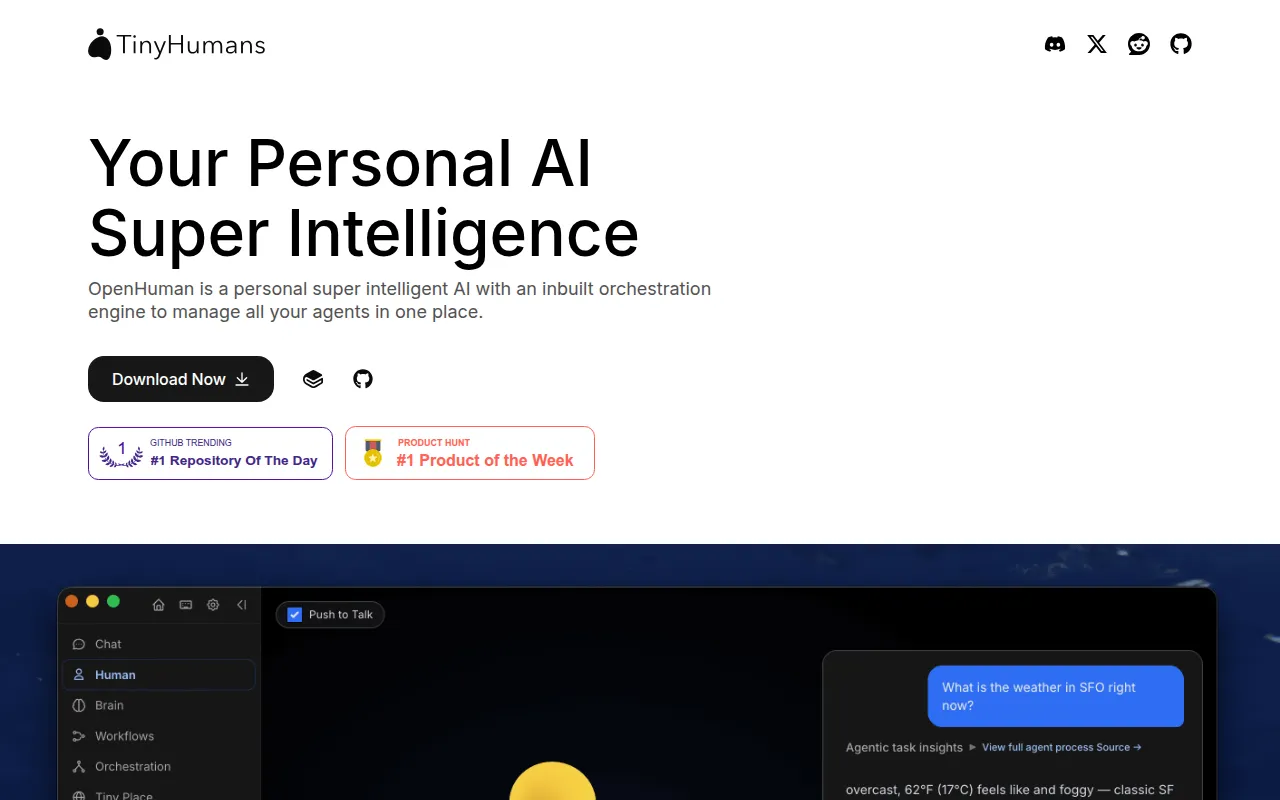
OpenHuman is an open-source AI agent harness written in Rust that builds a persistent, local memory of your accounts and data, then uses that memory to orchestrate fleets of agents and automate workflows. It's aimed at developers and power users who want a personal assistant that doesn't start cold every conversation and that keeps its data on their own machine.
Rather than a single chat loop, OpenHuman positions itself as three things at once: a memory system, an orchestrator, and a research/action layer. It connects to your existing accounts (email, Notion, GitHub, Slack, and others), pulls in context on a recurring cycle, and compresses that into a Markdown-based memory tree mirrored as an Obsidian vault you can inspect and edit directly, instead of a black-box vector store.
Key features
- Memory Tree + Obsidian Wiki: your data compressed into scored Markdown trees stored in local SQLite, mirrored as an editable Obsidian vault.
- Auto-fetch integrations: OAuth connections to 100+ services plus MCP servers and skills, refreshed on a recurring sync loop so the agent has current context.
- Goals & Todos: long-term goals, per-thread todos, and a shared kanban board per conversation.
- TokenJuice compression: tool output is compressed before hitting the model, cutting token usage significantly while preserving information.
- Workflows: the agent proposes automations as visual, trigger-driven graphs that you review and approve before they run.
- Agent harness with checkpointed graphs: runs pause for human input, survive restarts, and resume mid-run; stuck agents return root-cause reports.
- Agent-to-agent orchestration: instances communicate over Signal-protocol end-to-end encryption, with support for micropayment-based agent coordination.
- Built-in research tools: managed web search, a scraper, a coding toolset, a real browser, and native voice via in-process Whisper.
- Messaging channels: native support for 17 channels including Telegram, Discord, Slack, WhatsApp, Signal, iMessage, and native email over IMAP/SMTP.
- Privacy Mode: a single switch that keeps all inference on-device, enforced in the Rust core, alongside encrypted local storage and OS-keyring secrets.
Ideal use cases
OpenHuman fits people who want one assistant that sits across their email, calendar, docs, and messaging apps and actually remembers context between sessions, instead of relying on prompt history or manual copy-paste. It's also a good match for anyone who wants to automate repetitive multi-step tasks (triaging inbox, drafting reports from scattered sources, scheduling) using agent-built workflows they can review before they go live.
It suits users who care about running inference locally or controlling where their data lives, since Privacy Mode and local-first storage are core design choices, not add-ons. Teams already experimenting with multiple coding agents (Claude Code, Cursor, Codex) may find value in the shared memory backend that can proxy to agentmemory.
It's not a good fit if you want a lightweight single-purpose chatbot with minimal setup, or if you need a mature, stability-guaranteed product for production-critical workflows; the project is explicitly labeled early beta and under active development, so expect rough edges and breaking changes. It's also overkill if you just need a basic LLM wrapper without memory, orchestration, or integrations.
Installation
The recommended path is to download a prebuilt installer rather than build from source:
- Get an installer from the project website or the GitHub Releases page:
https://tinyhumans.ai/openhuman
https://github.com/tinyhumansai/openhuman/releases/latest
- For terminal-based installs (Homebrew, Debian/Ubuntu
.debpackages, AUR, or install scripts), follow the platform-specific instructions inINSTALL.mdin the repository. - After installation, the app runs with a UI-first setup: no config files or terminal use required to get a working agent.
- To connect an existing self-hosted memory store (agentmemory), set
memory.backend = "agentmemory"inconfig.tomland follow the agentmemory backend setup docs.
For deeper configuration (model routing, BYOK providers, local Ollama models, Privacy Mode), consult the project's GitBook documentation linked from the repository.
Frequently asked questions







Similar to OpenHuman


